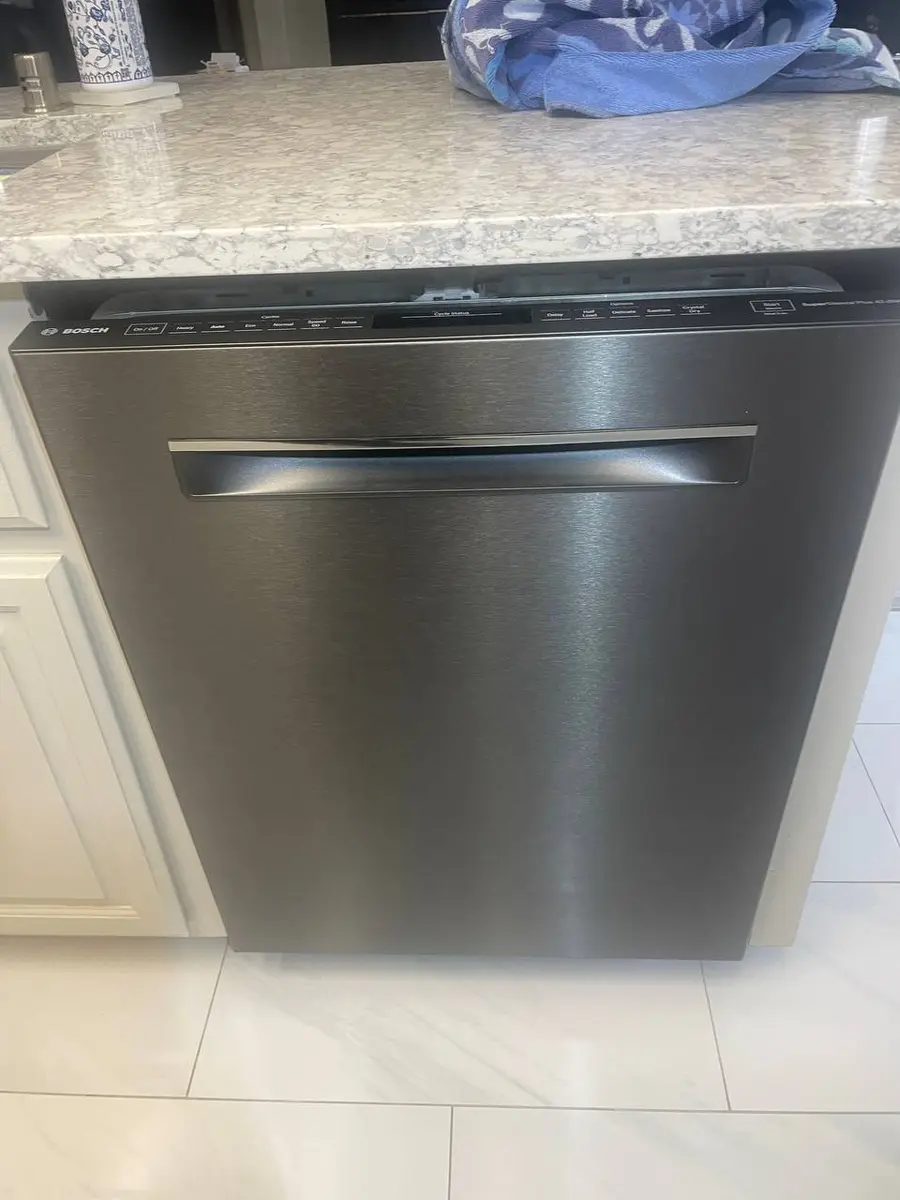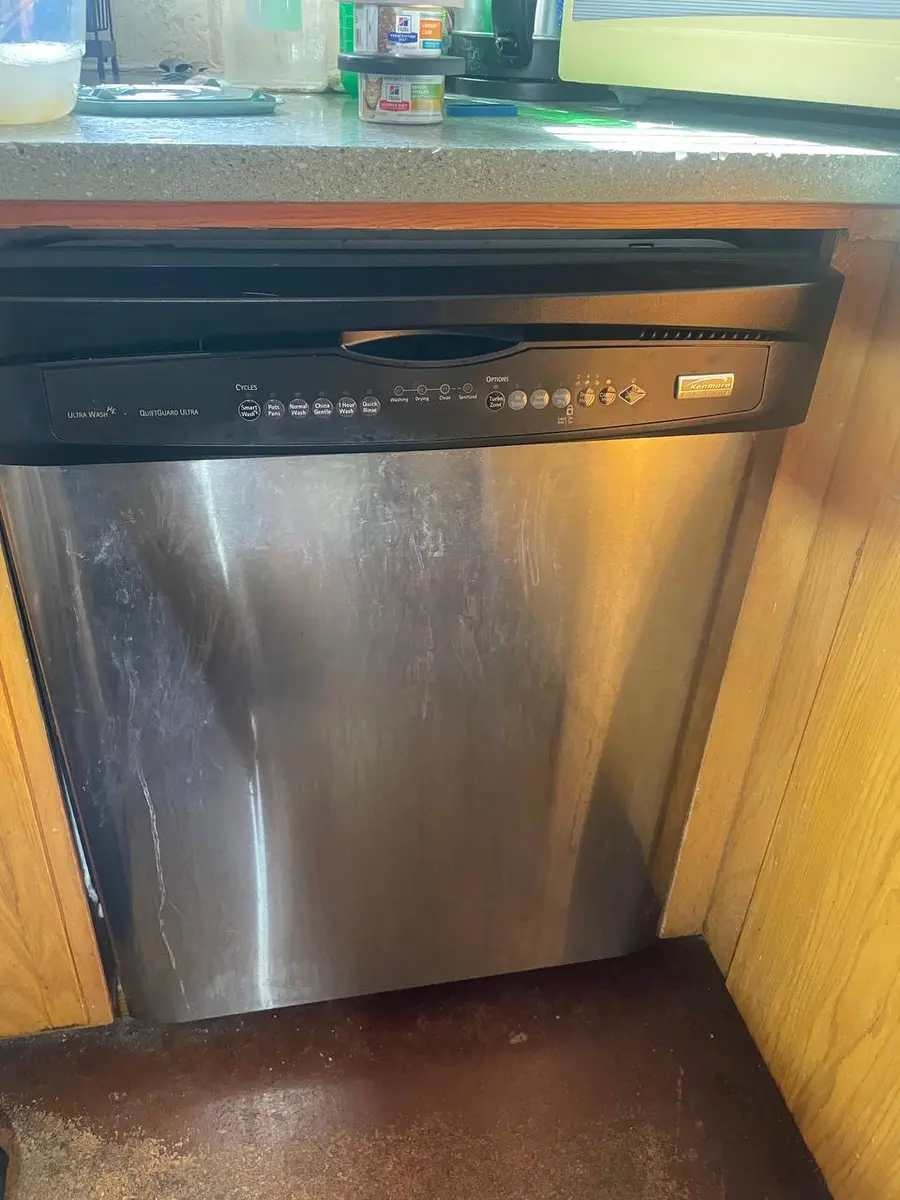
Quick Answer: Resetting a Whirlpool Dishwasher#
Most Whirlpool dishwashers are hard-wired, so the reset is a trip to the breaker or the under-sink switch — there is no plug and the touch panel will not reboot any other way. Killing power for a minute clears the control board and recovers a frozen console. It cannot fix a blocked drain, a bad sensor, or a latch that will not close.
How to Reset a Whirlpool Dishwasher (Step by Step)#
- Cut power at the breaker or the under-sink switch — most Whirlpool dishwashers are hard-wired, so there is no plug to pull and the touch panel will not reboot any other way.
- Leave the power off for one minute so the control board clears, then switch it back on.
- To cancel a stuck cycle and drain, press and hold the Cancel (or Start/Cancel) pad for three seconds; the dishwasher will pump out and return to ready.
- If the panel is locked, hold the Control Lock pad for three seconds until the lock light goes out.
Do You Have the Right Tools?
Water pressure gauge ($60), spray arm tester, float switch multimeter ($85), and drain inspection camera. Our technician arrives with $3,000+ in professional tools — your diagnostic is free.
Licensed & Insured · 90-Day Warranty · Same-Day Service
Whirlpool Dishwasher Model Variations#
Top-control Whirlpool models hide the Cancel and Control Lock pads on the top door edge, while front-control ones place both on the visible console. Some tubs enter a diagnostic cycle through a Heated Dry and Normal button sequence, used only after a reset fails. Panel-ready integrated models behave the same once the door is opened.
When a Reset Doesn't Fix Your Whirlpool Dishwasher#
A clean light that keeps blinking after the reboot is a stored fault, not a stuck indicator — read it with our Whirlpool error-code guide. If water is the complaint, follow the dishwasher-not-draining, will-not-start, and blinking-clean-light symptom pages. Once the board is fresh, a repeat fault is far more often the drain pump, a sensor, or the latch than the software.
Safety First — Know the Risks
Live 120V wiring in a wet environment is one of the most dangerous DIY scenarios. Water + electricity = serious shock risk. Our techs are licensed and insured — let them handle the risk.
Licensed & Insured · 90-Day Warranty · Same-Day Service
Need Professional Help?#
If a power-cycle and the checks above do not bring your Whirlpool dishwasher back, book a free diagnostic and an EasyBear technician will take it from there.
Whirlpool Dishwasher Reset FAQ#
How do I reset a Whirlpool dishwasher?
Cut power at the breaker or the under-sink switch, leave it off for a minute so the control board clears, then restore it. There is no plug, so the breaker is the reset path.
Why is the clean light blinking on my Whirlpool dishwasher?
A blinking clean light stores a fault code, often tied to draining, heating, or the door switch. Note the pattern and decode it before assuming the reset failed.
How do I drain a Whirlpool dishwasher that stopped mid-cycle?
Press and hold the Cancel or Start/Cancel pad for about three seconds; the machine pumps out and returns to ready. If water stays, the filter or drain hose is the likely block.
Where is the Control Lock on a Whirlpool dishwasher?
It is a dedicated pad marked with a padlock, on the console for front-control tubs or the top door edge for top-control ones. Hold it about three seconds until the lock light goes out.
How long should I leave a Whirlpool dishwasher without power to reset it?
About a minute at the breaker fully discharges the control board. A brief flick off and on may not clear its memory, so give it the full minute.
Lead Appliance Repair Technician · 12 years experience
Experienced technician with 12 years specializing in washing machine and dryer repairs across all major brands.