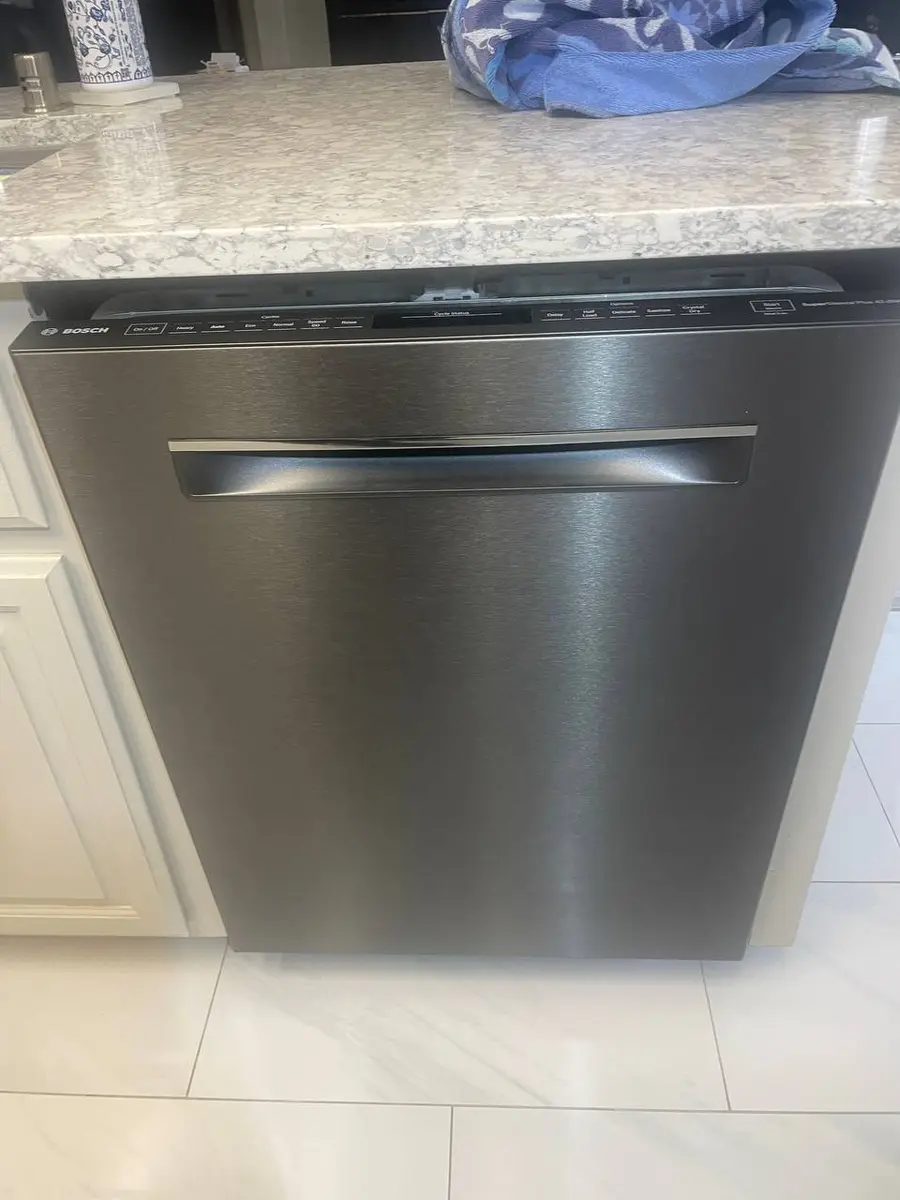
Quick Answer: Resetting a LG Dishwasher#
An LG dishwasher board glitch will not clear from the touch panel, so reset it at the breaker or the under-sink switch for a minute. Restoring power reboots the control board cleanly and recovers a locked or unresponsive display. It cannot repair a blocked drain or an inlet valve that has failed.
How to Reset a LG Dishwasher (Step by Step)#
- Cut power to the LG dishwasher at the breaker or under-sink switch; an LG board glitch will not clear from the touch panel alone.
- Leave it off for one minute, then restore power so the LG control board reboots cleanly.
- If the panel shows a control lock, hold the two buttons printed with the small lock icon together for three seconds until the lock indicator clears.
- Once it runs, use Smart Diagnosis through the LG ThinQ app to read any fault that survived the reset before you call it fixed.
Do You Have the Right Tools?
Water pressure gauge ($60), spray arm tester, float switch multimeter ($85), and drain inspection camera. Our technician arrives with $3,000+ in professional tools — your diagnostic is free.
Licensed & Insured · 90-Day Warranty · Same-Day Service
LG Dishwasher Model Variations#
QuadWash and TrueSteam models reset the same way, since the steam feature does not alter the sequence. Top-control units hide the lock buttons on the top door edge, while front-control ones show them on the fascia. Most recent LG dishwashers support Smart Diagnosis through the ThinQ app, whereas older units rely on the power-cycle alone.
When a Reset Doesn't Fix Your LG Dishwasher#
If a code reappears in Smart Diagnosis after the reboot, decode it on our LG error-code guide rather than resetting again. When water is the complaint, follow the dishwasher-not-draining, will-not-start, and control-lock symptom pages. A fault that survives a clean power-cycle usually points to the drain pump, the inlet valve, or a sensor, not the board.
Safety First — Know the Risks
Live 120V wiring in a wet environment is one of the most dangerous DIY scenarios. Water + electricity = serious shock risk. Our techs are licensed and insured — let them handle the risk.
Licensed & Insured · 90-Day Warranty · Same-Day Service
Need Professional Help?#
If a power-cycle and the checks above do not bring your LG dishwasher back, book a free diagnostic and an EasyBear technician will take it from there.
LG Dishwasher Reset FAQ#
How do I reset an LG dishwasher?
Switch the dishwasher off at the breaker or under-sink switch, leave it dark for a minute, then restore power so the control board reboots. The touch panel alone will not clear a board glitch.
What does the control lock mean on an LG dishwasher?
Control lock freezes the buttons so a cycle cannot be changed or started by accident, shown by a small lock icon. Hold the two buttons printed with the lock symbol together for about three seconds to clear it.
How does LG Smart Diagnosis work on a dishwasher?
Smart Diagnosis lets the machine report its stored fault to the LG ThinQ app or a support line, so you can read a code without opening anything. Use it after a reset to see whether a fault actually survived.
How do I turn off the control lock on an LG dishwasher?
Press and hold the pair of buttons marked with the small lock icon together until the lock indicator disappears. On top-control models those buttons sit on the top edge of the door.
Why will my LG dishwasher not drain?
Water left in the tub usually means a clogged filter or drain hose, not a board fault. Clean the filter at the base and check the hose at the disposer before testing the pump.
Senior Appliance Repair Technician · 15 years experience
EPA-certified technician with 15 years of experience specializing in refrigerator and cooling system repairs.