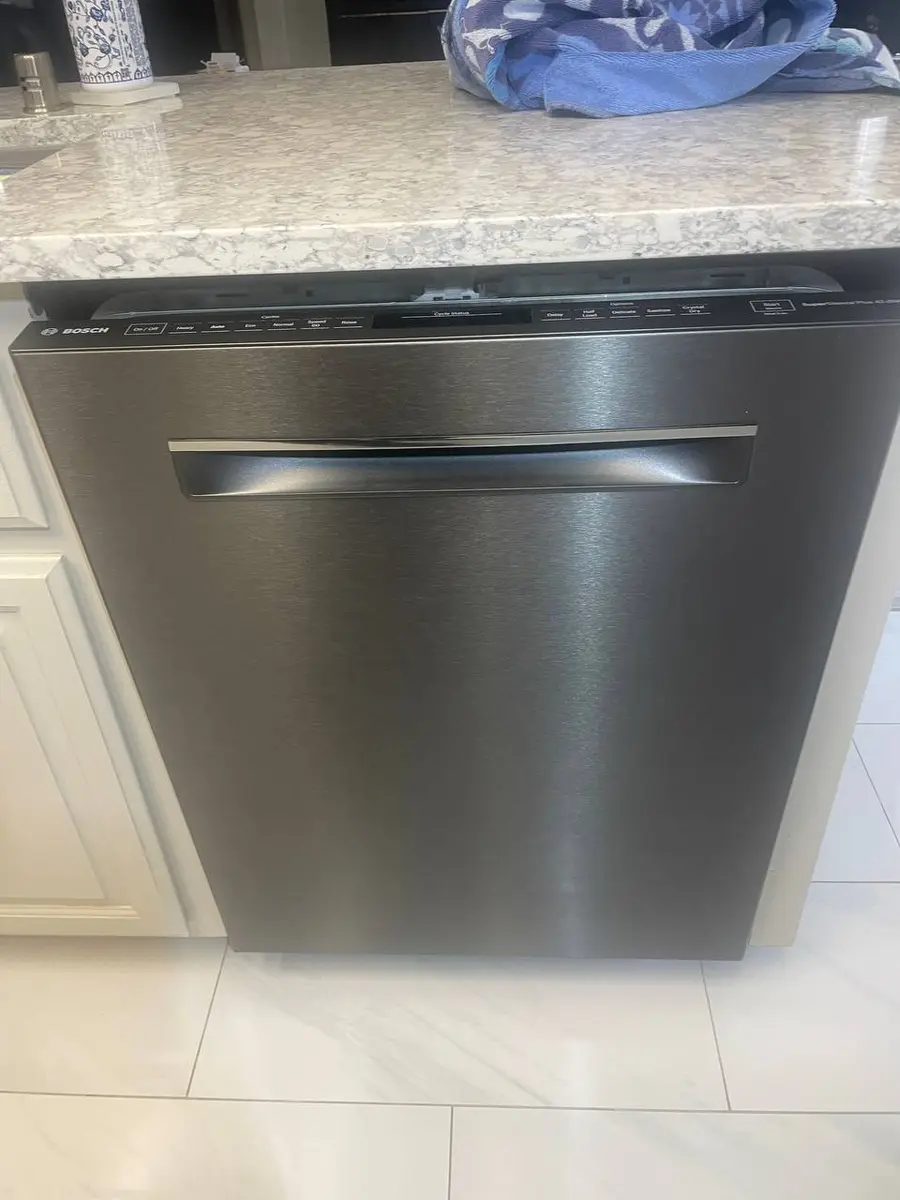
Quick Answer: Resetting a Samsung Dishwasher#
There are two very different things a Samsung dishwasher does that both get called "needs a reset," and they want opposite treatment.
A console that has genuinely frozen — no response to any touch, nothing lit that should not be — is a panel or firmware glitch, and it will not clear from the controls themselves. Cut power at the breaker or the under-sink switch for a minute and restore it; the board restarts cleanly and the console comes back.
Blinking wash lights are the opposite case. On several Samsung tubs a pair of lights flashing together is not a glitch at all: it is how the machine reports a stored fault when there is no numeric display to show one. That pattern is information, and cutting power is what erases it. Note which lights are flashing, and in what rhythm, before you go anywhere near the breaker.
There is also a third action people mean by "reset" — holding the Start pad for three seconds to abandon a stuck cycle and drain the tub. That one is not a reboot at all, and it is the right move when the machine is responsive but stuck mid-programme with water in it.
What is the panel doing? Match it to the right action#
Find the row that describes the panel in front of you. The order in the right-hand column matters as much as the action does — two of these rows are ruined by cutting power first.
| What the panel is doing | What it actually is | What to do, and in what order |
|---|---|---|
| Nothing at all: no response to any touch, display dead or frozen | A panel or firmware hang | Breaker or under-sink switch off for a minute, then back on |
| A specific pair of wash lights blinking together in a rhythm | A stored fault code, reported by lights because there is no numeric display | Write down which lights and what rhythm, THEN reset — the reset erases it |
| Cycle stuck part-way with water in the tub, but the panel still responds | Not a hang at all; the programme is simply not advancing | Hold Start for three seconds to drain and return to standby |
| Padlock icon lit and selections ignored, everything else normal | The child lock, doing its job | Hold the two buttons marked with the lock for three seconds |
| Reset done, and the same blink pattern returns straight away | A real fault rather than a stuck panel | Decode the pattern; the usual suspects are the drain pump, the inlet valve or a leak sensor |
| Machine runs normally, and you simply want to know if a fault is stored | Nothing is wrong to fix | SmartThings, on a connected model — no reset wanted or needed |
Rows two and five are the pair that matter. A blink pattern that survives a clean power cycle has told you the software was never the problem, and that is worth far more than another reboot.
Where these rows come from: the four steps of this page's own reset procedure — cutting power at the breaker or under-sink switch, the one-minute wait, the three-second Start hold that drains a stuck cycle, and the child-lock hold — plus the two facts the page already states about stored faults: that some Samsung tubs blink a light pair as a code, and that a fault surviving a clean power cycle traces to the drain pump, the inlet valve or a leak sensor. They are keyed on what the panel is doing because that is what you can see before opening anything. No row states a frequency; this page counts none.
Do You Have the Right Tools?
Water pressure gauge ($60), spray arm tester, float switch multimeter ($85), and drain inspection camera. Our technician arrives with $3,000+ in professional tools — your diagnostic is free.
Licensed & Insured · 90-Day Warranty · Same-Day Service
How to Reset a Samsung Dishwasher (Step by Step)#
- Cut power to the Samsung dishwasher at the breaker or under-sink switch — a firmware or panel glitch will not clear from the touch controls alone.
- Leave it powered off for one minute, then restore power so the Samsung board restarts cleanly.
- To end a stuck cycle, press and hold the Start pad for three seconds; the dishwasher drains and returns to standby.
- If a padlock icon is on, hold the two buttons marked with the lock symbol together for three seconds to turn child lock off.
Samsung Dishwasher Model Variations#
Where the controls live changes what you can see while a cycle is running, and that matters more here than model names do. StormWash and Linear Wash machines carry their controls along the top edge of the door, so reading a blink pattern means opening the door far enough to see the edge — which on some programmes pauses the cycle you are trying to observe. Front-display units show the same information in the time window and can be read with the door shut.
The child-lock icon follows the same split: on a top-edge panel it sits among the buttons, on a front display it appears in the time window, and on both it is cleared by holding the pair of buttons marked with the lock. A padlock is worth checking for before concluding anything, because a locked panel and a frozen panel look identical from a step away — both ignore you.
A connected Samsung adds one more option that costs nothing: after a reset, a fault that survived is surfaced in the SmartThings app, which tells you whether the reboot actually resolved anything or merely cleared the display.
Safety First — Know the Risks
Live 120V wiring in a wet environment is one of the most dangerous DIY scenarios. Water + electricity = serious shock risk. Our techs are licensed and insured — let them handle the risk.
Licensed & Insured · 90-Day Warranty · Same-Day Service
When a Reset Doesn't Fix Your Samsung Dishwasher#
Blinking wash lights that return after the reboot are a stored fault worth decoding on our Samsung error-code guide, not a stuck panel. If water is the issue, follow the dishwasher-not-draining, will-not-start, and flashing-lights symptom pages. A fault that survives a clean power-cycle usually traces to the drain pump, the inlet valve, or a leak sensor rather than the software.
Need Professional Help?#
If a power-cycle and the checks above do not bring your Samsung dishwasher back, book a free diagnostic and an EasyBear technician will take it from there.
The Real Cost of DIY
Average DIY attempt: $150-400 in tools you may use once, plus the risk of further damage. Our diagnostic visit costs $0 — we find the problem and give you an honest quote.
Licensed & Insured · 90-Day Warranty · Same-Day Service
Samsung Dishwasher Reset FAQ#
How do I reset a Samsung dishwasher?
Cut power at the breaker or the under-sink switch, leave it off for a minute so the board discharges, then restore it. The touch controls alone will not clear a firmware or panel glitch.
Why are the lights flashing on my Samsung dishwasher?
Blinking lights encode a stored fault, often the heavy and smart-auto pair flashing together. Note the pattern and decode it rather than assuming the reset did not hold.
How do I turn off child lock on a Samsung dishwasher?
Hold the two buttons marked with the lock symbol together for about three seconds until the padlock icon clears. Until then the panel ignores new selections.
How do I drain a Samsung dishwasher?
Press and hold the Start pad for roughly three seconds to cancel the cycle and run the pump until the tub is empty. If water still sits after that, the filter or drain hose is likely blocked.
Why will my Samsung dishwasher not start a cycle?
A no-start usually means the door has not fully latched, a delay-start is set, or child lock is on. Check all three before power-cycling the machine.
Appliance Repair Technician & Diagnostics Specialist · 10 years experience
Electronics and diagnostics specialist with 10 years of experience in modern smart appliance repair, specializing in LG and Samsung.