Quick Answer: Resetting a GE Dishwasher#
GE control boards need a genuine power interruption, so reset the dishwasher at the breaker or the under-sink switch and leave it off for a minute. That reboots the board and its user interface together and clears a frozen console. It will not repair a drain fault or a door latch that has failed.
How to Reset a GE Dishwasher (Step by Step)#
- Switch off the GE dishwasher at the breaker or under-sink switch; GE control boards need a true power interruption to reboot.
- Leave the power off for one minute so the board and its user interface reset together, then restore it.
- To reset a running cycle, press and hold the Start/Reset pad for three seconds; the pump runs to drain and the lights clear.
- For a locked console, hold the Control Lock (or Lock Controls) pad for three seconds until the lock light goes out.
Do You Have the Right Tools?
Water pressure gauge ($60), spray arm tester, float switch multimeter ($85), and drain inspection camera. Our technician arrives with $3,000+ in professional tools — your diagnostic is free.
Licensed & Insured · 90-Day Warranty · Same-Day Service
GE Dishwasher Model Variations#
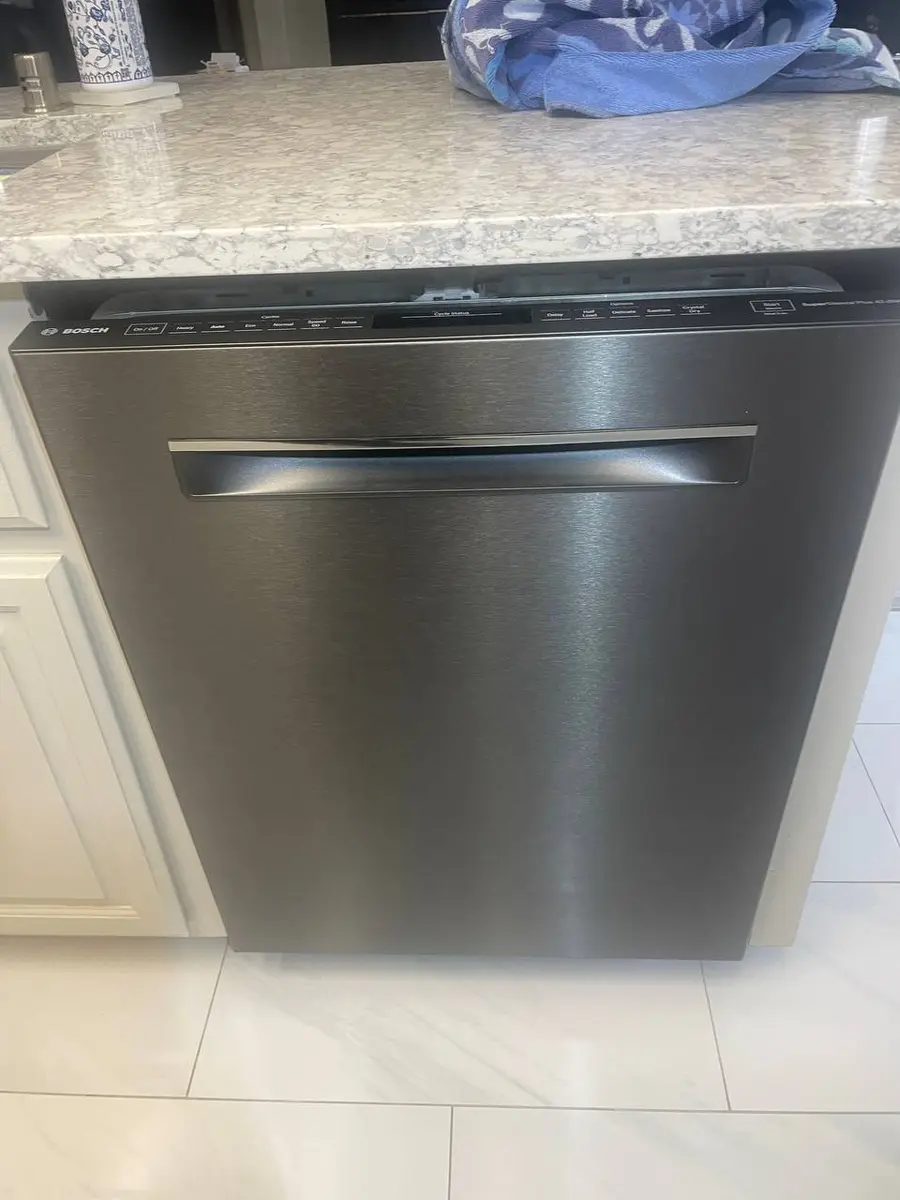
GE Profile and Cafe top-control models keep their pads on the top edge of the door, while front-control GE and Adora tubs show them on the console. On most GE machines the Start pad doubles as Reset, so one button both launches and aborts a wash. Options such as Dry Boost or the bottle jets change nothing about the reset itself.
When a Reset Doesn't Fix Your GE Dishwasher#
Orange lights that flash again after the reboot are a stored GE fault code, not a stuck panel — read them against our GE error-code guide. If the trouble is water, work through the dishwasher-not-draining, will-not-start, and flashing-lights symptom pages. A cycle that keeps quitting once the board is fresh is far more often the drain, the turbidity sensor, or the latch than the electronics.
Safety First — Know the Risks
Live 120V wiring in a wet environment is one of the most dangerous DIY scenarios. Water + electricity = serious shock risk. Our techs are licensed and insured — let them handle the risk.
Licensed & Insured · 90-Day Warranty · Same-Day Service
Need Professional Help?#
If a power-cycle and the checks above do not bring your GE dishwasher back, book a free diagnostic and an EasyBear technician will take it from there.
GE Dishwasher Reset FAQ#
How do I reset a GE dishwasher?
Switch the dishwasher off at the breaker or the under-sink switch and leave it dark for a minute so the board and interface reset together, then restore power. To stop a running cycle, hold the Start/Reset pad for about three seconds to drain it.
How do I use the Start/Reset button on a GE dishwasher?
A single press starts a selected cycle, while holding it for a few seconds during a wash cancels and drains the tub. GE combines both jobs on the one pad on most models.
Why are the lights flashing on my GE dishwasher?
Flashing lights encode a stored fault, commonly linked to draining, water heating, or the door switch. Note the pattern and decode it rather than assuming the reset did not take.
Where is the Control Lock on a GE dishwasher?
Look for a pad marked Control Lock or Lock Controls, on the console for front-control tubs or the top door edge for top-control ones. Hold it for about three seconds until the lock light goes out.
Why will my GE dishwasher not drain?
Water left behind usually means a clogged filter, a blocked air gap, or a kinked hose at the disposer rather than a board fault. Clear those first, then test the drain pump if the water still will not leave.
Senior Appliance Repair Technician · 15 years experience
EPA-certified technician with 15 years of experience specializing in refrigerator and cooling system repairs.