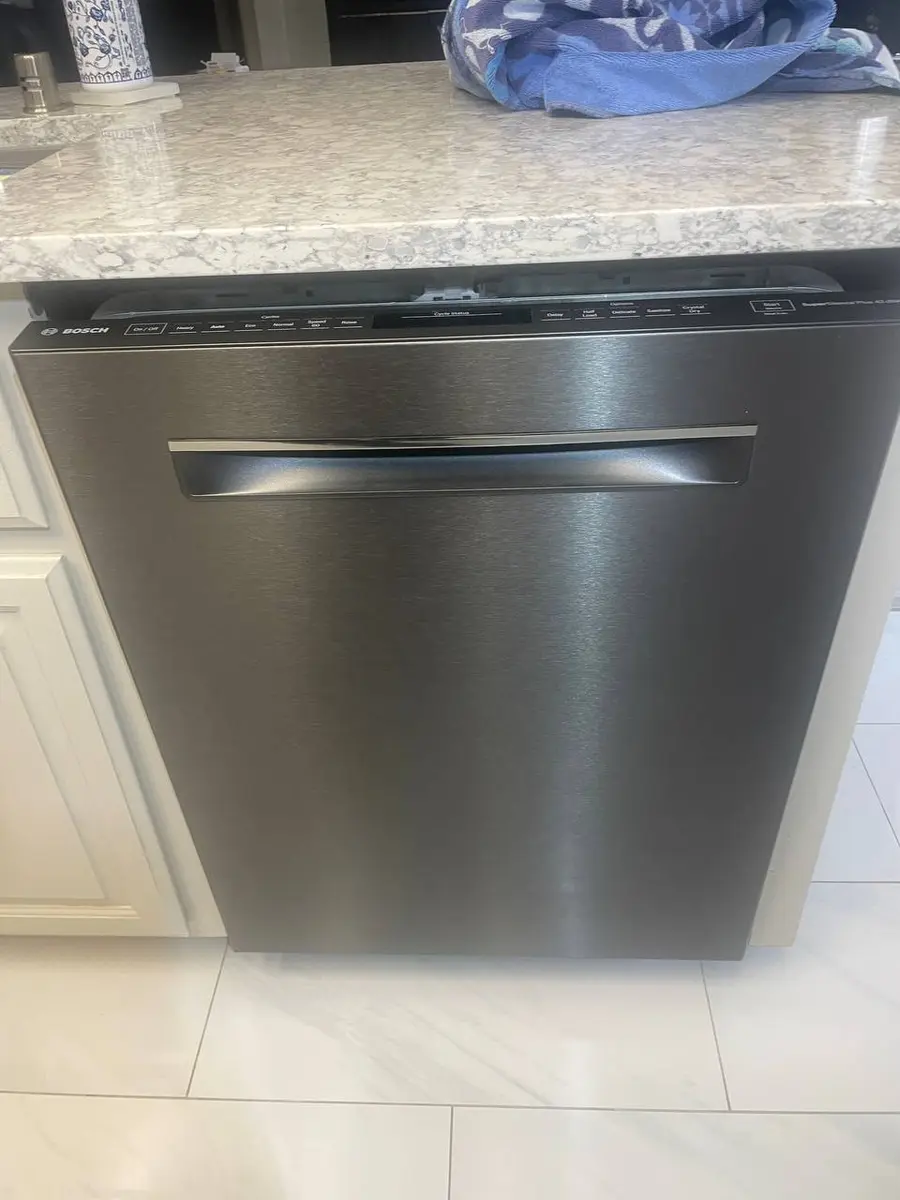
GE Monogram dishwashers are the professional-grade option in GE's lineup — fully integrated panel-ready designs with advanced wash systems, ultra-quiet operation, and stainless steel interiors. Models like the ZDT985 and ZDT925 feature quad-arm wash systems, bottle jets, and steam preclean capabilities that standard GE dishwashers lack. When these premium units display error codes, the diagnostic process shares GE's code platform but the repair approach requires understanding Monogram-specific hardware and panel-ready installation nuances.
How GE Monogram dishwasher codes display
Monogram dishwashers use fully integrated top-controls — the control panel is hidden on the top edge of the door. Error codes appear as alphanumeric characters on the LED display. Key differences from standard GE dishwashers:
- Fully integrated installation — the control board is accessed only from the door interior, requiring full door panel removal
- Quad wash system — additional spray arms mean additional wash motor complexity
- Ultra-quiet sound package — insulation layers make internal component access more involved
- SmartHQ integration — connected models can transmit error codes to the app for remote diagnosis
To force-display stored codes: press and hold Start + Delay Start for 3 seconds (varies by model — check the tech sheet inside the door panel).
C1 — stuck key / control panel error
The C1 code indicates the control board detects a button continuously pressed when none should be active.
Why Monogram units are different: Monogram's fully integrated top-control panels are particularly susceptible to steam migration from the drying cycle. The control panel position at the door's top edge — directly in the path of rising steam — accelerates moisture-related failures compared to front-control dishwashers.
Common causes:
- Steam/moisture infiltration behind the control membrane (Monogram's #1 cause)
- Keypanel membrane delamination from heat cycling
- Ribbon cable corrosion at the board connection
- Physical button damage from improper panel installation
How to fix:
- Turn off power at the circuit breaker (Monogram dishwashers are typically hardwired).
- Open the door and dry the control panel area along the top door edge. If it was damp, leave the door open until it is fully dry before you restore power.
- If C1 persists, the keypanel and its ribbon cable sit behind the outer door panel (the custom cabinet panel on Monogram). Removing that panel is professional work — improper handling damages expensive cabinet panels — so have a technician inspect the keypanel for moisture and reseat or replace the ribbon cable.
- If moisture is recurring, check the door vent gasket — if degraded, steam continuously reaches the control area.
Prevention tip: Ensure the door vent path is clear and the vent gasket is intact. Running the dishwasher with "Extra Dry" routes more steam through the proper vent path rather than allowing it to migrate upward to the control panel.
C3 — pump pressure switch error
The C3 code means the control board isn't receiving the expected signal from the wash pump pressure switch — either the pump isn't generating adequate pressure or the switch isn't reporting correctly.
Why Monogram units are different: Monogram dishwashers with the quad-arm wash system have more spray arms and ports than standard GE dishwashers, so they are more sensitive to partial blockages.
Common causes:
- Clogged fine filter restricting water flow to the pump (most common)
- Wash pump motor failure or weak capacitor
- Pressure switch failure (diaphragm wear)
- Partially blocked spray arm check valves (quad-arm specific)
- Control board not reading pressure switch signal
How to fix:
- Turn off breaker power and open the door.
- Remove the lower rack and pull out the fine filter assembly (twist counterclockwise). Clean thoroughly — calcium deposits from hard water are the leading cause.
- Check the coarse filter screen below the fine filter for debris (glass fragments, food particles, label adhesive).
- Inspect all four spray arm ports for mineral blockage — Monogram's quad-arm system has more ports that can clog.
- Remove the sump cover (model-specific access) and check the pump impeller for obstructions.
- Test the pressure switch with a multimeter — it should toggle between open and closed when you blow gently into the connected hose.
- If filter and spray arms are clear, test the wash pump motor for continuity against the tech sheet value.
Sacramento hard water note: Bay Area and Sacramento water hardness causes accelerated mineral buildup in spray arm ports and the pump chamber. A regular citric acid flush helps — run an empty hot cycle with citric acid powder in the detergent cup, following the cleaner's instructions.
C6 / C7 — turbidity sensor error
C6 means the turbidity sensor reading is out of expected range; C7 means communication with the sensor is lost entirely. The turbidity sensor measures water clarity to determine when dishes are clean.
Why Monogram units are different: Monogram dishwashers rely more heavily on the turbidity sensor for their auto-sense cycle optimization. A failed sensor doesn't just cause an error — it disables the auto-cycle feature entirely, forcing manual cycle selection and eliminating one of the key features you paid a premium for.
Common causes:
- Mineral deposits on the optical sensor lens (most common in hard water areas)
- Sensor wiring corrosion from moisture in the sump area
- Sensor element failure (LED or photodiode degradation)
- Sump area contamination blocking sensor window
How to fix:
- Run an empty cycle with dishwasher cleaning tablets or 2 cups of white vinegar in the bottom of the tub.
- If code persists, switch the dishwasher off at the circuit breaker (Monogram dishwashers are typically hardwired), then remove the lower spray arm and fine/coarse filters to access the sump area.
- Locate the turbidity sensor — a small optical unit mounted in the sump basin. Clean the lens surface with a soft cloth dampened with vinegar.
- Check the sensor wiring connector for corrosion. Reseat the connector firmly.
- If cleaning resolves C6 but it returns within a few cycles, the sensor lens has permanent damage from chemical etching — replace the sensor.
- C7 (communication lost) is usually a wiring or board issue rather than the sensor itself — tracing the wiring to the board in the door means removing the door panels, which is professional work.
Rather have a pro handle it?
A vetted local technician can come out and diagnose your dishwasher at home.
PF — power failure
Power was interrupted during a wash cycle. On Monogram dishwashers this is typically straightforward but can cause secondary issues with smart features.
How to fix:
- Open the door — any residual water should drain via the anti-flood valve.
- Press Start/Reset to clear the PF code.
- Select a new cycle and restart.
- If PF recurs without actual outages: switch the dishwasher's circuit breaker off and confirm the power is off with a non-contact voltage tester, then check the hardwired junction box connections (accessible behind the lower kickplate) for loose wire nuts or corrosion.
- For SmartHQ-connected models: the unit may need to re-establish WiFi connection after a power event — check the SmartHQ app status.
Repairs: Usually none (just reset). A faulty power connection is a junction box repair, and a surge-damaged control board is replaced.
Additional Monogram dishwasher codes
- C2 — Stuck drain valve. The drain solenoid isn't responding. Switch the dishwasher off at the circuit breaker, check for food debris blocking the drain valve mechanism, then test solenoid continuity against the tech sheet value.
- C4 — Fill timeout. The dishwasher didn't fill to the required level in the allowed time. Check the water supply valve, inlet screen (mesh filter inside the connection), and water pressure (the installation instructions give the minimum supply pressure).
- C8 — Diverter motor error. The spray arm diverter that routes water between upper and lower wash zones is stuck or not responding. On quad-arm Monogram models, this can affect wash performance on 2 of the 4 arms.
- LE — Leak detected. The flood sensor in the base pan activated. Check door gasket, hose connections, and tub seals immediately.
Monogram dishwasher maintenance for error prevention
Monogram units require more disciplined maintenance than standard dishwashers to maintain premium performance and prevent recurring error codes:
| Interval | Task | Prevents |
|---|---|---|
| After each use | Clear food from fine filter | C3 pump strain |
| Weekly | Run hot empty cycle with rinse aid | Mineral buildup |
| Monthly | Citric acid flush cycle | C6 sensor contamination |
| Every 3 months | Inspect all spray arm ports | C3 pressure issues |
| Every 6 months | Check door gasket and vent | LE leaks, C1 steam damage |
| Annually | Professional inspection | Wiring/seal degradation |
Frequently asked questions
Q: Why does my Monogram dishwasher show C3 after only a few months? A: The quad-arm spray system is more sensitive to filter neglect than standard dishwashers. If the fine filter isn't cleaned regularly, restricted flow triggers the pressure switch threshold faster on Monogram units. In Sacramento and Bay Area hard water zones, mineral buildup accelerates this — clean the filter after every 5–7 cycles.
Q: My Monogram control panel is unresponsive after steam from cooking — is that covered under warranty? A: Steam damage from external sources (your cooktop, not the dishwasher itself) may not be covered under standard warranty. However, if the vent gasket is failing and allowing the dishwasher's own steam to damage the panel, that is a design defect — contact GE for warranty evaluation. Keep records of when C1 occurs relative to dishwasher use.
Q: Can I use standard GE parts in my Monogram dishwasher? A: Verify by part number only — never by visual similarity. Some Monogram components (control boards, keypanels, pump assemblies) look identical to GE Profile or standard GE parts but have different firmware or specifications. Always cross-reference your full model number (ZDT prefix for Monogram dishwashers).
Q: How do I access the tech sheet for diagnostic procedures? A: On Monogram dishwashers, the tech sheet is inside the door panel. Removing the door panels means switching the breaker off first and handling the custom cabinet panel, so on a panel-ready Monogram it is best left to a technician, who reads the tech sheet during the service visit.
Q: Is it worth repairing a Monogram dishwasher or should I replace it? A: Monogram dishwashers are expensive to replace, so most repairs are economically justified, especially on younger units. Only sealed-motor or tub-integrity failures on older units approach the cost of replacement.
When to call a professional
Monogram dishwasher repairs requiring professional service:
- C3 with confirmed pump motor failure — requires sump disassembly and potentially tub removal
- Persistent C1 after drying period — may indicate door vent system failure requiring gasket/vent redesign
- LE (leak detected) — water damage risk; professional inspection prevents flooring damage
- Any repair requiring custom panel removal — improper handling damages expensive cabinet panels
- Control board replacement — requires programming/pairing on SmartHQ-connected models
Your Monogram dishwasher deserves expert care. Every technician on our platform is trained on major appliance brands and insured. We protect your custom cabinetry during every service call and stock common Monogram parts to avoid repeat visits. Free diagnostic, 90-day warranty on all repairs. Schedule today.