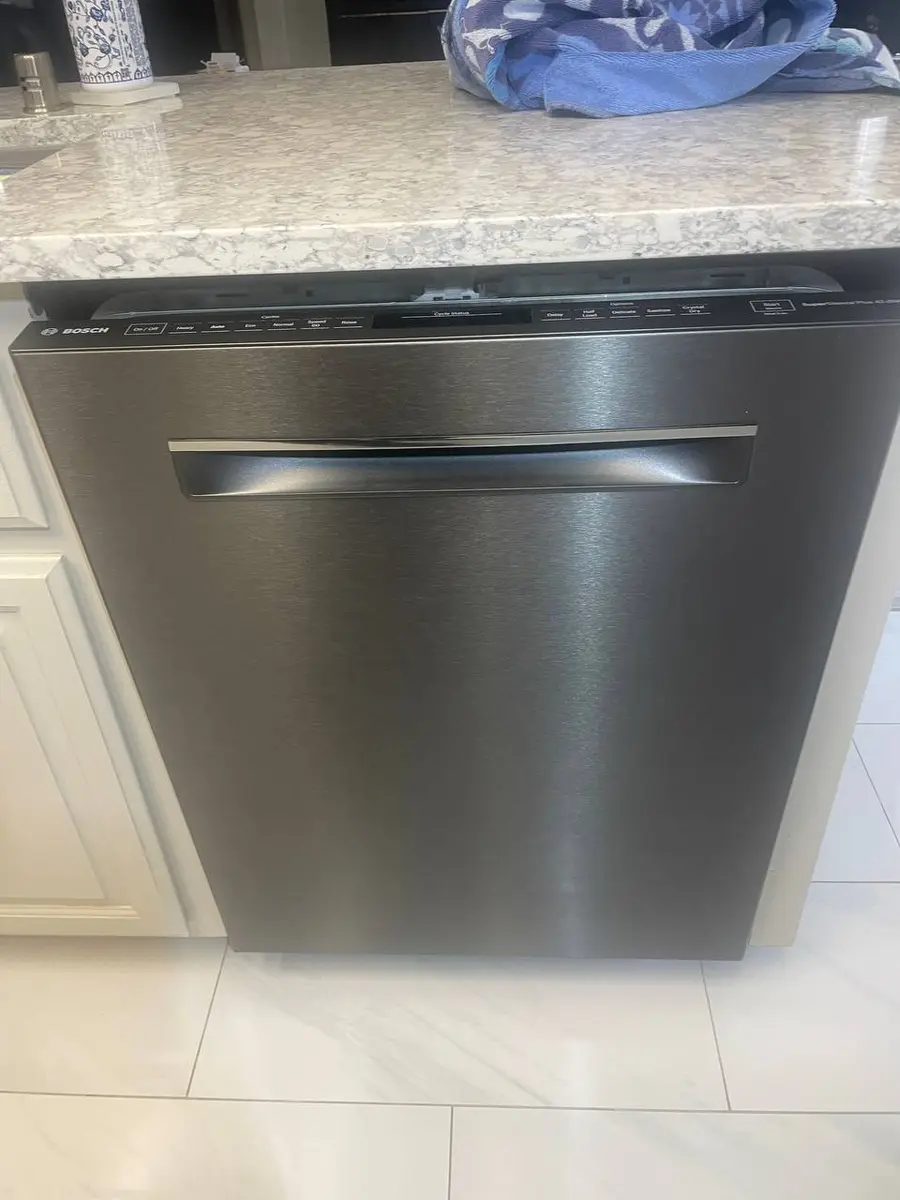
Bosch Smart Dishwasher Error Code HC-01
HC-01 on a Bosch smart dishwasher means Home Connect registration timed out — the dishwasher joined your Wi-Fi but could not finish registering with Bosch's cloud. It is almost always a router-configuration issue, not a hardware failure, and most cases clear once the network meets Bosch's specific requirements. Models…
What HC-01 means#
Home Connect pairing has three steps: the [dishwasher](/blog/repair-or-replace-dishwasher) broadcasts its own setup network, the app hands it your Wi-Fi credentials, and finally the dishwasher connects to your Wi-Fi and registers with the Bosch cloud. HC-01 is a failure at that third step — it reached your network but could not reach or authenticate with Bosch's servers in time. Because the second step succeeded, you know the Wi-Fi module works; the break is between your network and Bosch's cloud.
Smart feature or hardware?#
Configuration, not hardware. The module connected to your Wi-Fi, so it is functioning. The problem sits in your router settings, your internet path to Bosch, or occasionally Bosch's cloud itself.
Do You Have the Right Tools?
Water pressure gauge ($60), spray arm tester, float switch multimeter ($85), and drain inspection camera. Our technician arrives with $3,000+ in professional tools — your diagnostic is free.
Licensed & Insured · 90-Day Warranty · Same-Day Service
The router requirements that actually matter#
Bosch is pickier than other brands. Set the network the dishwasher uses to:
- 2.4 GHz only (no 5 GHz).
- WPA2-PSK encryption only — not WPA3 and not enterprise.
- 20 MHz channel width, not 40 MHz. This one is unique to Bosch: a 40 MHz channel can cause the secure handshake with the cloud to time out even though the dishwasher connects.
- No MAC filtering (or whitelist the dishwasher) and no AP or client isolation, so outbound HTTPS can reach Bosch.
Check the path to Bosch#
On another device on the same network, try loading Bosch's Home Connect API address in a browser; if it will not load, your network has a DNS or firewall problem blocking Bosch. Pointing the router's DNS at a public resolver (8.8.8.8 or 1.1.1.1) often fixes it. It is also worth checking Bosch's server-status page — during a Bosch outage every registration fails, and the fix is simply to wait an hour or two and retry.
Safety First — Know the Risks
Live 120V wiring in a wet environment is one of the most dangerous DIY scenarios. Water + electricity = serious shock risk. Our techs are licensed and insured — let them handle the risk.
Licensed & Insured · 90-Day Warranty · Same-Day Service
Re-pair cleanly#
Put the dishwasher back into pairing mode (open the door and hold Start about three seconds until the Wi-Fi indicator flashes fast, then close the door — you have a 15-minute window), open Home Connect, and run setup again. Turn mobile data off on your phone first, because some phones try to route the local pairing traffic over cellular when Wi-Fi seems slow, which breaks the hand-off.
Why Bosch is stricter than other brands#
Home Connect leans harder on a clean, standards-exact 2.4 GHz connection than most rivals because the registration handshake is a full secure exchange with Bosch's cloud, and that exchange is sensitive to the timing quirks a 40 MHz channel or an aggressive router introduces. Samsung, LG, and GE tolerate more variation, which is why the same router that pairs them instantly can still stall a Bosch at HC-01. It is not that the Bosch module is weaker — it is that its cloud registration is less forgiving of a marginal network, so the payoff for dialing the router in exactly is higher here than anywhere else.
The Real Cost of DIY
Average DIY attempt: $150-400 in tools you may use once, plus the risk of further damage. Our diagnostic visit costs $0 — we find the problem and give you an honest quote.
Licensed & Insured · 90-Day Warranty · Same-Day Service
When it is the module#
If the dishwasher cannot even broadcast its setup network — no "Bosch_XXXX" network shows when your phone scans during pairing — the Wi-Fi module (a separate board behind the inner door panel) may have failed. If the setup network appears but every registration times out after you have confirmed all the router settings, the module's cloud certificate may be corrupted, which module replacement resolves. The main control board is not involved in HC-01 unless the module never enters pairing mode at all.
Prevent a repeat#
Give Bosch appliances a dedicated 2.4 GHz network with WPA2-PSK and a fixed 20 MHz channel width, and avoid changing your Wi-Fi password often, since each change forces you to re-pair every smart appliance. Keep the Home Connect app updated so it supports the latest pairing protocols, and if you have several Bosch appliances, pair them one at a time with a few minutes between each rather than all at once. A stable, standards-exact network is what keeps HC-01 from coming back after the first fix.
Bosch dishwasher stuck on HC-01? Book a free diagnostic — our technicians handle both the connected side and the traditional repair.
Appliance Repair Technician · 8 years experience
Experienced technician with 8 years specializing in dishwasher repairs and European appliance brands including Bosch and Thermador.