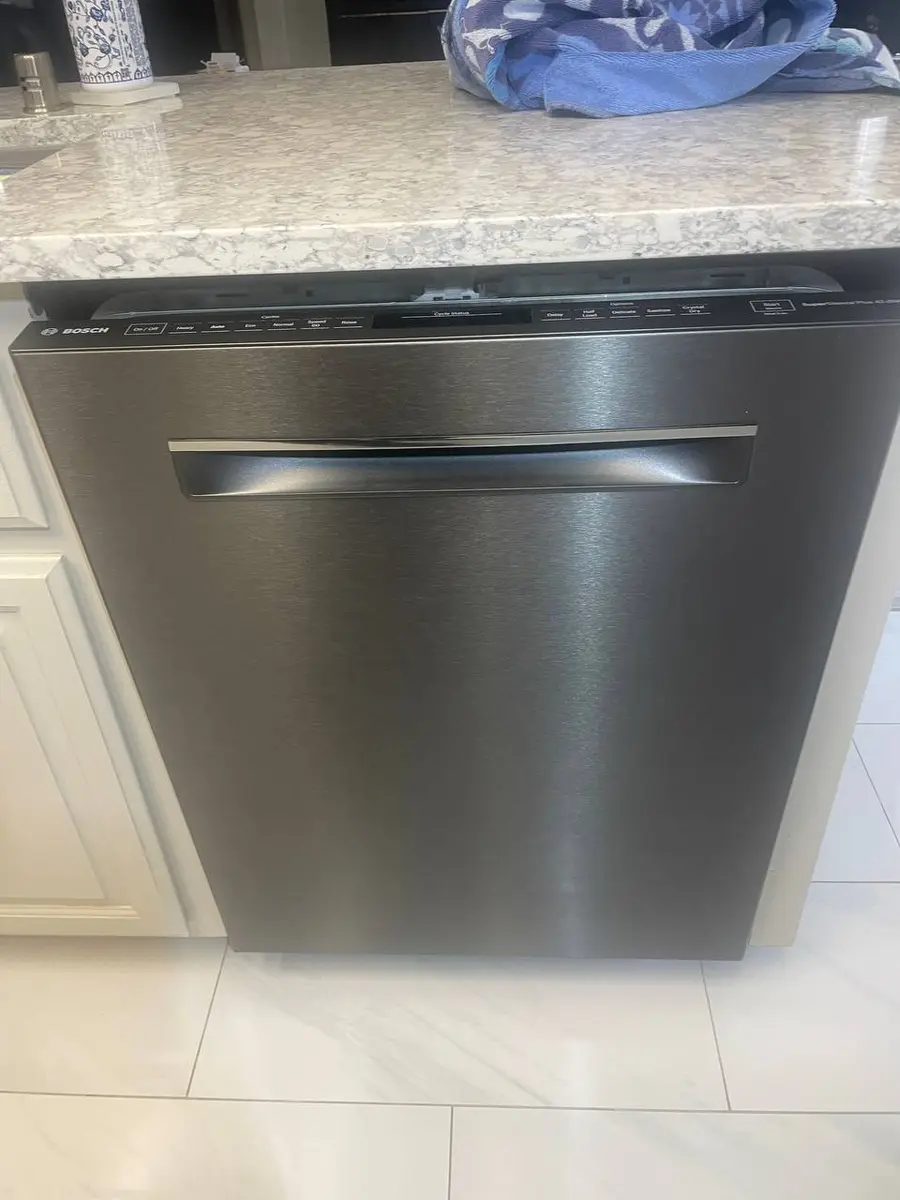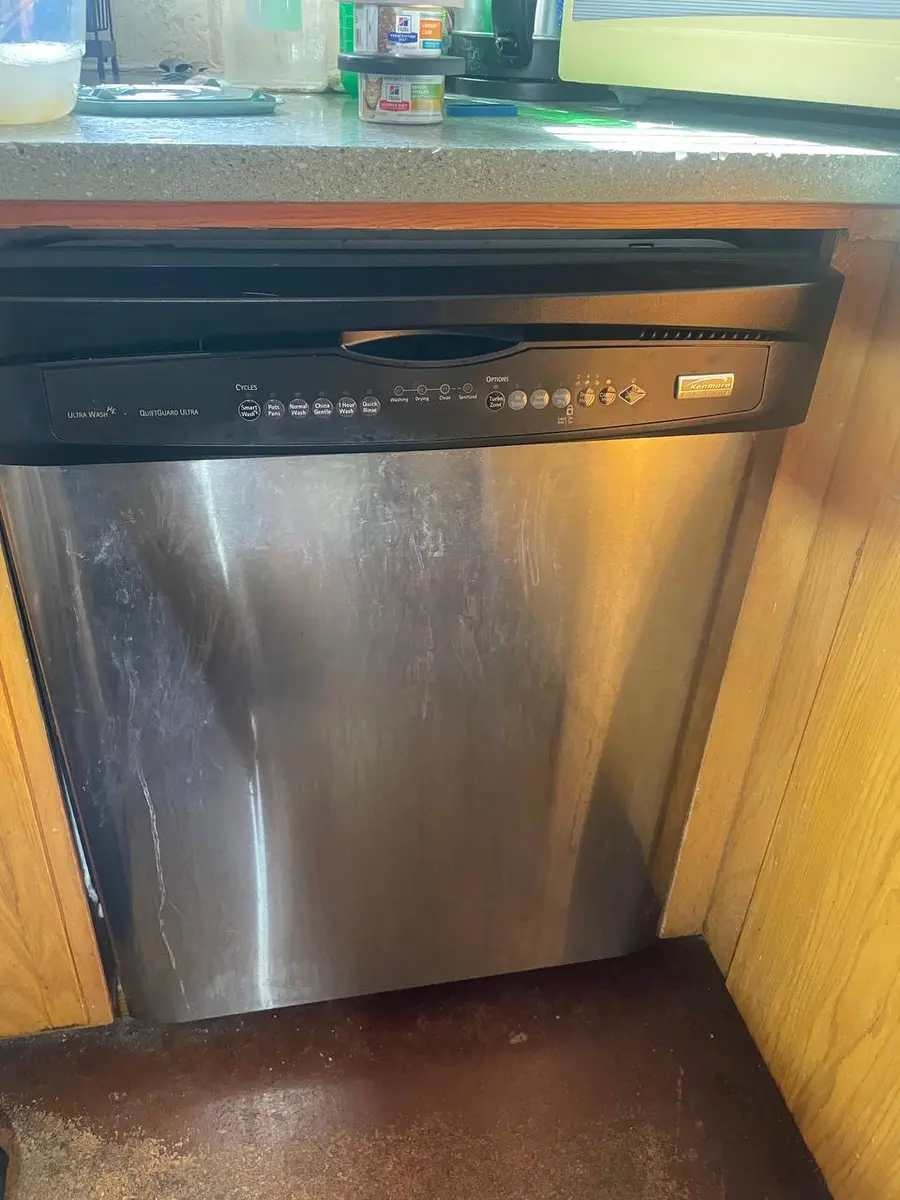
Samsung smart dishwashers (DW80R9950US, DW80B7070UG, DW80R7060US series) display LC (Leak Code) on the control panel and simultaneously send a push notification through the SmartThings app. The "Wi" designation indicates the alert was transmitted to the cloud before the dishwasher displays the code — meaning the app notification may arrive on your phone 10-30 seconds before the dishwasher shows LC on its panel.
What LC-Wi Means in Plain Language#
The dishwasher has a leak sensor (float switch) in the base pan at the bottom of the unit. When water enters the base pan and lifts the float, the sensor triggers LC. On smart models, the control board transmits the leak alert to SmartThings immediately — this is one of the few dishwasher events that bypass the normal polling interval and send an instant push notification. The dishwasher simultaneously pauses the current cycle, closes the water inlet valve, and activates the drain pump to remove water from the tub.
Do You Have the Right Tools?
Water pressure gauge ($60), spray arm tester, float switch multimeter ($85), and drain inspection camera. Our technician arrives with $3,000+ in professional tools — your diagnostic is free.
Licensed & Insured · 90-Day Warranty · Same-Day Service
Is This a Smart-Feature Issue or a Hardware Issue?#
LC itself is a hardware issue — water is where it should not be. The "Wi" smart alert component is functioning correctly — it is delivering the LC notification to your phone faster than the dishwasher displays it. The smart feature adds genuine value here: you receive a leak alert even when you are not in the kitchen, potentially preventing water damage.
Step-by-Step Reset Procedure for Samsung Smart Platform#
Step 1: Cancel and power down Press Cancel on the dishwasher (or through the SmartThings app). Turn off the dishwasher at the breaker. Do not open the door yet if the cycle was mid-wash — water may be above the door gasket level.
Step 2: Check for visible water Look under and around the dishwasher for water on the floor. Pull the dishwasher forward if possible (disconnect the drain hose and water supply line first, or use the slack in the lines). Examine the base pan — tilt the unit slightly to see if water has accumulated.
Step 3: Identify the leak source Common leak sources on Samsung dishwashers:
- Door gasket (DD62-00067A): inspect for tears, debris, compression
- Spray arm hub seal: check for water dripping from the spray arm shaft during operation
- Sump gasket: the junction between the wash motor and the tub can seep
- Water inlet valve: check the supply line connection and the valve body for drips
- Drain hose connection: check the hose clamp at the sump and at the garbage disposal/drain pipe
Step 4: Dry the base pan Use towels to absorb water from the base pan. The float switch will remain triggered as long as there is water in the pan. After drying, the float drops and LC clears. Restore power and verify LC is gone. Run a short cycle and watch for leaks.
Step 5: Reset the SmartThings alert After resolving the leak, the SmartThings app may continue showing a leak warning. Open SmartThings → select the dishwasher → dismiss the alert. If the alert reappears, the float switch may be stuck in the triggered position — gently tap the base pan area to free it, or inspect the float mechanism for debris.
Safety First — Know the Risks
Live 120V wiring in a wet environment is one of the most dangerous DIY scenarios. Water + electricity = serious shock risk. Our techs are licensed and insured — let them handle the risk.
Licensed & Insured · 90-Day Warranty · Same-Day Service
When the Wi-Fi Module or Control Board Needs Replacement#
LC-Wi does not involve Wi-Fi module failure — the Wi-Fi module is correctly transmitting the leak alert. Do not replace the Wi-Fi module to resolve LC. The issue is always physical water in the base pan. If LC triggers repeatedly with no visible water, the float switch itself may be faulty (DD81-02907A): stuck in the up position, corroded, or shorted.
LC repair costs are virtually identical. The smart model adds value through the instant notification — catching leaks faster to prevent floor and cabinet water damage.
How Can You Prevent This?#
Inspect the door gasket monthly for debris (food particles, broken glass) that can prevent a proper seal. Run a monthly cleaning cycle to prevent mineral buildup on seals and spray arm hubs. Check water supply line connections annually. Do not overload the dishwasher — overloading can redirect spray water toward the door gasket edge, causing micro-leaks that accumulate in the base pan over many cycles.
The Real Cost of DIY
Average DIY attempt: $150-400 in tools you may use once, plus the risk of further damage. Our diagnostic visit costs $0 — we find the problem and give you an honest quote.
Licensed & Insured · 90-Day Warranty · Same-Day Service
Frequently Asked Questions#
Q: Can the Samsung smart dishwasher detect a slow leak before water reaches the floor? A: Yes. The float switch in the base pan triggers at approximately 1-2 cups of water — well before water would overflow the pan onto the floor. The SmartThings instant notification gives you time to respond before water damage occurs. This is the primary value of smart leak detection.
Q: Will the dishwasher turn off automatically when it detects a leak? A: Yes. Samsung dishwashers pause the cycle, close the water inlet valve, and activate the drain pump when LC triggers. This minimizes additional water entry and removes existing water from the tub. The drain pump runs for approximately 2 minutes.
Q: How much water damage can a dishwasher leak cause? A: An undetected dishwasher leak can cause in water damage to flooring, subfloor, and cabinets. Smart leak detection with instant notifications typically reduces response time from hours (you notice water on the floor when you walk into the kitchen) to minutes (push notification sent immediately).
Our repair data reinforces this point — # samsung smart dishwasher lc-wi — leak sensor smart alert
samsung smart dishwashers (dw80r9950us, dw80b7070ug,.
Samsung dishwasher leak alert? Our technicians inspect gaskets, seals, valves, and float switches. Book a free diagnostic
Appliance Repair Technician · 8 years experience
Experienced technician with 8 years specializing in dishwasher repairs and European appliance brands including Bosch and Thermador.