Smart Washer Remote Start Not Working
Smart-washer remote start fails almost always for a simple reason — a missing prerequisite, not a broken app. Every smart washer needs four things true at once: Remote Enable active, the door closed, a cycle already selected on the machine, and the app showing "Connected." Miss any one and the start silently fails.…
First: smart or mechanical?#
If the washer runs fine from its own panel and only remote start fails, it is a smart or configuration issue — stay here. The Wi-Fi icon helps: solid means connected, an X means the module is on but not joined (check 2.4 GHz, WPA2), and no icon means the module is off or failed.
The four universal requirements#
- Remote Enable / Smart Control is active — its icon must be lit on the display.
- The door or lid is closed and locked.
- A wash cycle is already selected on the physical panel.
- The app shows the washer "Connected."
The single most common failure is number three — you have to pick a cycle (Normal, Delicate, and so on) on the machine before starting from the app. The second most common is number one — opening the door after enabling Remote silently turns it off, so you have to walk back and re-press it.
Do You Have the Right Tools?
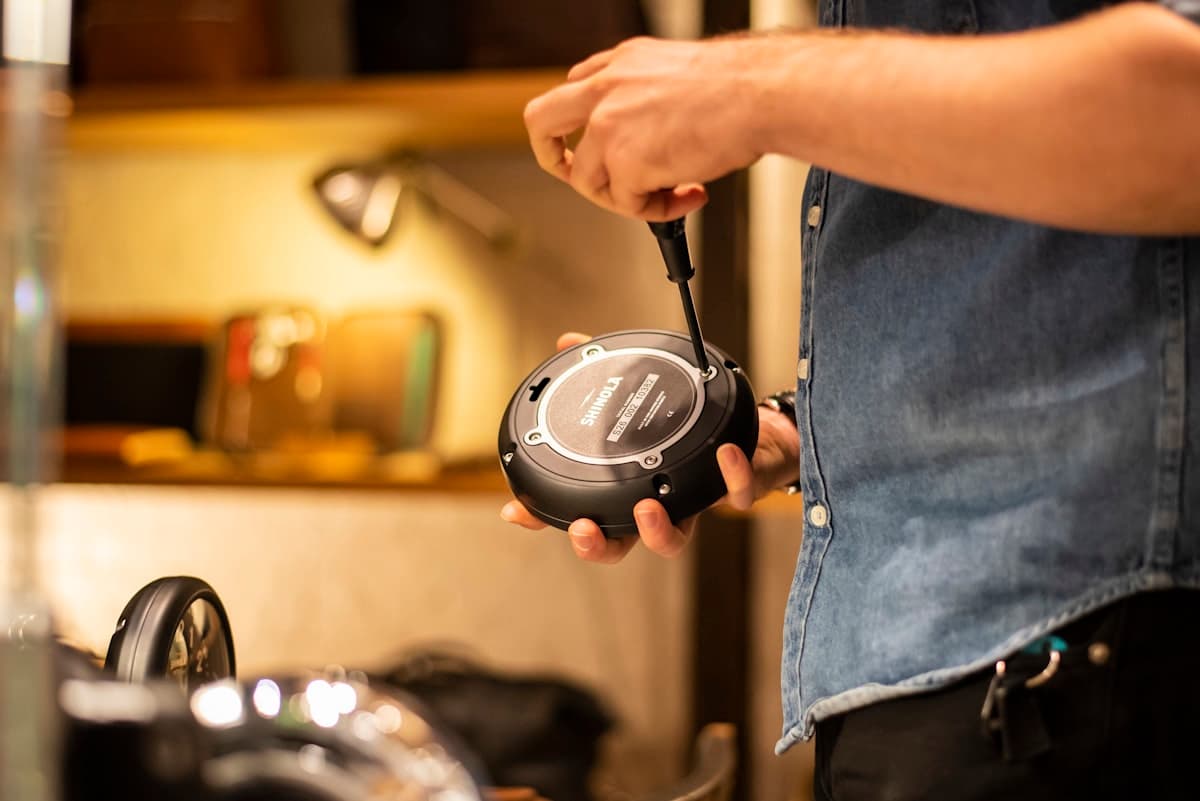
Bearing puller set ($120), drum spider wrench ($85), multimeter ($85), and diagnostic software. Our technician arrives with $3,000+ in professional tools — your diagnostic is free.
Licensed & Insured · 90-Day Warranty · Same-Day Service
Brand-specific quirks#
Even with the four basics met, each brand has edge cases:
- Samsung WF45: Remote Control also disables if the door is opened or if the washer sees low water pressure (below 20 PSI).
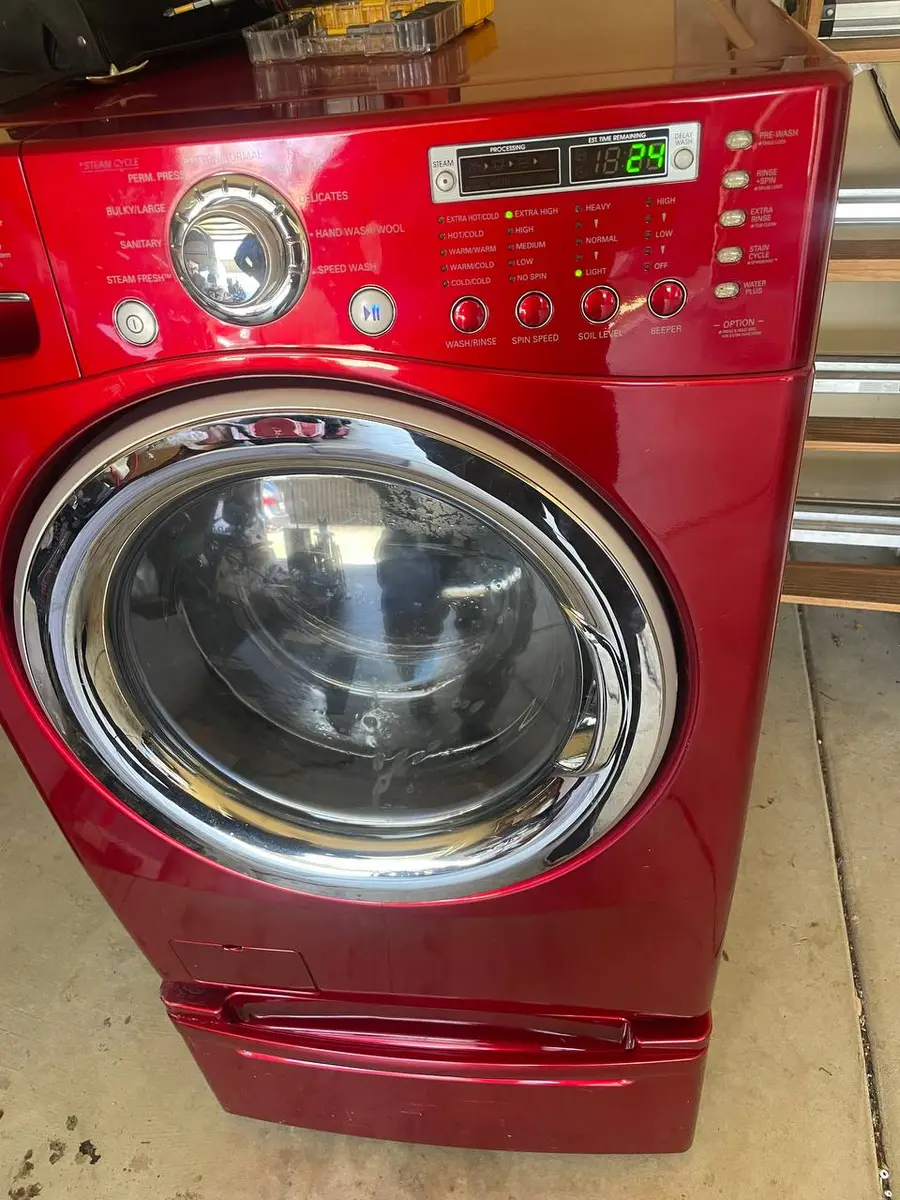
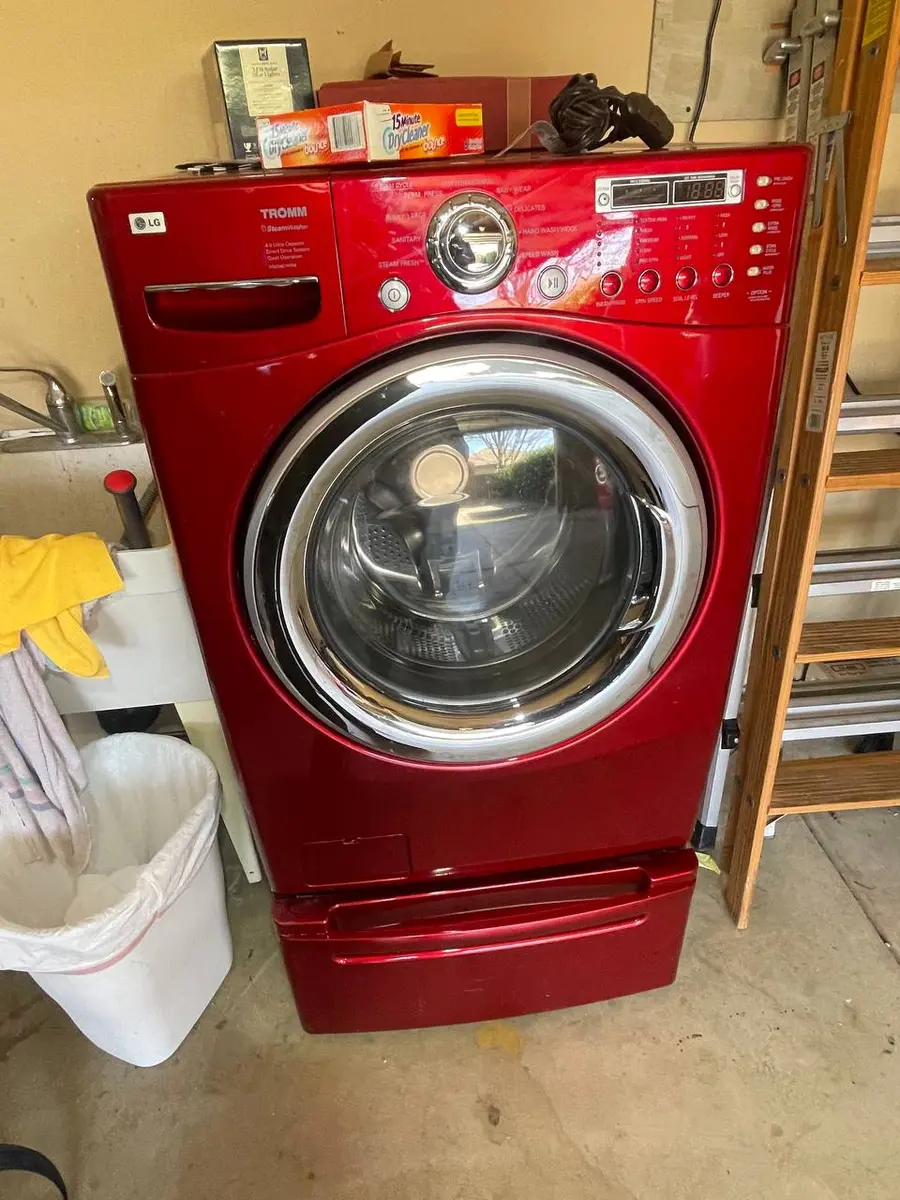
- LG WM4200H: ThinQ remote start requires the "Download Cycle" feature — standard cycles listed in the app will not remote-start an LG.
- Whirlpool WFW9620: remote start auto-disables after 24 hours of no activity, so re-arm it.
- GE PTW900: Remote Enable also disables if the washer detected an unbalanced load on the previous cycle.
Step by step#
- Pre-select a cycle on the machine, then return to the app.
- Re-press Remote Enable / Smart Control — the icon must be lit; opening the door resets it.
- Confirm the door auto-locks (listen for the click); no click may mean a faulty latch.
- Check the app shows "Connected" or "Online"; if "Offline," power-cycle the washer.
- On LG, use Download Cycle rather than a standard app cycle.
Safety First — Know the Risks
High-voltage components and pressurized water lines create flood and shock risk. A single loose fitting can cause thousands in water damage. Our techs are licensed and insured — let them handle the risk.
Licensed & Insured · 90-Day Warranty · Same-Day Service
Why so many "broken app" calls are really configuration#
Remote start deliberately stacks safety prerequisites — a washer that could fill and tumble unattended without a confirmed closed, locked door and a chosen cycle would be a hazard, so the design fails closed. That is why the app can look perfectly connected and still refuse to start: it is waiting on a condition the machine has not met. Working the four requirements in order (cycle selected, Remote Enable lit, door locked, app online) resolves the large majority of these before any hardware is suspected, which is why a technician's first move is to reproduce the checklist rather than open the machine.
When it is actually hardware#
If the door locks when you press Remote Enable but the app's start never takes, the link between the door-lock micro-switch and the Wi-Fi module may be faulty. That micro-switch reports latch status to the board; if it fails in the "open" position while the latch is physically engaged, the board blocks remote start. The lock assemblies are straightforward swaps — Samsung WF45 uses DC64-02852A, LG WM4200H uses EBF62534902, and Whirlpool WFW9620 uses W11316250 — typically a 30-45 minute job.
The Real Cost of DIY
Average DIY attempt: $150-400 in tools you may use once, plus the risk of further damage. Our diagnostic visit costs $0 — we find the problem and give you an honest quote.
Licensed & Insured · 90-Day Warranty · Same-Day Service
Remote start from away#
You can start a washer from anywhere with internet, as long as Remote Enable was armed on the panel, a cycle was pre-selected, and the door is closed — the command routes through the cloud. The washer just has to stay on Wi-Fi the whole time; if it drops offline, the cloud has nothing to relay the start to, and the app will report the washer offline rather than starting it.
A quick pre-flight before you tap Start#
The reliable habit is a ten-second pre-flight at the machine: pick the cycle, press Remote Enable and confirm its icon is lit, and make sure the door is shut — then walk away and use the app. Doing it in that order every time sidesteps the two failures that cause most complaints, and it works across brands even where the exact button names differ. If the app still refuses after a clean pre-flight, that is the point to suspect the door-lock switch rather than your routine.
Smart washer remote start failing? Book a free diagnostic — our technicians handle both the connected side and the traditional repair.
Lead Appliance Repair Technician · 12 years experience
Experienced technician with 12 years specializing in washing machine and dryer repairs across all major brands.