Smart Refrigerator Wi-Fi Setup: Get It Connected
Every smart refrigerator connects only on 2.4 GHz with WPA2 security, so the failure you'll hit most is a dual-band router steering the fridge onto 5 GHz. Create a dedicated 2.4 GHz network before you start and setup takes about 5 to 10 minutes.
Network requirements, before you touch the fridge#
Confirm five things first: a 2.4 GHz network is available (not 5 GHz only); security is WPA2 (WPA3-only can fail on pre-2024 models); the Wi-Fi password is under 32 characters without exotic symbols; the router is within about 30 feet with no more than one wall between it and the fridge; and your internet is up, because the fridge must reach the brand cloud during setup. Getting these right up front prevents most mid-setup failures.
Samsung Family Hub / SmartThings#
On the fridge, tap Settings then Network then Wi-Fi on the Family Hub screen, or on non-Hub models hold Fridge and Freezer together 3 seconds for AP mode. In SmartThings, tap Add Device, choose Refrigerator, select your 2.4 GHz network, and enter the password. The Wi-Fi icon goes solid in 60 to 90 seconds. If a Hub model shows Connection Failed, set the correct time zone in Hub settings first — a wrong internal clock blocks the handshake.
Do You Have the Right Tools?
Refrigerant gauges ($200+), vacuum pump ($250), leak detector ($150), and EPA-certified recovery equipment. Our technician arrives with $3,000+ in professional tools — your diagnostic is free.
Licensed & Insured · 90-Day Warranty · Same-Day Service
LG InstaView and GE Profile#
On LG, hold the Wi-Fi button 3 seconds until the LED blinks fast, then in ThinQ tap Product Registration and scan the QR code inside the door; the LED goes solid in 30 to 60 seconds. Don't confuse setup mode with LG's separate Diagnosis mode, which won't accept credentials. On GE, hold the Connected or Wi-Fi icon 3 seconds, then in SmartHQ tap Add Appliance and scan the QR code near the model sticker; allow about 60 seconds for cloud registration. GE Profile fridges with Autofill also pull a firmware update within 24 hours to enable that feature.
Whirlpool#
Hold the Wi-Fi icon 5 seconds, then in the Whirlpool app tap Add Appliance, choose Refrigerator, and follow the Bluetooth prompts. Whirlpool's pairing window is shorter — about 5 minutes versus 10 to 15 on other brands — so if it times out, re-press the Wi-Fi button rather than waiting.
Safety First — Know the Risks
Refrigerant (R-134a/R-600a) requires EPA certification to handle. Improper discharge is a federal violation and health hazard. Our techs are licensed and insured — let them handle the risk.
Licensed & Insured · 90-Day Warranty · Same-Day Service
Setup failures and when it's the hardware#
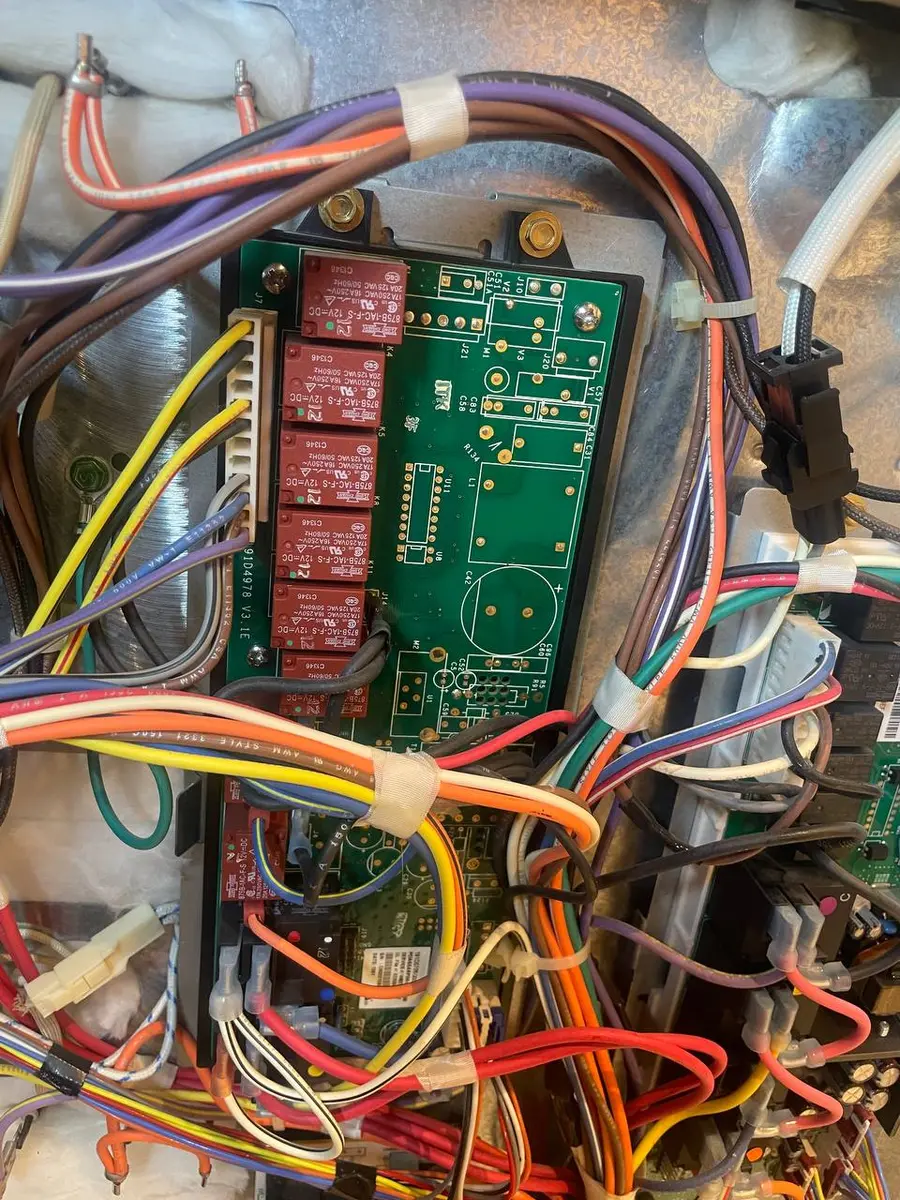
"Network not found" usually means your phone is on 5 GHz while the fridge scans 2.4 GHz — make a separate 2.4 GHz SSID. "Connection failed" after the password points to a too-long password or a WPA3-only network; try a simpler password temporarily. A fridge that connects then drops after 24 hours is a DHCP lease issue — set a 72-hour lease or a static IP. But if the fridge never enters pairing at all — no Wi-Fi LED activity after the button press — the Wi-Fi module or control board may have failed, and that's a technician's part rather than a settings fix. Cooling, ice, and water all work regardless.
Frequently Asked Questions#
Can I connect a smart refrigerator to a mobile hotspot?#
Technically yes, but it's not recommended — the fridge needs a constant connection for notifications and monitoring, and a hotspot drains battery and drops that persistent link.
Does a smart refrigerator need Wi-Fi to work?#
No. Cooling, temperature control, ice, and water all work without it. Wi-Fi only adds remote monitoring, alerts, the camera, and grocery features.
Why does my smart refrigerator keep disconnecting?#
Usually band steering pushing it to 5 GHz, DHCP lease expiration (set 72+ hours), or a weak signal through the metal body — move the router closer or add a mesh node.
The Real Cost of DIY
Average DIY attempt: $150-400 in tools you may use once, plus the risk of further damage. Our diagnostic visit costs $0 — we find the problem and give you an honest quote.
Licensed & Insured · 90-Day Warranty · Same-Day Service
The bottom line#
Smart-fridge setup comes down to one network fact and a short checklist. The fact: every brand needs a 2.4 GHz WPA2 network, so a dual-band router steering the fridge onto 5 GHz is the failure you will hit most, and a dedicated 2.4 GHz SSID removes it. The checklist: confirm the band and security, keep the password reasonable, put the router within range with the fridge, and make sure the internet is up so the appliance can reach its cloud during pairing. Get those right and setup takes minutes across Samsung, LG, GE, and Whirlpool. A fridge that drops after a day is a DHCP lease issue you fix with a reservation, not a fault. Genuine hardware — no Wi-Fi LED at all after the button press — is the rare exception, and even then the cooling, ice, and water keep working while you arrange the repair.
No Wi-Fi LED at all after the button press? Book a free diagnostic — we test the Wi-Fi module and control board before ordering, and handle traditional repairs too.
Senior Appliance Repair Technician · 15 years experience
EPA-certified technician with 15 years of experience specializing in refrigerator and cooling system repairs.