LG ThinQ smart refrigerators (LRMVS3006S, LRFXS2503S, LRFVC2406S series) display ER-nW or the ThinQ app shows "Network Error" when the refrigerator cannot obtain a DHCP lease (IP address assignment) from the router. The Wi-Fi radio is connected to the router, but without an IP address, the refrigerator cannot communicate with the ThinQ cloud.
What ER-nW Means in Plain Language#
Every device on a Wi-Fi network needs an IP address to communicate. Your router assigns IP addresses automatically through DHCP (Dynamic Host Configuration Protocol). ER-nW means the router either (a) refused to assign an address to the refrigerator, (b) assigned an address that conflicts with another device, or (c) the DHCP lease expired and the router did not renew it. The refrigerator's Wi-Fi radio is working and connected to the router at the radio level, but without an IP address, it is like having a phone with no phone number — connected to the tower but unable to make calls.
Do You Have the Right Tools?
Refrigerant gauges ($200+), vacuum pump ($250), leak detector ($150), and EPA-certified recovery equipment. Our technician arrives with $3,000+ in professional tools — your diagnostic is free.
Licensed & Insured · 90-Day Warranty · Same-Day Service
Is This a Smart-Feature Issue or a Hardware Issue?#
ER-nW is a network configuration issue, not a hardware failure. The Wi-Fi module is working correctly — it authenticated with the router and established a radio link. The problem is in the router's DHCP server or in the network configuration.
Step-by-Step Reset Procedure for LG ThinQ#
Step 1: Power cycle the router and refrigerator Unplug your router for 60 seconds, then plug it back in. Wait for the router to fully boot (2-3 minutes). Then power-cycle the refrigerator by unplugging for 2 minutes. This clears both the router's DHCP lease table and the refrigerator's network state, forcing a fresh DHCP negotiation.
Step 2: Check the router's connected device count Log into your router admin panel (typically 192.168.1.1 or 192.168.0.1). Check how many devices are connected. Consumer routers support 15-30 simultaneous DHCP clients. If you have many smart home devices, phones, tablets, and computers, you may be at the DHCP limit. Remove or forget unused devices from the router.
Step 3: Increase the DHCP address pool In your router's DHCP settings, check the address range. Default is often 192.168.1.100 to 192.168.1.150 — only 50 addresses. If you have 45+ devices, increase the range to 192.168.1.2 through 192.168.1.250 (248 addresses). This provides ample room for all devices.
Step 4: Create a DHCP reservation Assign a static IP to the refrigerator's MAC address in your router settings. Find the MAC address in the ThinQ app (Device → Settings → Network Info) or on a sticker inside the refrigerator door frame. Creating a reservation guarantees the refrigerator always receives the same IP address and prevents lease conflicts or expiration issues.
Step 5: Check for IP address conflicts If another device has the same IP as the refrigerator (manually assigned or from a different DHCP server on the network), both devices will experience intermittent connectivity. Use your router's DHCP client list to verify no two devices share an IP.
Step 6: Re-pair the refrigerator If ER-nW persists: on the refrigerator, press and hold the Refrigerator Temperature and Ice Plus buttons for 5 seconds to reset the Wi-Fi module. Re-pair through ThinQ: Add Device → Refrigerator → follow the setup flow. This forces a completely fresh network configuration.
Safety First — Know the Risks
Refrigerant (R-134a/R-600a) requires EPA certification to handle. Improper discharge is a federal violation and health hazard. Our techs are licensed and insured — let them handle the risk.
Licensed & Insured · 90-Day Warranty · Same-Day Service
When the Wi-Fi Module or Control Board Needs Replacement#
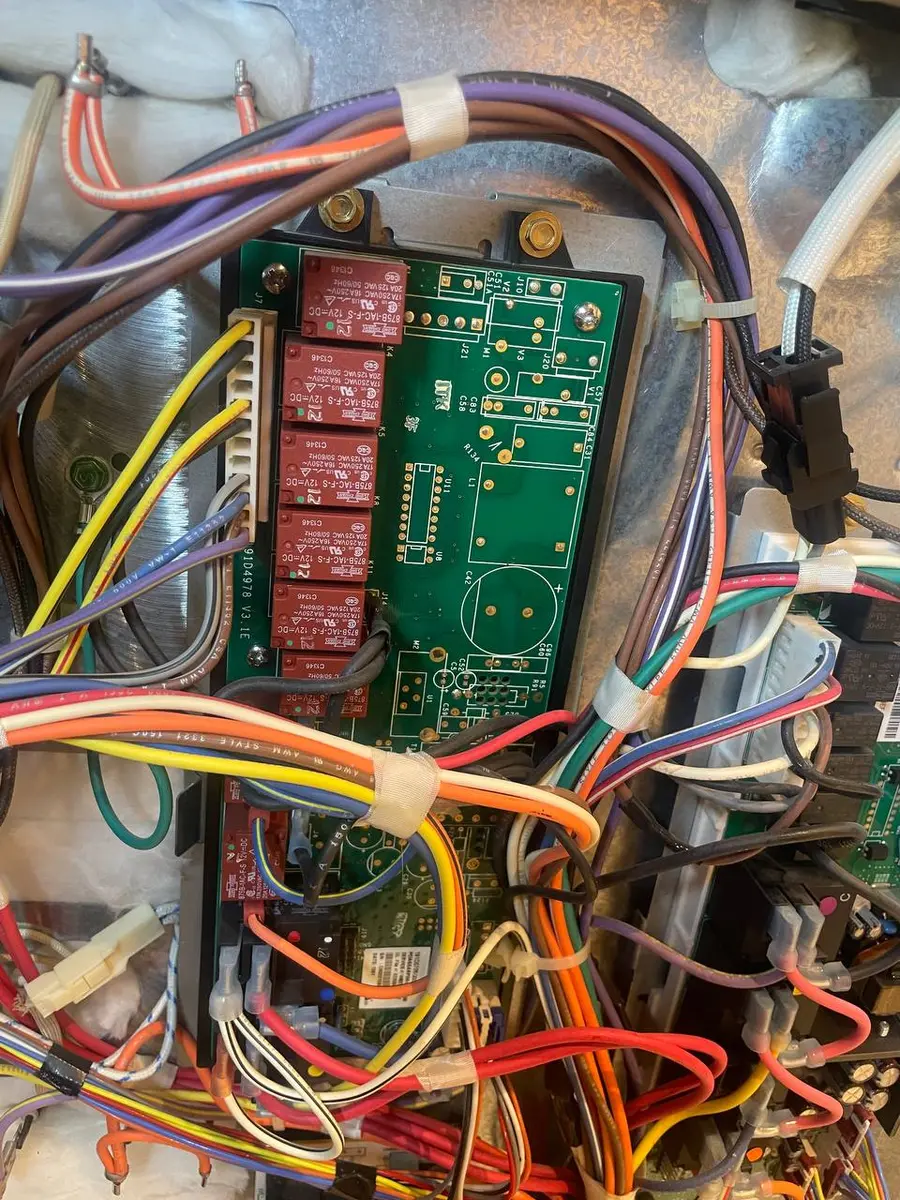
ER-nW is almost never a hardware issue. If all network troubleshooting fails (router rebooted, DHCP range expanded, static IP assigned, re-paired), the Wi-Fi module's network stack firmware may be corrupted. On LG refrigerators, Wi-Fi is integrated into the main control board (EBR83845001). A firmware re-flash through LG's service tool may resolve the issue without board replacement. Board replacement is a last resort.
Cost Comparison: Smart Component Repair vs Traditional Equivalent | Action | Traditional LG | Smart LG | Difference |#
The vast majority (>90%) of ER-nW cases are resolved through router configuration at zero parts cost.
The Real Cost of DIY
Average DIY attempt: $150-400 in tools you may use once, plus the risk of further damage. Our diagnostic visit costs $0 — we find the problem and give you an honest quote.
Licensed & Insured · 90-Day Warranty · Same-Day Service
How Can You Prevent This?#
Create a DHCP reservation for all smart appliances when you first set them up. Use a 24-hour or longer DHCP lease time on your router. Keep your router firmware updated — router bugs can cause DHCP issues with IoT devices. If you change your Wi-Fi password, remember to re-pair all smart appliances. Consider a mesh Wi-Fi system if you have 20+ connected devices — mesh systems handle large numbers of DHCP clients more reliably than single routers.
Frequently Asked Questions#
Q: Why does my LG fridge show online then offline repeatedly? A: This pattern typically indicates DHCP lease expiration and renewal cycling. The refrigerator loses its IP when the lease expires, reconnects when it gets a new lease, then loses it again. Create a static DHCP reservation to eliminate this cycle.
Q: Does ER-nW mean my Wi-Fi password is wrong? A: No. If the password were wrong, the refrigerator could not authenticate with the router at all and would show a different error (typically "Unable to connect to network"). ER-nW means authentication succeeded but IP address assignment failed.
Q: Can I use the refrigerator normally with ER-nW? A: Yes. All refrigeration functions work normally. Only ThinQ smart features (temperature monitoring, filter alerts, diagnostics) are affected. The refrigerator cools, makes ice, and dispenses water regardless of network status.
Our repair data reinforces this point — the main control board (ebr83845001)..
LG smart fridge network issues? Our technicians configure Wi-Fi modules and troubleshoot connectivity across all LG models. Book a free diagnostic
Senior Appliance Repair Technician · 15 years experience
EPA-certified technician with 15 years of experience specializing in refrigerator and cooling system repairs.