Smart Dishwasher Wi-Fi Setup: The Easy One
Smart dishwashers are the easiest appliance to connect — they're stationary, near the kitchen router, and generate little interference, so setup over 2.4 GHz takes about 5 to 10 minutes. The one quirk to know is that Bosch uses Wi-Fi Direct instead of Bluetooth.
Why dishwashers connect reliably#
Unlike dryers and ovens, dishwashers sit still near kitchen routers and produce minimal electromagnetic interference during a cycle, so their Wi-Fi is the most stable of any smart appliance. That means most setup issues here are simple — a door left open during registration or an active cycle blocking pairing — rather than the signal battles you fight with a garage dryer.
Pairing by brand#
Samsung: open the door, hold Sanitize and Dry together 3 seconds until the icon blinks, add the device in SmartThings, pick your 2.4 GHz network, then close the door for cloud registration. LG: hold Rinse and Spray 3 seconds, then scan the QR inside the door frame in ThinQ. GE: hold the Wi-Fi button (or Start and Select together on models without one) 3 seconds, then scan in SmartHQ. Whirlpool: hold Wi-Fi 5 seconds, then add a [Dishwasher](/blog/repair-or-replace-dishwasher) in the app. Bosch is different — see below.
Do You Have the Right Tools?
Water pressure gauge ($60), spray arm tester, float switch multimeter ($85), and drain inspection camera. Our technician arrives with $3,000+ in professional tools — your diagnostic is free.
Licensed & Insured · 90-Day Warranty · Same-Day Service
The Bosch Wi-Fi Direct difference#
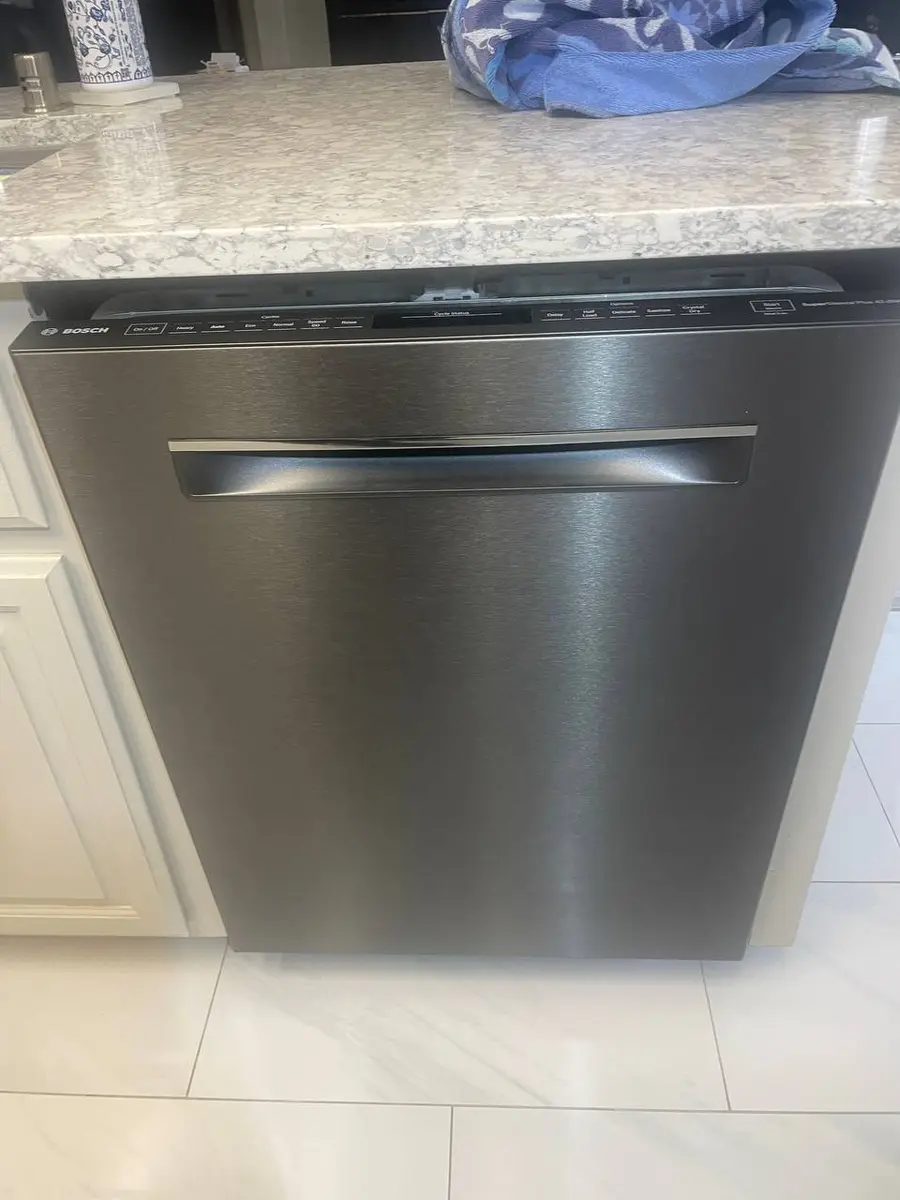
Bosch Home Connect uses Wi-Fi Direct, not Bluetooth: open the door, hold Start 3 seconds until Con appears, then in Home Connect add a Dishwasher. Your phone joins the dishwasher's temporary network (named HomeConnect followed by digits) to transfer your home Wi-Fi credentials, so you temporarily disconnect from your home network during setup — which is normal, and your phone reconnects afterward. That temporary network only broadcasts for about 5 minutes, so re-press Start for 3 seconds if it disappears.
Troubleshooting setup#
Close the door during cloud registration — some dishwashers pause it with the door open. Wait for any active cycle to finish, since most block pairing mid-cycle. An "already registered" error clears with a Wi-Fi module reset — power off at the breaker for 60 seconds, then re-enter pairing mode. And if the Bosch temporary network never appears, its 5-minute broadcast has expired, so restart it.
Safety First — Know the Risks
Live 120V wiring in a wet environment is one of the most dangerous DIY scenarios. Water + electricity = serious shock risk. Our techs are licensed and insured — let them handle the risk.
Licensed & Insured · 90-Day Warranty · Same-Day Service
When it really is the hardware#
Dishwasher Wi-Fi modules rarely fail because the control board sits away from major heat, so hardware is the least likely cause here. If the module does fail, replacement varies by model, and integrated or panel-ready units add labor because the custom panel must come off. Everything short of that is settings, and the wash cycles run fine with no Wi-Fi at all — connectivity only adds notifications, remote start, and error explanations.
Frequently Asked Questions#
Can I start my smart dishwasher remotely?#
Yes, with a safety step: load it and press Remote Enable on the panel first, which confirms the door is closed and the machine is loaded. After that you can start cycles from the app.
Will it notify me when the cycle is done?#
Yes. All smart dishwashers send cycle-complete push notifications, and some also alert for rinse aid and detergent. Enable notifications in both the app and your phone settings.
Why does Bosch use Wi-Fi Direct instead of Bluetooth?#
Because it supports older models that predate Bluetooth LE provisioning. It's equally reliable but requires temporarily switching your phone's Wi-Fi to the dishwasher's network during setup.
The Real Cost of DIY
Average DIY attempt: $150-400 in tools you may use once, plus the risk of further damage. Our diagnostic visit costs $0 — we find the problem and give you an honest quote.
Licensed & Insured · 90-Day Warranty · Same-Day Service
The bottom line#
Of all the smart appliances, the dishwasher is the one to relax about. Sitting still near the kitchen router and generating little interference, its Wi-Fi is the most stable in the house, and its module is the least likely to fail because the control board stays away from major heat. That means most setup snags here are trivial — a door left open during registration, an active cycle blocking pairing, or the Bosch Wi-Fi Direct quirk of joining the dishwasher's temporary network for a few minutes. Learn the one brand difference (Bosch uses Wi-Fi Direct, not Bluetooth) and the steps are quick across every make. Hardware is the rare exception, and even then the wash cycles run fine with no Wi-Fi at all — connectivity only adds notifications, remote start, and plain-language error explanations on top.
Module truly failed to pair after a reset? Book a free diagnostic — we confirm the board before ordering and repair traditional dishwasher faults too.
Appliance Repair Technician · 8 years experience
Experienced technician with 8 years specializing in dishwasher repairs and European appliance brands including Bosch and Thermador.