What is the LG Microwave F3 error?#
The F3 code on an LG microwave — occasionally written F-3 — means the panel has a key registering as held down, so it beeps or triggers itself and will not accept a cook time. There is nothing dangerous about it, because the oven simply refuses to run, but you cannot use it until the key releases. Pulling the plug for a few minutes is the right first move: the board reinitialises its touch matrix and lets go of a briefly latched key.
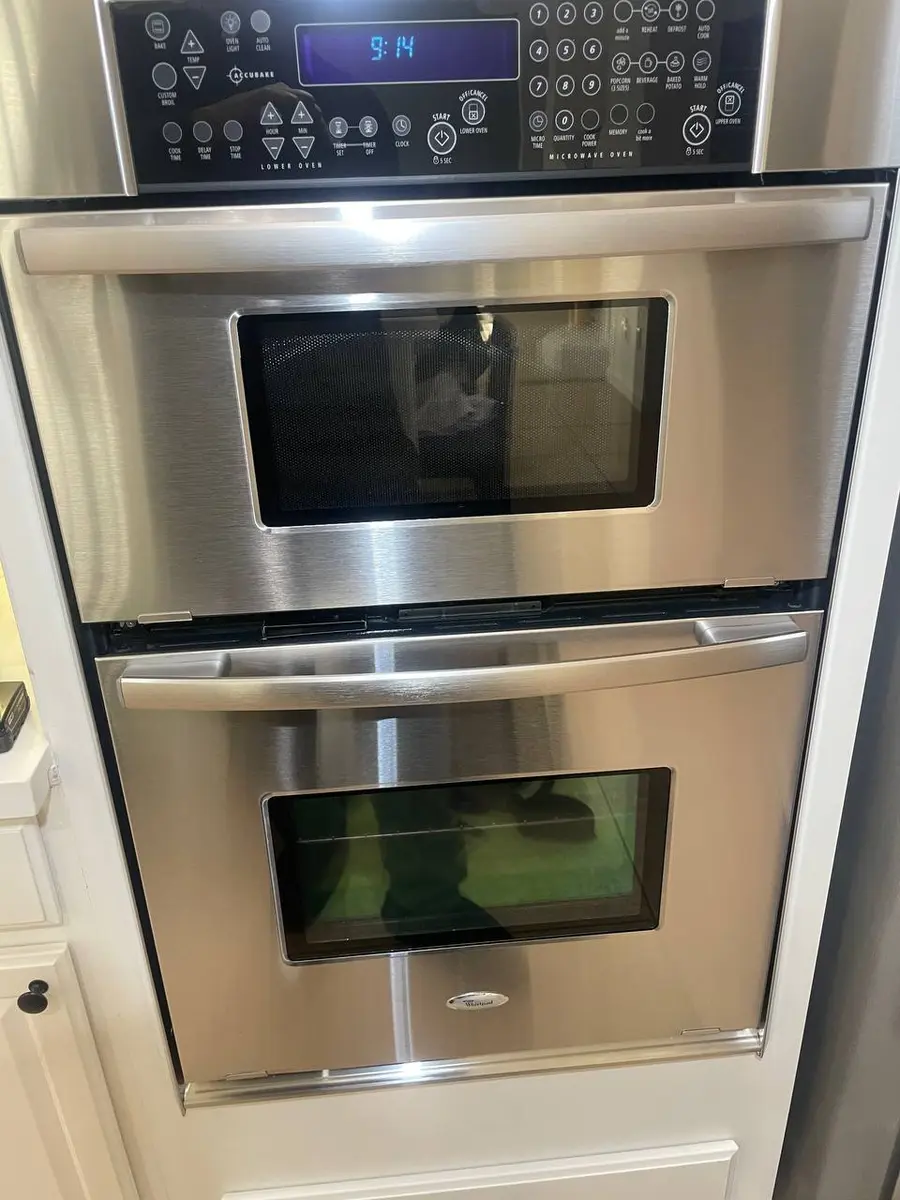
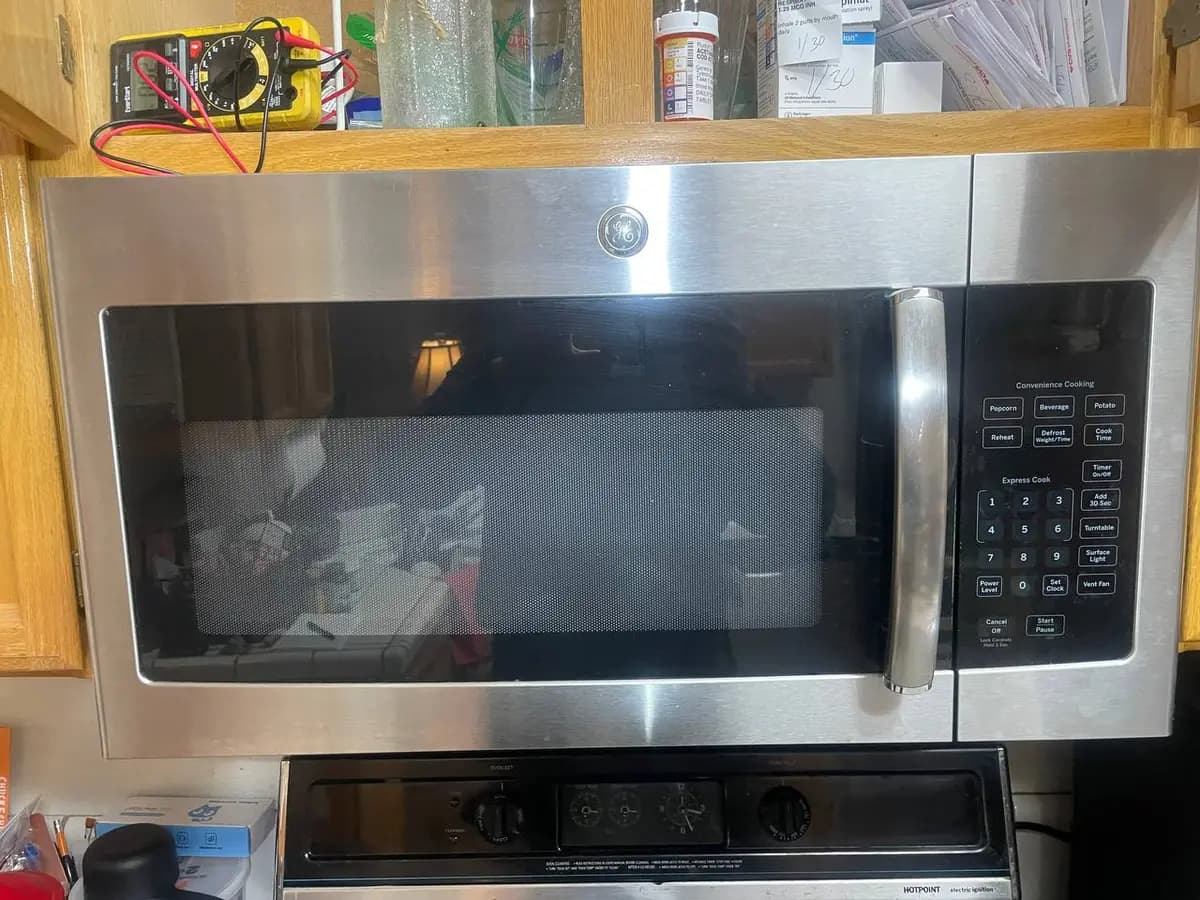
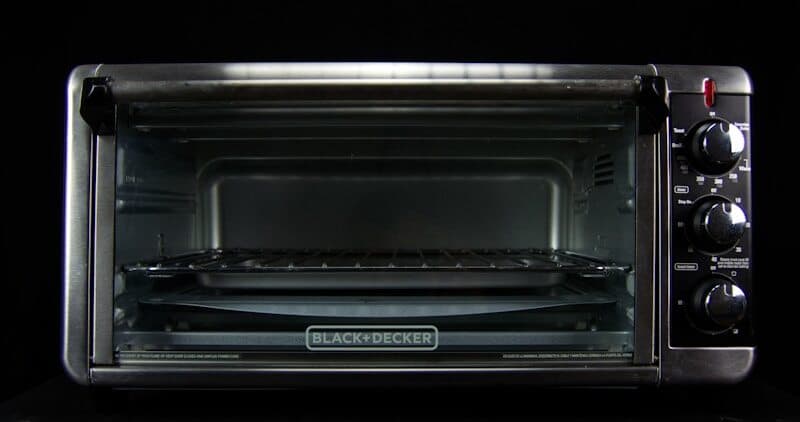
What that reset cannot tell you is whether the key will come back, and the strongest predictor of that is not the microwave at all — it is where the microwave is installed. An over-the-range unit sits directly in the steam rising off the hob below it, and moisture wicking under the touch membrane produces exactly this code, comes and goes with your cooking, and involves nothing failing at all. A countertop unit has no such steam path, so the same code there means something in the panel has genuinely gone. Two installations, one code, two different conversations.
Where does yours live, and when does F3 appear?#
Two facts you already have: whether the microwave is mounted over a hob or standing on a counter, and what was happening when the code arrived.
| Installation, and when the code shows | What it points at | What it rules out |
|---|---|---|
| Over the range; F3 appears during or after cooking below, and clears once things dry out | Steam wicking under the touch membrane — nothing has failed | A dead panel; a failed panel does not recover on a dry afternoon |
| Over the range; F3 stands permanently and has no relationship to what is cooking below | A genuine panel or ribbon fault that the location merely accelerated | The moisture explanation, which has now been tested by time |
| Countertop unit, F3 at all | The touch panel itself — there is no steam path here to blame | Moisture as a cause; this installation does not sit in one |
| The code clears on an unplug and comes back some time later | A key failing intermittently rather than a board fault | A permanently shorted key, which would return immediately |
| The code returns the instant power is restored, every single time | A key held permanently, or the board's key-scan circuit | An intermittent; this one never lets go |
| Most pads work normally and one is dead, slow, or needs a harder press | That key, which is the whole fault | A ribbon or board problem, both of which affect more than one key |
Row one is the reason to wait before spending anything on an over-the-range unit. Row three is the reason not to wait on a countertop one: there is no drying-out story available, and time will not improve it.
Where these rows come from: the four causes ranked in the table above — a stuck touch key, moisture or grease under the panel, a ribbon-cable fault, and a failed key-scan circuit — crossed with the field note's own observation that a range-hood installation puts the panel in the steam path while a countertop unit showing this code has a genuinely failed panel. The intermittent-versus-permanent split is the page's own reset step read for what it tells you rather than for what it fixes. The likelihood words in that table rank the four causes and name no sample; no share is stated here.
Do You Have the Right Tools?
High-voltage capacitor discharge tool ($90), magnetron tester ($200), microwave leakage detector ($150). Our technician arrives with $3,000+ in professional tools — your diagnostic is free.
Licensed & Insured · 90-Day Warranty · Same-Day Service
F3 on a LG Microwave: likely causes and repair cost#
On a LG Microwave, the F3 code signals: touch keypad / control panel error — a key reads as held.
| Likely cause | Typical likelihood |
|---|---|
| A stuck touch key on the control panel | Most common |
| Moisture or grease under the touch panel | Common |
| Ribbon cable fault between the touchpad and the main board | Less common |
| Failed key-scan circuit on the control board | Occasional |
Typical professional repair: $120–$250 · Difficulty: moderate · often owner-fixable
Fastest thing to try first: Unplug the microwave for a few minutes to clear a transient key error.
Symptoms that often accompany F3: Keypad unresponsive or self-triggering; Continuous beeping from the panel; Display shows F3 after a key press; Microwave will not accept a cook time
Technician diagnostic sequence for F3:
- Disconnect power for several minutes so the LG control board re-initialises the touch matrix and drops a momentarily latched key
- Press every pad in sequence and watch for one that stays active or responds slowly, since a single failing key holds F3 after power returns
- Remove the control-panel screws behind the door and check the flat ribbon cable at the board header for kinks or corrosion
- Reseat the ribbon and clean grease or moisture from the rear of the touch membrane, because a conductive film across the traces reads as a pressed key
- Replace the touch control panel if F3 persists with the ribbon clean and firmly seated
Parts a technician may check or replace: Touch control panel; Control panel ribbon cable; Main control board
Field note: On LG over-the-range microwaves the touch panel sits in the steam path above the range, so a recurring F3 usually traces to moisture wicking under the membrane — a countertop NeoChef that shows F3 more often has a genuinely failed touch panel.
How to troubleshoot the F3 error yourself#
Start with a complete power cut of several minutes, long enough for the board to reinitialise its touch matrix and release a key that was only momentarily latched. Pulling the plug is better than the breaker here, because you want to be certain the board has actually lost power rather than dropped into a standby state.
When power returns, do not just check whether F3 is gone — walk the whole keypad. Press every pad in sequence and watch for one that lags, stays lit, or needs a firmer press than its neighbours. A single failing key holds this code alive after every reset, and finding which one it is turns a vague panel complaint into a specific part.
Then, before anything else, note what you were doing when it appeared. If the microwave is mounted over a hob and F3 turned up while something was boiling underneath, the most likely answer costs nothing: leave the extractor running, give it a few hours to dry out, and see whether the code goes on its own. That is not a repair, it is evaporation, and it is the commonest outcome on a range-hood installation.
If you are comfortable behind the door, the console screws come out and the flat ribbon between the touchpad and the board can be inspected for kinks and corrosion, reseated, and the rear of the membrane cleaned of grease or condensation — a conductive film across the traces reads as a pressed key. Beyond that, a code that persists with a clean, firmly seated ribbon means the touch panel itself, and on a range-hood model that work sits close to live high-voltage components.
Safety First — Know the Risks
Microwave capacitors store lethal voltage (4,000V+) even when unplugged. This is the single most dangerous DIY appliance repair. Our techs are licensed and insured — let them handle the risk.
Licensed & Insured · 90-Day Warranty · Same-Day Service
Is the LG Microwave F3 error worth fixing?#
An F3 fix is often free, because a plain unplug clears the fleeting version and a quick dry behind the membrane handles a moisture trip. Should the panel genuinely die, a technician will usually charge in the neighbourhood of $120–$250 to fit a new one. That outlay reads as sensible on any wall-mounted or over-range LG, where replacing the appliance outright runs much higher. Only on a low-cost freestanding oven does the math tighten, since the panel alone can cost close to a fresh unit — at that point a new microwave may serve you better.
LG Microwave F3: frequently asked questions#
What does the F3 error mean on a LG Microwave?#
Written F3 or F-3, it tells you the panel sees a key as held. The oven beeps or acts on its own and rejects a cook time because it believes a button is stuck under a finger.
Is it safe to keep using a LG Microwave that shows the F3 error?#
No hazard arises, as the oven will not heat while a key reads as pressed. It is simply out of action until the key frees, so there is nothing to gain by ignoring the code.
Can I clear the F3 error myself, or do I need a technician?#
Commonly yourself. A few minutes unplugged, a hunt for the lagging key, and a wipe of moisture from behind the pad resolve the majority. A panel that has failed calls for a professional swap.
How much does it cost to repair the F3 error on a LG Microwave?#
A reset is free. When the touch panel must be replaced, plan on roughly $120 to $250 covering the part and the technician's time.
Which parts usually fail when a microwave throws the F3 code?#
The touch control panel leads the list, now and then paired with a bad ribbon to the board. Frequently, though, the culprit is dampness or grease beneath the membrane instead of a dead part.
Is a LG Microwave with the F3 error worth repairing?#
On a fitted or over-range unit, yes — a $120–$250 panel job undercuts a full appliance swap. For a cheap freestanding model on its last legs, buying new can be the better call.
Why does moisture under the touch panel trigger the F3 error?#
A range-mounted oven's pad lives in the rising steam. Water seeping under the membrane joins the printed traces, the board reads that bridge as a finger, and it posts F3 to flag the phantom press.
Senior Gas Appliance Specialist · 18 years experience
AGA-certified gas appliance specialist with 18 years of experience in residential and commercial oven, range, and cooktop repairs.