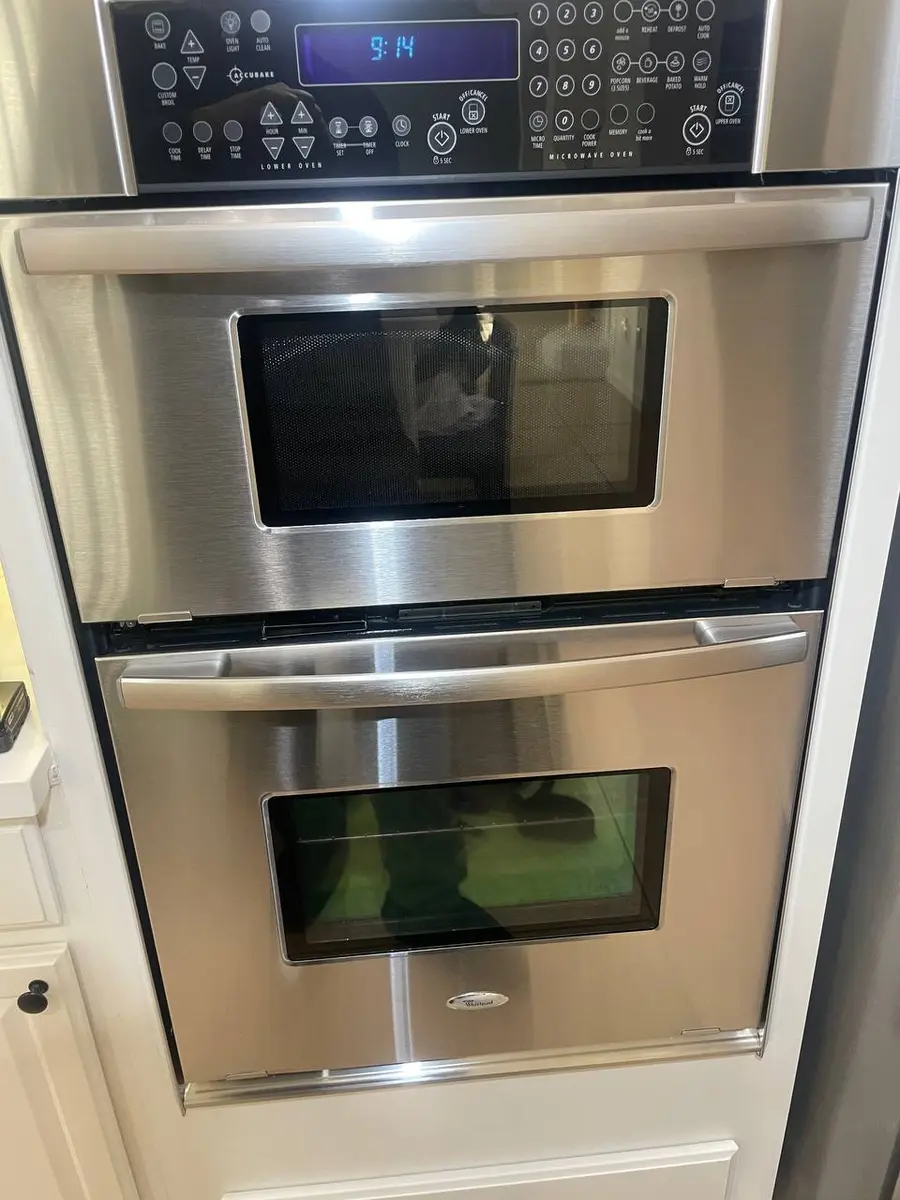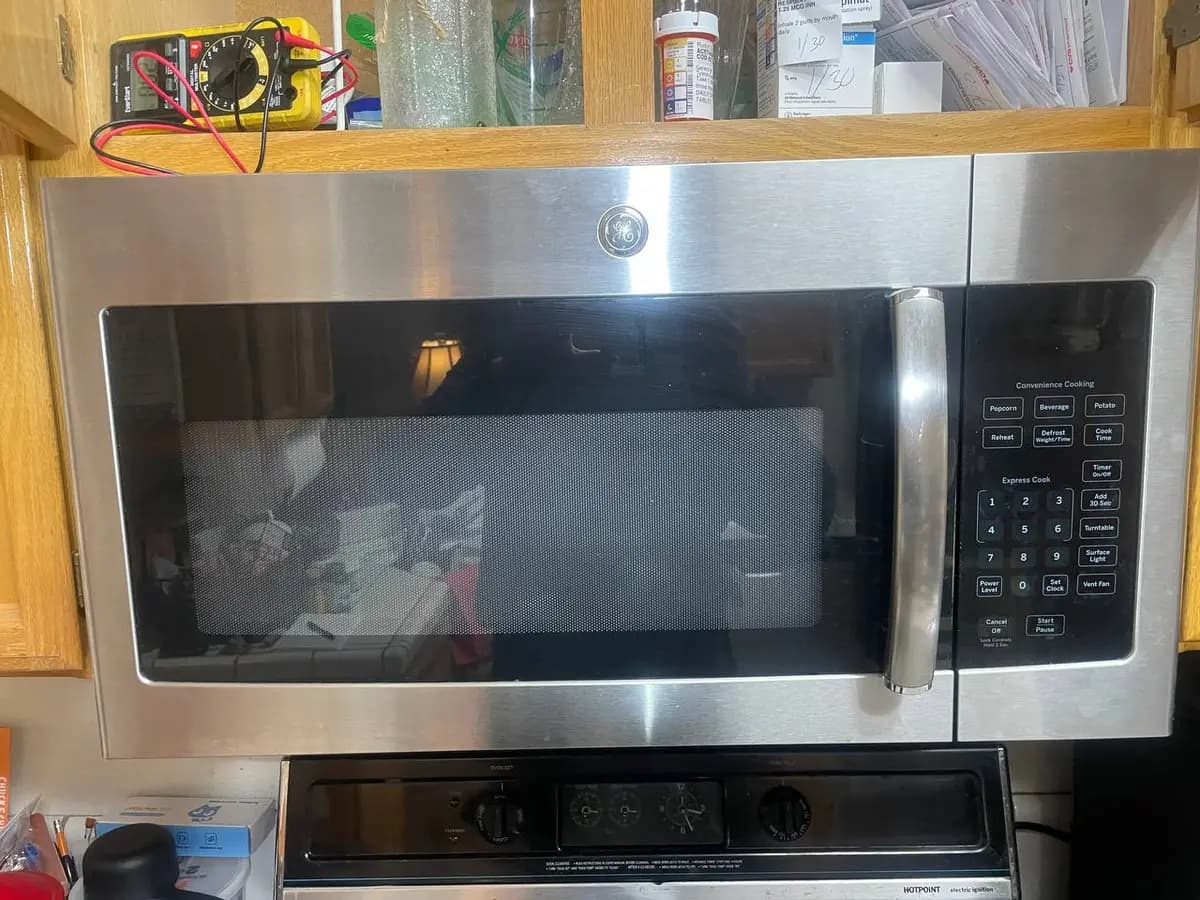
LG microwaves — including NeoChef countertop, Over-the-Range (OTR), and combination microwave/wall oven units — use sensors to monitor magnetron operation, door position, cavity temperature, and humidity levels. When a sensor reading is abnormal or a safety condition is detected, the microwave displays an error code on the control panel. This guide covers the common LG microwave error codes with safety considerations and repair procedures.
How LG microwave error codes work
LG microwaves display error codes as letter-number combinations on the digital display. Some codes appear immediately on power-up (indicating a hardware fault), while others appear during cooking (indicating a sensor or safety trigger). Microwave error codes are safety-critical because the magnetron operates at extremely high voltage. Never attempt repairs beyond basic door, turntable, and control panel issues without professional training.
Before troubleshooting:
- Press the Stop/Clear button to dismiss the error.
- Unplug the microwave (or flip the breaker for OTR and built-in models) for 60 seconds.
- Plug back in and attempt a 1-minute cook cycle with a microwave-safe cup of water inside.
If the error returns, proceed with the specific code troubleshooting below. If the error code involves the magnetron, inverter, or high-voltage components — call a professional.
F1 — oven cavity thermistor open / short
The temperature sensor inside the microwave cavity is reading an abnormal value — either open circuit or shorted.
Common causes:
- Cavity thermistor failure from steam and food splash exposure
- Wire harness connector corroded from moisture and cooking vapors
- Control board ADC input failure
- Thermistor mounting dislodged from the cavity wall
How to fix:
- Run the reset under Before troubleshooting and check whether F1 returns.
- If F1 persists, the cavity thermistor, its two-wire harness or the main control board has failed. All three sit behind the outer casing, next to the high-voltage capacitor, which can hold a lethal charge even when the microwave is unplugged — owners never open a microwave cabinet, so testing them is a technician's job.
- A technician measures the thermistor's resistance against the value on the model's tech sheet and checks the harness connector for corrosion from cooking vapors; if the thermistor reads within spec, the main control board ADC circuit may have failed.
F2 — humidity sensor error
The humidity sensor (used for Auto Cook and Sensor Reheat functions) is not reading moisture levels correctly.
Common causes:
- Humidity sensor element coated with grease film from cooking without a cover
- Sensor wire harness damaged by heat
- Sensor mounting shifted from cavity wall
- Heavy grease accumulation on the cavity interior deflecting moisture readings
How to fix:
- Clean the interior of the microwave cavity thoroughly with a mild degreaser. Grease film on the cavity walls and sensor window affects humidity readings.
- Locate the humidity sensor — typically mounted on the top or upper side wall of the cavity behind a small vent opening.
- Clean the sensor window or element with isopropyl alcohol and a lint-free cloth.
- If cleaning does not resolve F2, the sensor itself needs testing. It is wired inside the cabinet, which owners never open, so that is a technician's job.
- Auto Cook and Sensor Reheat rely on accurate humidity readings. If the sensor is failed, these functions will over- or under-cook, but manual time/power cooking still works normally.
F3 — keypad / touch panel short
The control board detects a continuously pressed key on the membrane keypad or touch panel.
Common causes:
- Membrane keypad short from steam infiltration
- Touch panel overlay delaminating from the control board
- Ribbon cable connector corroded between keypad and board
- Control board input multiplexer failure
How to fix:
- Unplug the microwave for 5 minutes. Membrane shorts from moisture sometimes clear after drying out.
- If the error returns, inspect the keypad surface for bubbling, peeling, or visible moisture underneath.
- On Over-the-Range models, steam from the cooktop below rises directly past the control panel. Ensure the OTR vent is functioning and directing steam out of the kitchen, not recirculating it across the control panel.
- If F3 persists, either the keypad or the control board has failed. Telling them apart means disconnecting the keypad ribbon inside the unit and powering it up — a technician's job, because owners never open a microwave cabinet.
F4 — door sensing error
The microwave cannot confirm proper door closure through its multi-switch door interlock system. Microwaves use several interlock switches as a safety system — if any switch fails, the unit will not operate.
Common causes:
- Door interlock switch failure
- Door latch worn or bent
- Door spring weakened, not pulling the latch into full engagement
- Door hinge sagging on Over-the-Range models from weight
- Micro-switch actuator broken inside the door latch assembly
How to fix:
- Close the door firmly and listen for a positive click. If the door feels loose or does not click, the latch or catch is worn.
- Inspect the door seal for food debris or warping that prevents full closure.
- Open the door and examine the latch hooks — the plastic hooks that engage switches in the frame. If any hook is cracked or bent, it will not fully actuate the corresponding switch.
- On OTR models, the door may sag over time from hinge wear. Check if the door hangs lower on one side — a sagging door misaligns the latch hooks with the switches.
- Testing door switches requires unplugging the microwave and discharging the high-voltage capacitor — this step is only for trained technicians.
F5 — inverter board error
The inverter power supply board that feeds the magnetron has malfunctioned. LG NeoChef and Smart Inverter models use an inverter circuit instead of a traditional transformer for more precise power control.
Common causes:
- Inverter board IGBT transistor failure
- Thermal shutdown from blocked ventilation
- Input capacitor failure from power line surges
- Magnetron drawing excessive current due to aging
How to fix:
- Unplug the microwave and wait 5 minutes. Inverter thermal shutdown from blocked vents sometimes clears after cooling.
- Check that the ventilation openings (top, sides, or rear depending on model) are not blocked by cabinets, walls, or objects stored on top of the microwave.
- If F5 persists after cooling, the inverter board likely has a hardware failure. The inverter operates at lethal voltages — do not open the microwave casing.
- On NeoChef models, the inverter replaces the traditional heavy transformer. A failed inverter means zero heating — the turntable may still spin and the light may work, but no microwave energy is generated.
Rather have a pro handle it?
A vetted local technician can come out and diagnose your microwave at home.
F6 — magnetron error
The magnetron (the component that generates microwave energy) has failed or its operating parameters are outside safe limits.
Common causes:
- Magnetron end-of-life from age and heavy use
- Magnetron filament open circuit
- Magnetron running without a load (empty cavity operation damages the magnetron)
- High-voltage diode failure preventing proper magnetron drive voltage
- Waveguide cover damaged, allowing arcing
How to fix:
- If you hear a loud buzzing or humming during cooking but the food is not heating, the magnetron is likely failing.
- Check the waveguide cover (the small mica or plastic panel on the interior side wall or ceiling of the cavity). If it is burned, cracked, or has scorch marks, replace it before further use — a damaged waveguide cover causes arcing that can destroy the magnetron.
- Magnetron replacement requires discharging the high-voltage capacitor (which can hold a lethal charge even when unplugged), testing the high-voltage diode, and verifying the inverter/transformer output. This is a professional-only repair.
- Do not run the microwave empty. Even a 10-second empty run accelerates magnetron wear. Always place at least a cup of water inside if testing.
F7 — turntable motor error
The turntable motor is not rotating or the control board cannot detect rotation feedback.
Common causes:
- Turntable motor failure
- Turntable ring or guide roller misaligned or cracked, jamming the plate
- Food or debris under the turntable plate blocking rotation
- Motor coupling worn or broken between motor shaft and turntable drive
How to fix:
- Remove the turntable glass plate and the ring roller assembly underneath. Check for food, debris, or broken roller wheels.
- Clean the turntable drive coupling (the triangular hub in the center of the floor) and the motor shaft beneath it.
- Reassemble and test — the turntable should rotate smoothly.
- If the turntable still does not rotate, the motor has likely failed. It sits inside the cabinet, outside the cavity, so confirming and replacing it is a technician's job.
- A technician confirms the failure by checking the motor leads for supply voltage while the microwave runs — a live test owners should never attempt.
Additional LG microwave error codes
- F8 — Vent fan motor error (OTR models). The exhaust fan that vents cooktop steam is not running. Clean the grease filters on the underside; if the fan still does not run, have a technician check the fan motor and blade for grease buildup — they sit inside the cabinet.
- F9 — Door open during operation. The door interlock detected an open condition mid-cycle. Check the latch alignment and that nothing keeps the door from closing fully; testing the door switches is a technician's job (see F4). If the door was bumped open, the microwave stops immediately for safety.
- CL — Child Lock active. Not an error. Follow the child-lock steps in your owner's manual to deactivate it.
LG microwave diagnostic mode
-
Smart Diagnosis (Audio): Power on the microwave. Call LG support (1-800-243-0000) and follow the Smart Diagnosis steps for your model, which are also in the owner's manual. The unit transmits a diagnostic audio signal.
-
LG ThinQ App Diagnosis: On WiFi-enabled NeoChef models, open the ThinQ app, select the microwave, and tap Smart Diagnosis.
-
Manual Test: Some models have a component test mode for service; follow the procedure on your model's tech sheet.
Frequently asked questions
Q: My LG microwave runs but food is not heating. What error code should I look for? A: A microwave that runs (turntable spins, light is on) but does not heat typically has a magnetron, inverter, or high-voltage diode failure. You may see F5 or F6, but some models do not display a code for gradual magnetron degradation — they simply lose heating power over time. Test by heating a cup of water for 1 minute — it should be noticeably hot. If lukewarm, the microwave needs professional service.
Q: Is it safe to use my LG microwave if the waveguide cover is damaged? A: No. The waveguide cover (mica or plastic panel inside the cavity) protects the magnetron opening from food splatter. If it is burned, cracked, or has scorch marks, continued use causes arcing that can destroy the magnetron and potentially start a fire. Replacing the cover is quick, and it is one of the most important pieces of microwave maintenance.
Q: Why does my LG Over-the-Range microwave show F3 after heavy stovetop cooking? A: OTR microwaves are mounted directly above the cooktop. Steam and grease vapors rise past the control panel, infiltrating the membrane keypad and causing intermittent shorts (F3). Ensure the OTR vent fan is set to external exhaust rather than recirculate mode if your vent ducting supports it. Clean the underside grease filter monthly and wipe down the control panel after heavy stovetop cooking.
Q: Are LG microwave door switches safe to replace myself? A: Door switch replacement requires discharging the high-voltage capacitor inside the microwave, which can hold a lethal charge even when unplugged. While the switches themselves are simple parts, the safety risk of working inside a microwave makes this a professional repair unless you have specific microwave safety training. Never reach inside a microwave casing without first discharging the capacitor.
Q: My LG NeoChef microwave makes a buzzing sound but the turntable still spins. What is happening? A: A buzzing sound with a spinning turntable but no heating is the classic magnetron failure symptom. The high-voltage transformer (or inverter on Smart Inverter models) is energizing but the magnetron is not generating microwave energy. You may also notice the buzzing is louder than normal — this is the transformer straining. Stop using the microwave and schedule repair to prevent further component damage.
When to call a professional
Microwave repairs involving internal components are dangerous due to high voltage:
- F5/F6 — Inverter or magnetron failure — These components operate at lethal high voltage. The high-voltage capacitor retains a lethal charge even when the microwave is unplugged. Professional service only.
- F4 with suspected switch failure — While door switches are simple parts, accessing them requires opening the casing and working near the high-voltage capacitor.
- Arcing, sparking, or burning smell inside the cavity — Stop using immediately. Arcing can damage the magnetron, waveguide, and cavity coating. A technician must inspect for component damage before the microwave is safe to operate.
- F1 or F2 with no improvement after cleaning — If sensor errors persist after cleaning the cavity and sensor, the main control board or sensor wiring requires professional diagnosis.
- OTR models with persistent F3 — If keypad shorts recur after replacement, the ventilation path may need modification to redirect steam away from the control panel.
LG microwave showing an error code? EasyBear's certified technicians service all LG microwave models — NeoChef, Over-the-Range, countertop, and combination units. We offer free diagnostic visits and safely handle high-voltage microwave components. Every repair is covered by the Provider's 90-day parts and labor warranty, claimed through EasyBear. Schedule your free diagnosis today.