Samsung Smart Washer Error Code WiFi-E
A Wi-Fi error on a Samsung smart washer (WF45R, WF50A, WF53BB series) means the communication module cannot hold a connection to your network. The washer washes, rinses, spins, and drains normally — only smart features (remote start, cycle monitoring, SmartThings notifications) are affected. About 80% of the time it…
How to spot it#
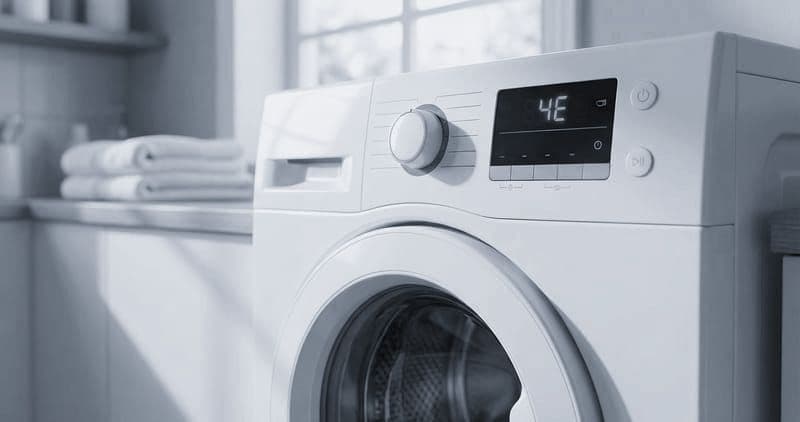
The Wi-Fi error shows as a Wi-Fi icon with an X or exclamation mark on the washer, the washer listed as "Disconnected" or "Check Connection" in SmartThings, and a grayed-out remote-start button in the app.
Common causes and fixes#
- 2.4 vs 5 GHz. Samsung washers use 2.4 GHz only. On a combined SSID with band steering, the washer may connect and then drop when pushed to 5 GHz — create a dedicated 2.4 GHz SSID or disable band steering for the washer's MAC.
- Weak range. Laundry rooms in basements, garages, or interior rooms have poor coverage, and the metal cabinet attenuates further — add a range extender or mesh node within about 15 feet.
- Standby disconnect bug (WF50A). Older WF50A firmware had a bug where the module dropped after 72-plus hours in standby and would not reconnect without a power cycle; a firmware update fixed it — update via SmartThings > Device > Settings > Firmware Update.
- Module failure (DC92-02393A). The WF50A and WF53BB use a separate Wi-Fi PCB; hardware-failure signs are finding no networks during setup, an icon that never lights, or drops that survive a factory reset. It sits behind the top control panel — about a 30-45 minute swap.
Do You Have the Right Tools?
Bearing puller set ($120), drum spider wrench ($85), multimeter ($85), and diagnostic software. Our technician arrives with $3,000+ in professional tools — your diagnostic is free.
Licensed & Insured · 90-Day Warranty · Same-Day Service
Smart or hardware?#
About 80% of Wi-Fi-error cases are router config (5 GHz, band steering), signal range, or firmware bugs. About 20% are an actual module failure. The washer's core functions are completely unaffected either way.
Module failure vs. network issue#
Network: the washer sees networks during the setup scan, connects but drops after hours or days, or the trouble began after a router change — these resolve with router config and firmware. Module: it finds no networks at all, the icon never lights, or the module runs hot through the panel — that is a replacement.
Safety First — Know the Risks
High-voltage components and pressurized water lines create flood and shock risk. A single loose fitting can cause thousands in water damage. Our techs are licensed and insured — let them handle the risk.
Licensed & Insured · 90-Day Warranty · Same-Day Service
Why Samsung's design is cheaper to fix#
It is worth calling out the architectural advantage, because it is the practical difference between a minor repair and a major one. Samsung keeps the Wi-Fi radio on its own small board, separate from the main control board that runs the wash logic. So when the radio fails, you replace just that inexpensive module — the washer's brains are untouched. LG, by contrast, integrates Wi-Fi into the main board, so an ordinary connectivity failure forces a full main-board replacement, which is dramatically more expensive for what is functionally the same fault. GE uses a separate adapter (WH22X29556) like Samsung, so it shares the cost advantage. If you are weighing smart washers and you care about repair cost, that separate-versus-integrated distinction matters more than any feature — a connectivity fault is common enough over a decade that the cheap-fix architecture pays off.
Prevent it#
Give smart appliances a dedicated 2.4 GHz SSID to dodge band steering, put a mesh node or extender within about 15 feet of the laundry room, keep the app and firmware updated, and after an outage confirm the washer reconnects within about ten minutes — power-cycle it if not.
The Real Cost of DIY
Average DIY attempt: $150-400 in tools you may use once, plus the risk of further damage. Our diagnostic visit costs $0 — we find the problem and give you an honest quote.
Licensed & Insured · 90-Day Warranty · Same-Day Service
Work it in the right order#
Because about 80% of Wi-Fi errors are network-side, work them cheapest-first before ever suspecting the module. Start by confirming the washer is on a genuine 2.4 GHz network — the most common single cause is a router that band-steered it onto 5 GHz. Next, check signal strength right at the washer; a laundry room behind a wall or in a basement often reads far weaker than the rest of the house, and the metal cabinet takes another bite. Then update the firmware, which clears the known standby-disconnect bug on older units. Only after all three — correct band, adequate signal, current firmware — should you consider a factory reset and re-pair, and only if that also fails does the module become the suspect. Following that order fixes the large majority of cases for free and reserves the paid module swap for the genuine 20% where the hardware has actually failed.
[Samsung washer](/blog/samsung-washer-dryer-combo-error-codes) showing a Wi-Fi error? Book a free diagnostic — our technicians handle both the connected side and the traditional repair.
Lead Appliance Repair Technician · 12 years experience
Experienced technician with 12 years specializing in washing machine and dryer repairs across all major brands.