What is the LG Refrigerator Er CO error?#
Er CO on an LG refrigerator is a communication error: the main control board and the display board have stopped talking to each other reliably. Cooling may still run, but you lose the ability to see or change settings, and the fault often flickers in and out, so it is worth diagnosing before it becomes permanent. The first thing I check is whether a single power cycle clears it, because a one-time comms glitch behaves very differently from a failing board or a chafed harness.
Er CO on a LG Refrigerator: likely causes and repair cost#
On a LG Refrigerator, the Er CO code signals: communication error.
| Likely cause | Typical likelihood |
|---|---|
| Main board failure | Most common |
| Wiring issue | Common |
Typical professional repair: $250–$450 · Difficulty: professional only · usually a technician job
Symptoms that often accompany Er CO: Display panel is blank or unresponsive; Temperature controls do not respond to button presses; Unit runs but cannot be adjusted; Error appears intermittently and clears after power cycle
Technician diagnostic sequence for Er CO:
- Perform a hard reset by unplugging the refrigerator for 10 minutes, then plug back in — this clears transient communication faults between the main PCB and display board
- Open the control panel housing (top of the unit or behind the fresh food door) and inspect the ribbon cable connecting the display board to the main control board
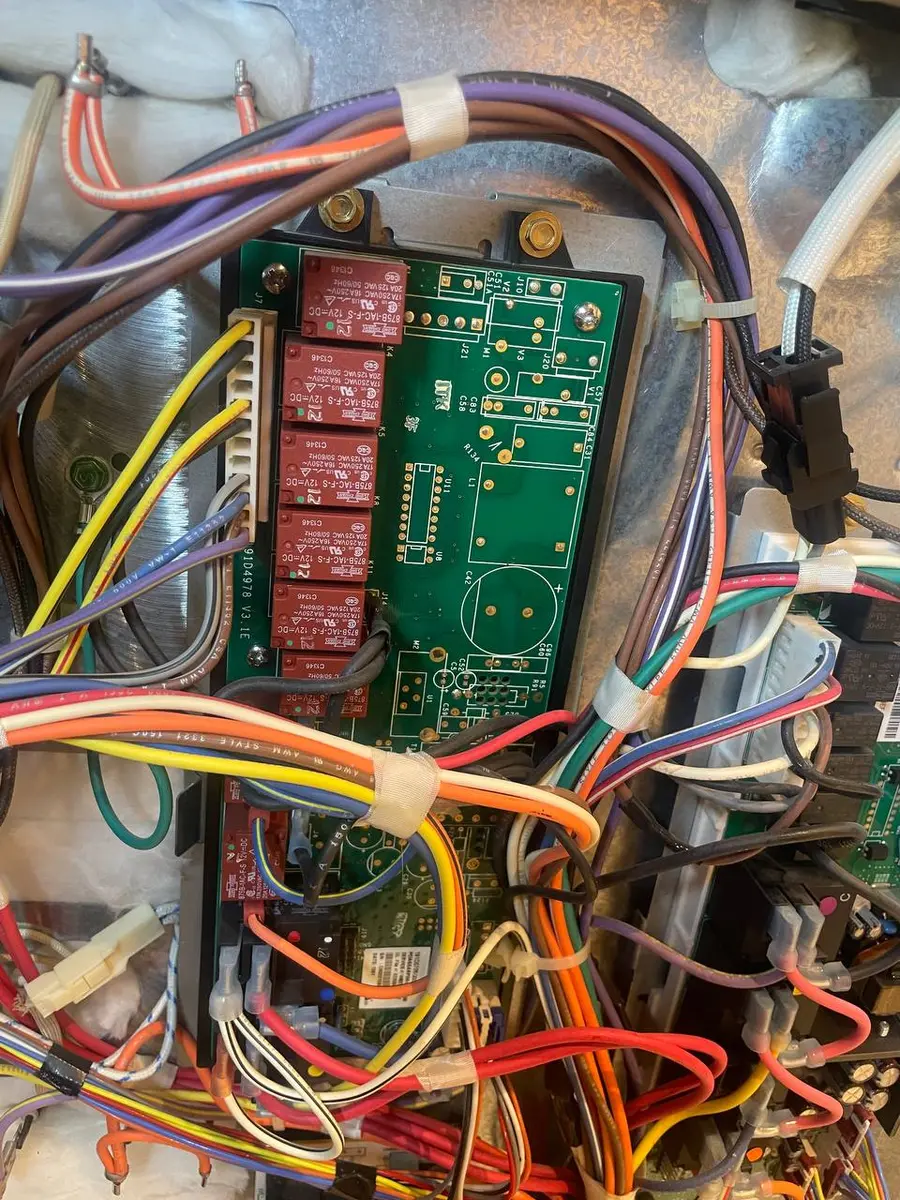
- Check the main control board (located at the rear bottom) for visible burn marks, swollen capacitors, or corroded solder joints
- Test voltage between the main board and display board communication pins — LG uses a serial data protocol requiring 5V DC reference
- If both boards appear intact, the wire harness routing through the door hinge area may have fractured from repeated opening — inspect for damaged insulation
Parts a technician may check or replace: Main Control Board; Display Control Board; Wire Harness Assembly
Do You Have the Right Tools?
Refrigerant gauges ($200+), vacuum pump ($250), leak detector ($150), and EPA-certified recovery equipment. Our technician arrives with $3,000+ in professional tools — your diagnostic is free.
Licensed & Insured · 90-Day Warranty · Same-Day Service
How to troubleshoot the Er CO error yourself#
There is a limited amount an owner can safely do with Er CO, and it starts with a clean power cycle. Unplug the refrigerator for a full ten minutes, then restore power and watch the display come back up — if Er CO clears and stays gone through a few door cycles, it was a transient fault. Make sure the display panel's ribbon and connectors are seated if you have easy access, and confirm the unit is on a solid outlet rather than a questionable extension cord, since dirty power can upset board-to-board communication. Beyond that, stop and call a technician. Er CO is rated professional-only for a reason: pinning down whether the main board, the display board, or the harness between them is at fault requires metering the communication lines and swapping boards methodically, and guessing wrong means paying for a part the fridge did not need.
Is the LG Refrigerator Er CO error worth fixing?#
Er CO sits at the higher end of LG fridge repairs, so the math deserves a look. A professional repair runs $250–$450, typically to replace the main control board or display board and reseat or renew the harness between them. That is still short of half the price of a comparable new LG refrigerator, so on a newer or higher-end unit I recommend fixing it. Where I hesitate is an older fridge already showing other symptoms: once a board replacement approaches half the cost of a new machine and the compressor or sealed system is aging, replacement becomes the smarter spend.
Safety First — Know the Risks
Refrigerant (R-134a/R-600a) requires EPA certification to handle. Improper discharge is a federal violation and health hazard. Our techs are licensed and insured — let them handle the risk.
Licensed & Insured · 90-Day Warranty · Same-Day Service
LG Refrigerator Er CO: frequently asked questions#
What does the Er CO error mean on a LG Refrigerator?#
Er CO is a communication error between the refrigerator control boards. The main board and display board have lost reliable contact, so the unit can no longer report or accept settings normally.
Is it safe to keep using a LG Refrigerator that shows the Er CO error?#
Usually yes for a short while, since cooling often continues, but you cannot trust or adjust the controls. Because the fault tends to worsen, have it diagnosed before it becomes constant.
Can I clear the Er CO error myself, or do I need a technician?#
You can try a full ten-minute power cycle and confirm the display connectors are seated. If Er CO returns, it is a board or harness fault and LG rates it professional-only.
How much does it cost to repair the Er CO error on a LG Refrigerator?#
A professional Er CO repair typically runs $250–$450, covering the main control board or display board and the wire harness between them.
Which parts usually fail when a refrigerator throws the Er CO code?#
The main control board is the most common failure, followed by the display control board and the wire harness assembly linking them.
Is a LG Refrigerator with the Er CO error worth repairing?#
On a newer or premium unit, yes — $250–$450 is below the cost of replacement. On an older fridge with other failing parts, replacement may be the better value.
Why does main board failure trigger the Er CO error?#
The main board and display exchange constant status messages. When the main board fails or a harness pin corrodes, those messages stop arriving, and the refrigerator posts Er CO to flag the broken link.
Senior Appliance Repair Technician · 15 years experience
EPA-certified technician with 15 years of experience specializing in refrigerator and cooling system repairs.