How to Replace an LG Range Oven Selector Switch
On an LG range with rotary knobs, the mechanical oven selector switch wears out after 8-10 years and starts firing the wrong element or none at all. Swapping it is an intermediate, 30-45 minute job whose single most important step is photographing the wiring first. Touchpad models use the control board as the selector…
Before you start#
- Tools: Phillips #2 screwdriver, 1/4-inch nut driver, needle-nose pliers, multimeter, and a smartphone for wiring photos.
- Safety: Disconnect the range from its 240V outlet or switch off the breaker, and for a gas range shut the gas valve too. Confirm the power is dead with a non-contact tester before touching any wire.
Step by step#
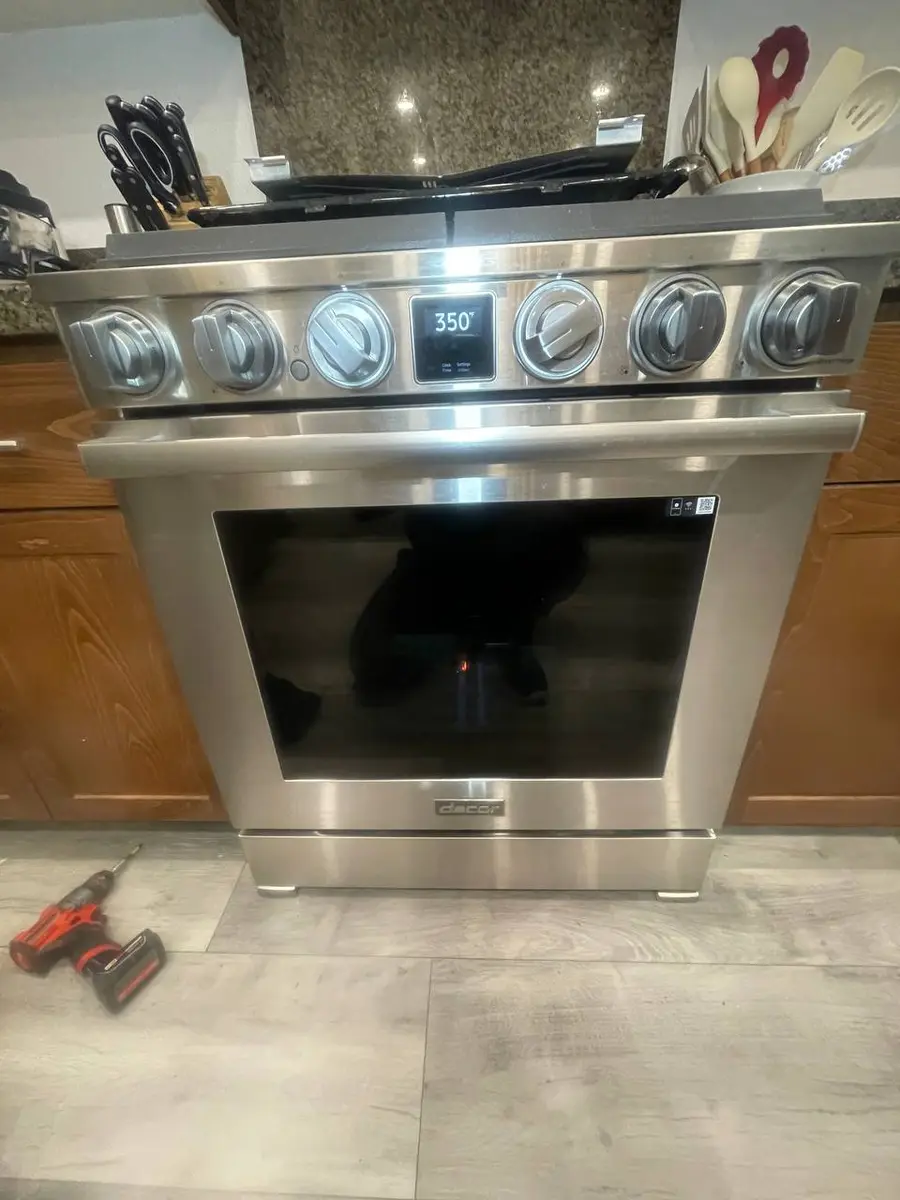
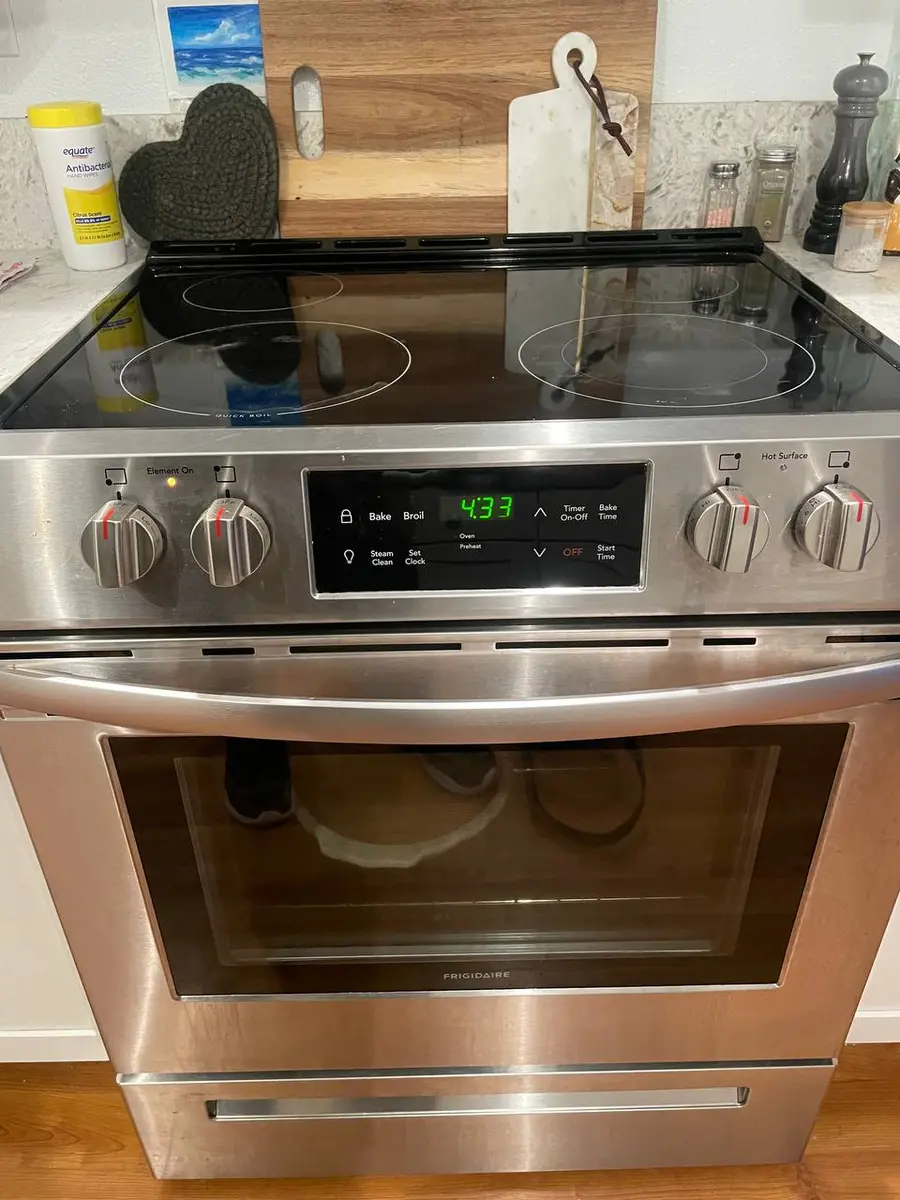
- Pull the knobs. The function selector knob is press-fit (no set screw) — pull it straight off, and remove any adjacent knobs blocking panel access. On ProBake InstaView models the knobs sit above the glass; keep track of which knob belongs on which shaft, since LG uses different shaft shapes for temperature and function.
- Remove the rear panel cover. On freestanding ranges, take out the 6-8 Phillips screws along the top and bottom of the rear control-panel cover; slide-in models may open from the front behind a trim piece. Look around the perimeter for the fasteners, which vary by model.
- Photograph every wire. Before touching a terminal, shoot the switch's connections from several angles — these switches carry 6-10 terminals, some with identical wire colors, and a single wire on the wrong terminal fires the wrong element.
- Disconnect the wires. With needle-nose pliers, pull each spade connector straight off by the metal, never the wire, rocking gently if corroded and never twisting. Tape-label any wire the photo does not make obvious; the switch terminals are numbered or lettered on the body.
- Remove the old switch. A retaining nut on the front (behind the knob) holds the switch — remove it with the nut driver and slide the switch out the back, or release the spring clip or bracket some models use. Note its orientation so the new one indexes the knob correctly.
- Install the new switch. Feed it through from the rear, aligning the shaft with the knob hole, and secure the retaining nut firmly without over-torquing. Confirm it clicks cleanly through the same number of positions as the original and the shaft sits square to the panel.
- Reconnect the wires. Working from your photos, push each spade connector fully onto its matching terminal and tug to confirm it is secure — a loose joint arcs and eventually burns the terminal. Match terminal numbers between the old and new switch.
- Reassemble and test every mode. Refit the cover and knobs, restore power, and check each position: Bake fires the bottom element, Broil the top, Convection or ProBake the rear element and fan, and EasyClean runs low heat with the door locked. If any mode fires the wrong element, cut power and recheck the wiring against your photos.
Do You Have the Right Tools?
Combustion analyzer ($300), igniter tester ($120), temperature calibrator ($150), and gas pressure manometer. Our technician arrives with $3,000+ in professional tools — your diagnostic is free.
Licensed & Insured · 90-Day Warranty · Same-Day Service
If the swap does not fix it#
- Switch clicks but no mode heats: the fault may be the oven thermostat or the control board, which acts on the selector's signals — a dead board ignores them.
- One mode works, others do not, wiring confirmed: the element for a dead mode has failed independently. Test each with a meter — Bake reads 20-50 ohms, Broil 15-40 ohms, ProBake rear 15-30 ohms.
- Door locks unexpectedly in testing: the self-clean circuit may be cross-wired — do not force it; cut power and wait 30-60 minutes for the lock to release as it cools.
- Burning smell from the panel: kill power at once — a wire is touching the frame or a loose terminal is arcing.
- ThinQ model unresponsive remotely though the knob works: the Wi-Fi module connection was likely disturbed during panel access.
Appliance Repair Technician & Diagnostics Specialist · 10 years experience
Electronics and diagnostics specialist with 10 years of experience in modern smart appliance repair, specializing in LG and Samsung.