How to Replace an LG Refrigerator Ice
When an LG dispenser stops responding — a dead water paddle, an ice chute that won't close, or a dark InstaView panel — replacing the whole assembly usually beats chasing individual parts. Plan on 60-90 minutes at an intermediate-to-advanced level.
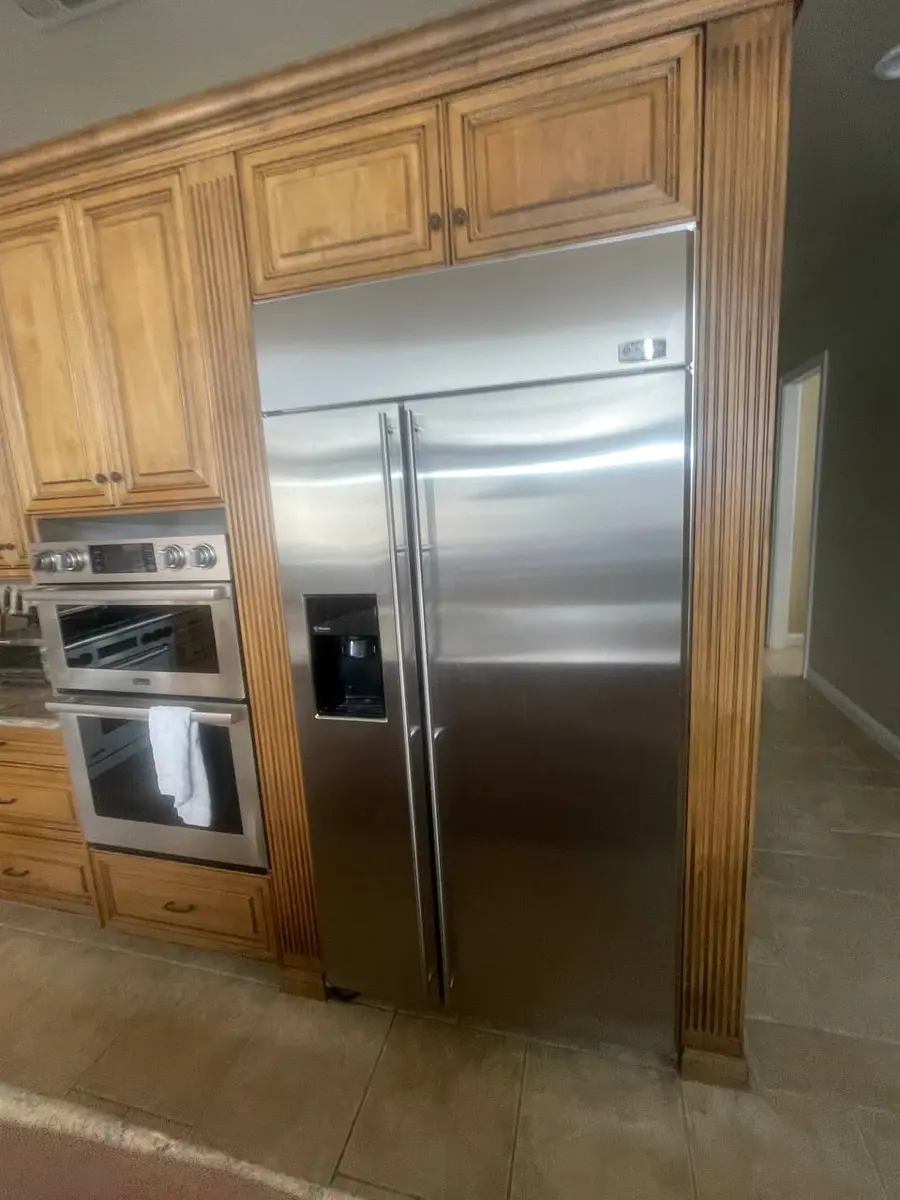
The dispenser lives inside the left refrigerator door and wires back to the control board, so this job means opening the door's outer panel and disconnecting both wiring and a water line. It applies to LG French Door units, including InstaView Door-in-Door and Craft Ice models.
Tools and parts#
- Tools: Phillips #2 screwdriver, 2.5mm hex key, 3/16-inch flat-head screwdriver, plastic spudger or pry tool, multimeter
- Part: LG dispenser assembly (model-specific); it may or may not bundle the dispenser control board
- Time: 60-90 minutes
- Difficulty: Intermediate to Advanced
- Safety warning: Unplug the refrigerator and shut off the water supply valve behind the unit. Place towels on the floor to catch residual water from disconnected lines.
Do You Have the Right Tools?
Refrigerant gauges ($200+), vacuum pump ($250), leak detector ($150), and EPA-certified recovery equipment. Our technician arrives with $3,000+ in professional tools — your diagnostic is free.
Licensed & Insured · 90-Day Warranty · Same-Day Service
Step 1 — Cut power and water#
Unplug the fridge and turn the water supply valve behind or below it clockwise to close it. Hold the water paddle for 10 seconds to bleed the pressure left in the line, and lay towels under the door. On InstaView units the knock-twice glass goes dark once power is off.
Step 2 — Free the left door's outer panel#
Open the left door fully. Most French Door models hold the outer panel with 2-3 Phillips screws along the bottom edge plus 2 more hidden under the top hinge cover, which pries off with a spudger. InstaView units add screws around the glass frame. Pull every visible screw and ease the outer panel off the inner door from the bottom up, working slowly because harnesses still tether it.
Safety First — Know the Risks
Refrigerant (R-134a/R-600a) requires EPA certification to handle. Improper discharge is a federal violation and health hazard. Our techs are licensed and insured — let them handle the risk.
Licensed & Insured · 90-Day Warranty · Same-Day Service
Step 3 — Unplug the dispenser harnesses#
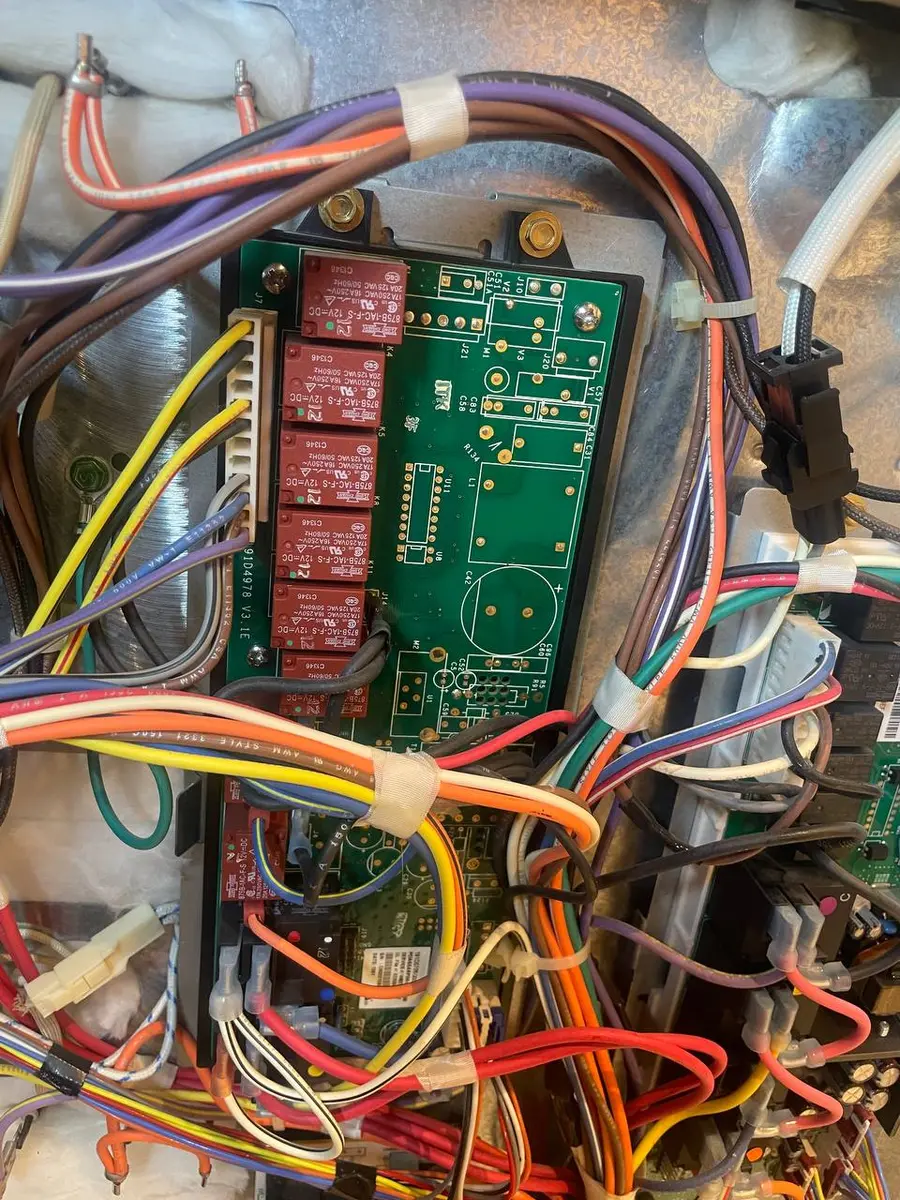
With the panel loose, the back of the dispenser and its 3-4 connectors come into view: the large multi-pin control-board harness, the LED or InstaView panel lead, the actuator-switch harness, and the solenoid-valve wires. Photograph each one, then press the locking tabs and pull the connectors straight off, labeling any that look alike.
Step 4 — Disconnect the water line#
The dispenser is fed by a 1/4-inch or 3/8-inch tube routed through the door hinge, joining the dispenser's solenoid valve at a push-fit or compression fitting. For a push-fit, press the collet ring in while you pull the tube; for a compression nut, back it off with a wrench. Keep a towel handy for the water that drains out.
The Real Cost of DIY
Average DIY attempt: $150-400 in tools you may use once, plus the risk of further damage. Our diagnostic visit costs $0 — we find the problem and give you an honest quote.
Licensed & Insured · 90-Day Warranty · Same-Day Service
Step 5 — Remove the old dispenser#
Four to six screws (usually 2.5mm hex on LG) hold the assembly to the inner door frame. Back them out and ease the unit from the cavity, sliding the ice-chute lever arm out of its bracket as you go. Save any foam sound-dampening pieces for the rebuild.
Step 6 — Transfer any shared parts#
If the new assembly does not already carry the dispenser control board, solenoid valves, or actuator paddles, move them over from the old one. The board sits on 3-4 standoff screws and the solenoid on 2 screws with quick-connect fittings — check that the water O-rings are intact and seated as you transfer them.
Don't Void Your Warranty
Opening your appliance yourself may void the manufacturer warranty. Our repair comes with a 90-day guarantee, and we document everything for warranty compliance.
Licensed & Insured · 90-Day Warranty · Same-Day Service
Step 7 — Fit the new dispenser#
Set the new assembly into the cavity, engaging the ice-chute lever first, line up the holes, and drive the hex screws. Reconnect the water line until the push-fit clicks or the compression nut is snug, then reconnect every harness to its labeled home, making sure no wire is pinched behind the assembly.
Step 8 — Rebuild the door and test#
Feed the InstaView or LED harnesses through their channels first, seat the outer panel, and drive the screws starting at the top hinge and working down, then refit the hinge cover. Reopen the water valve, plug in, and hold the water paddle for 30 seconds to purge air. Test both cubed and crushed ice, confirm the Craft Ice selection responds if fitted, and check for leaks around the door and at the supply valve. If the dispenser drips when idle, suspect a stuck solenoid valve (LG 5220JB2010A on many models) or a harness pin grounding to the frame — look for pinched wires first.
Is It Worth Your Time?
Diagnosing a cooling issue requires testing the compressor, start relay, thermostat, condenser fan, and defrost system — 4-6 hours of DIY research and testing. Our technician diagnoses the issue in about 30 minutes — same-day appointments available.
Licensed & Insured · 90-Day Warranty · Same-Day Service
When to call a professional#
Get help if the in-hinge water line is kinked or cracked (that means pulling the door and re-routing tube), if the main control board behind the cabinet throws dispenser communication faults, if household water pressure sits below 20 PSI so the solenoid cannot work, if you see oily residue near the chute suggesting refrigerant-line damage, or if the InstaView glass is cracked and needs knock-sensor recalibration.
Rather not open the door up? Book a same-day LG refrigerator repair.
Appliance Repair Technician · 11 years experience
Experienced technician with 11 years specializing in Frigidaire and Electrolux refrigerator and dryer repair with a focus on safety.