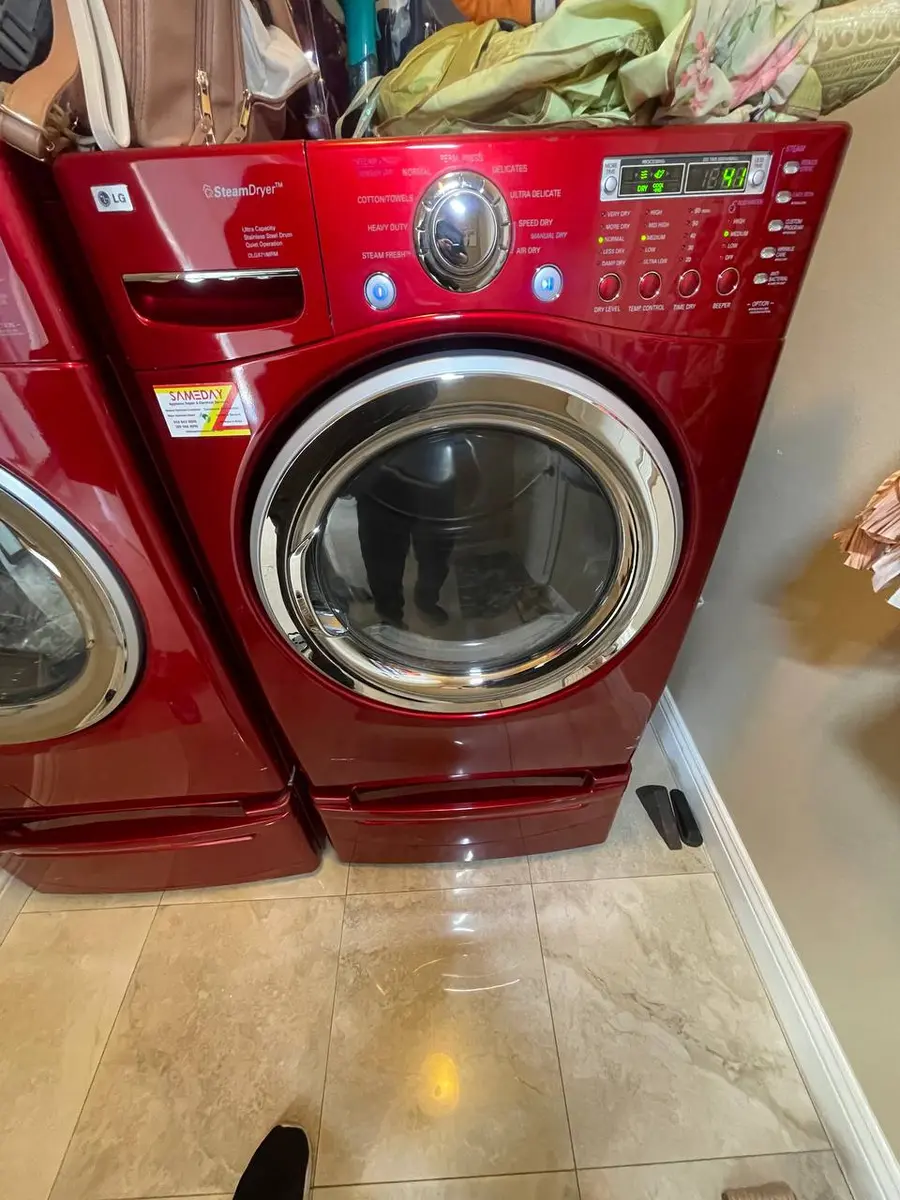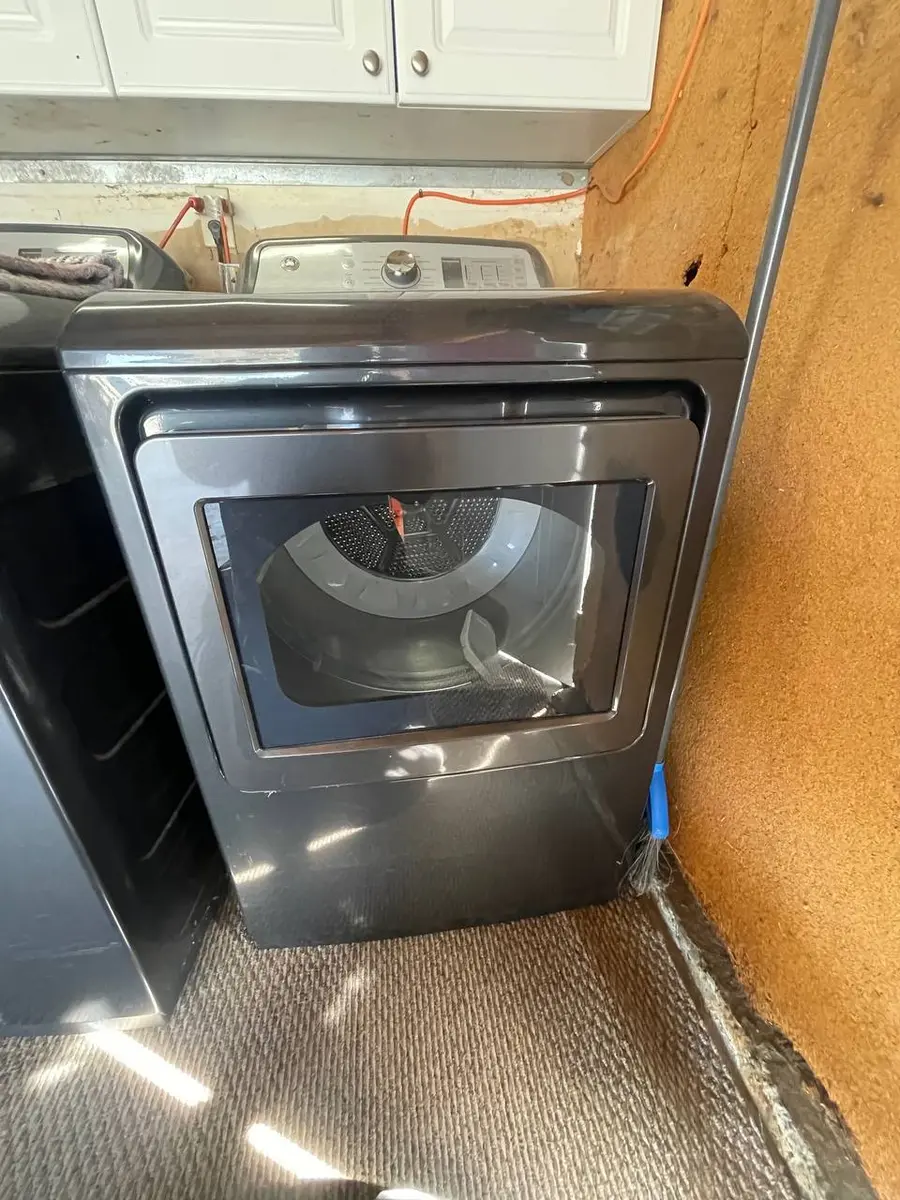
Quick Answer: Why Your Whirlpool Dryer Display Is Dark#
Most likely: the dryer has lost one leg of its 240-volt power, so the control board only partly wakes up — the display goes dim, blank, or flickery while the motor may still run. On these Whirlpool WED and WGD dryers a two-board system runs the show (a main control board plus a separate display board joined by a wire harness), so the other causes are a loose or corroded harness connector between them, or a failed display or main board. Start by checking both breaker poles and giving it a hard reset.
Likely Causes at a Glance#
| Cause | Likelihood | What to check |
|---|---|---|
| Lost one 240-volt leg | Most likely | a dim or blank display while the motor still runs |
| Board needs a reset | Common | unplug for a few minutes, then restore power |
| Loose or corroded wire harness | Common | the connectors between the two boards |
| Display board failed | Occasional | partial or missing segments |
| Main control board failed | Occasional | completely dead with no response |
Do You Have the Right Tools?
Gas leak detector ($130), thermal fuse tester ($95), belt tension gauge, and vent inspection camera ($180). Our technician arrives with $3,000+ in professional tools — your diagnostic is free.
Licensed & Insured · 90-Day Warranty · Same-Day Service
Walking Through the Diagnosis#
Start with power, because a half-powered dryer is the classic cause of a dark display. Whirlpool electric dryers run on 240 volts split into two legs, and if one leg drops out — a partly tripped double breaker is common — the board can receive only 120 volts, enough to run the motor on some models but not to light the display properly, so it reads dim, blank, or flickering. Check BOTH breaker poles and reset them fully even if only one looks tripped, then meter the outlet to confirm full voltage. Next, do a hard reset: unplug the dryer for a few minutes to let the board discharge, then restore power, and if the display returns, run a test cycle.
If power and a reset do not fix it, get inside. Whirlpool tapes a technical data sheet inside the console or toe-kick area with your model's exact wiring diagram and diagnostic sequence — find it first. Then open the console (usually a couple of Phillips screws under each end of the front lip) and inspect the wire harness that links the display board behind the panel to the main board: these are sturdy connectors, but vibration can work them loose, and corrosion shows as white or green deposits on the pins. Reseat every connector and clean any corrosion.
If the connections are solid, it is one of the boards. Missing or partial display segments while the rest works point to the display board, while a completely dead dryer with no response points to the main control board — both are model-specific parts, and Whirlpool's long parts availability means even older models are easy to source. Before condemning a board, enter diagnostic mode (a specific three-button sequence within a few seconds, per the tech sheet): even with a partial display you can hear the board click each relay during the test, which tells you whether the fault is display-only or board-wide.
Repair or Replace? The Short Version#
Rule of thumb: if the repair comes in under about half the price of a comparable new dryer and yours is under eight to ten years old, repair it — a breaker reset or a reseated harness costs nothing, and even a display or main board is a modest, widely available part on the Whirlpool platform. Only stacked failures on an old machine argue for replacement. Our technicians carry Whirlpool dryer boards and read the tech sheet for your model — book a repair.
Safety First — Know the Risks
Gas dryers carry carbon monoxide and explosion risk. Even electric dryers involve 240V circuits that can deliver a fatal shock. Our techs are licensed and insured — let them handle the risk.
Licensed & Insured · 90-Day Warranty · Same-Day Service
Frequently Asked Questions#
My Whirlpool dryer has no display but the drum still spins — why?#
It has likely lost one of its two 240-volt legs. The motor can run on the remaining leg on many models, but the board cannot light the display without full voltage. Check both breaker poles and reset them fully.
Will unplugging the dryer fix a blank display?#
Sometimes. A hard reset — unplugging for a few minutes so the board discharges, then restoring power — clears a board that has locked up. If the display returns, run a test cycle to confirm; if it stays dark, move on to the wiring and boards.
The display shows only part of the segments — which board is it?#
That is the display board. When some segments light and others do not while the rest of the dryer responds, the display board's driver has failed and that board is the fix, not the main control board.
Where do I find the wiring diagram for my dryer?#
On the technical data sheet Whirlpool tapes inside the dryer — usually inside the console, behind the toe panel, or on the rear panel interior. It has the wiring diagram, the diagnostic sequence, and the error-code table for your exact model.
Lead Appliance Repair Technician · 12 years experience
Experienced technician with 12 years specializing in washing machine and dryer repairs across all major brands.