Samsung Refrigerator Display Not Working: Causes
When a Samsung refrigerator display goes blank or unresponsive, the two fastest things to rule out are a power state that needs a reset and an accidentally enabled demo (showroom) mode. After those, a damaged ribbon cable, a failed display board, and a main control-board (PCB) output fault are the usual causes. The…
Try the Reset and Demo Mode Before Anything Else#
A blank panel looks like a failed board, but Samsung refrigerators have a demo or showroom mode that intentionally disables the display and cooling for retail floors — and it's easy to trigger by accident. That's why a reset and a demo-mode check come before any parts.
Ranked Causes on Samsung Refrigerators#
| What you notice | Likely cause | How common | Fix path |
|---|---|---|---|
| Panel dead or frozen after a power event | Needs a power reset | Common | Unplug for a few minutes, then restore power |
| Display off and cooling seems disabled | Demo / showroom mode enabled | Common | Exit demo mode via the button sequence |
| Intermittent or partial display | Ribbon cable damaged or loose | Occasional | Reseat or replace the ribbon cable |
| Panel stays dead after reset | Display board failure | Occasional | Replace the display board |
| No output to the panel; other functions off | Main PCB output failure | Occasional | Replace the main control board |
A simple power state leads because a brief outage or surge can leave the panel frozen; a full power-down clears it. Demo mode is the sneaky second — when enabled, the display blanks and cooling is limited, and owners often mistake it for a failure. Exiting it via the model's button sequence restores everything at once.
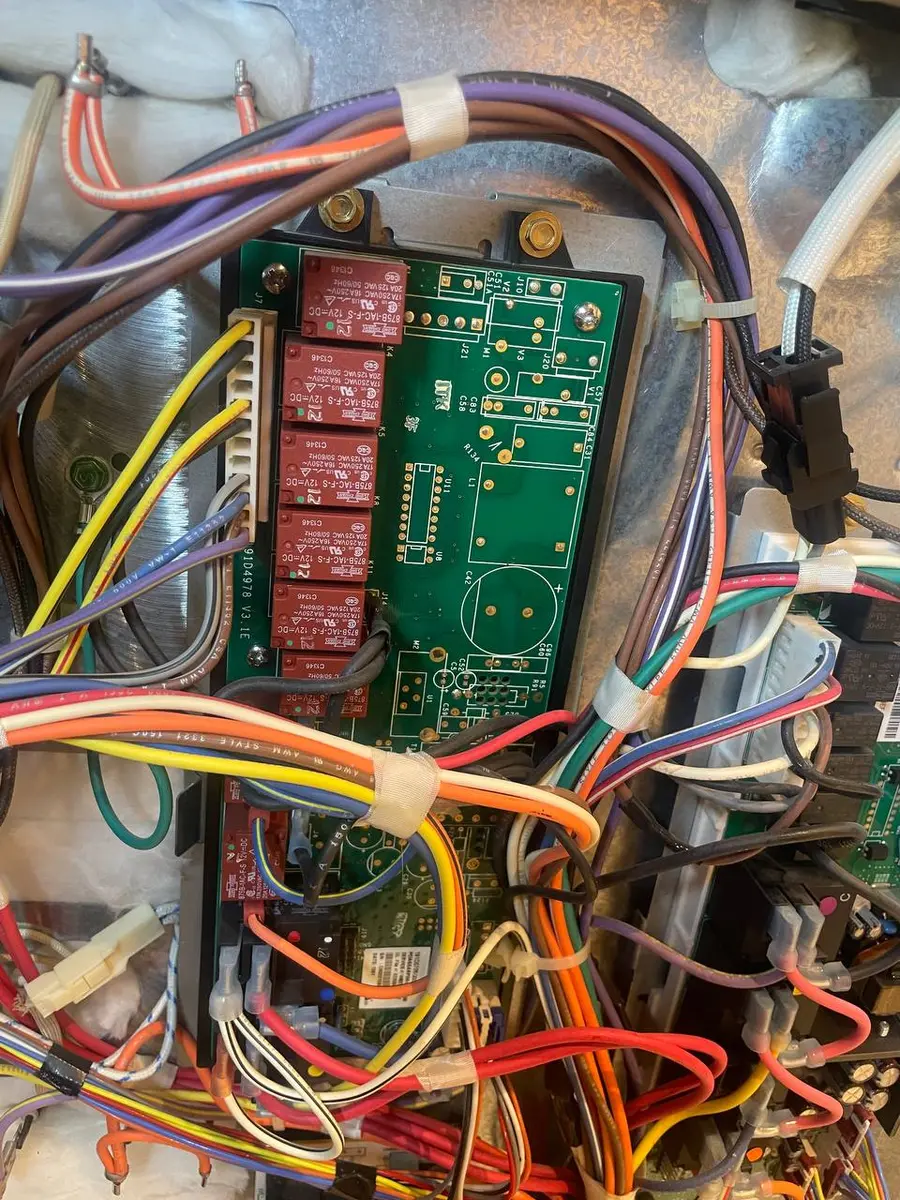
A damaged or loose ribbon cable between the display and the main board gives an intermittent or partial display, a failed display board stays dead after a reset, and a main PCB that isn't sending its low-voltage output to the panel leaves it dark while the fault sits upstream. Samsung's RF28 French-door family shares this general control layout, so the reset and demo-mode steps apply across those models.
Do You Have the Right Tools?
Refrigerant gauges ($200+), vacuum pump ($250), leak detector ($150), and EPA-certified recovery equipment. Our technician arrives with $3,000+ in professional tools — your diagnostic is free.
Licensed & Insured · 90-Day Warranty · Same-Day Service
The Reset and Demo-Mode Checks#
Start with a full power reset: unplug the refrigerator (or switch off its breaker) for a few minutes, then restore power and watch the panel come back. This clears many frozen-display states. Next, check for demo mode — look for an "OF" or demo indicator, and use your model's exit sequence, often holding a specific pair of buttons for several seconds, to disable it. Confirm cooling resumes along with the display.
If the panel stays dark after a reset and demo mode is off, the fault is in the ribbon cable, the display board, or the main PCB output — the low-voltage side that drives the panel. Those sit behind the door or the rear control cover and are a technician's repair. Note whether other functions (lights, cooling, dispenser) still work, since that helps localize whether the main board or just the display is at fault.
Why Demo Mode Fools So Many Owners#
It's worth spending a moment on demo mode, because it's the cause people least expect and most often misdiagnose as a dead board. Demo or showroom mode exists so a refrigerator on a retail floor can light up and show its display without running the compressor for days on end — so when it's active, the unit intentionally disables cooling and can blank or freeze parts of the display. The trouble is that the button combination that enables it is easy to trigger by accident, especially with curious hands or during a clean, and once on it looks exactly like a failure: a dark or unresponsive panel and a fridge that isn't cooling. That combination — display trouble plus weak or no cooling — is actually the biggest tell that you're in demo mode rather than facing a broken board. Checking for an "OF" or demo indicator and running the exit sequence costs nothing and resolves the problem instantly when that's the cause, which is exactly why it belongs before any talk of replacing a display or main board.
Safety First — Know the Risks
Refrigerant (R-134a/R-600a) requires EPA certification to handle. Improper discharge is a federal violation and health hazard. Our techs are licensed and insured — let them handle the risk.
Licensed & Insured · 90-Day Warranty · Same-Day Service
Getting It Fixed#
A reset or exiting demo mode fixes many blank displays; a board or cable needs service. Book a diagnostic and we'll confirm whether it's demo mode, the ribbon cable, or the display board before replacing anything.
Senior Appliance Repair Technician · 15 years experience
EPA-certified technician with 15 years of experience specializing in refrigerator and cooling system repairs.