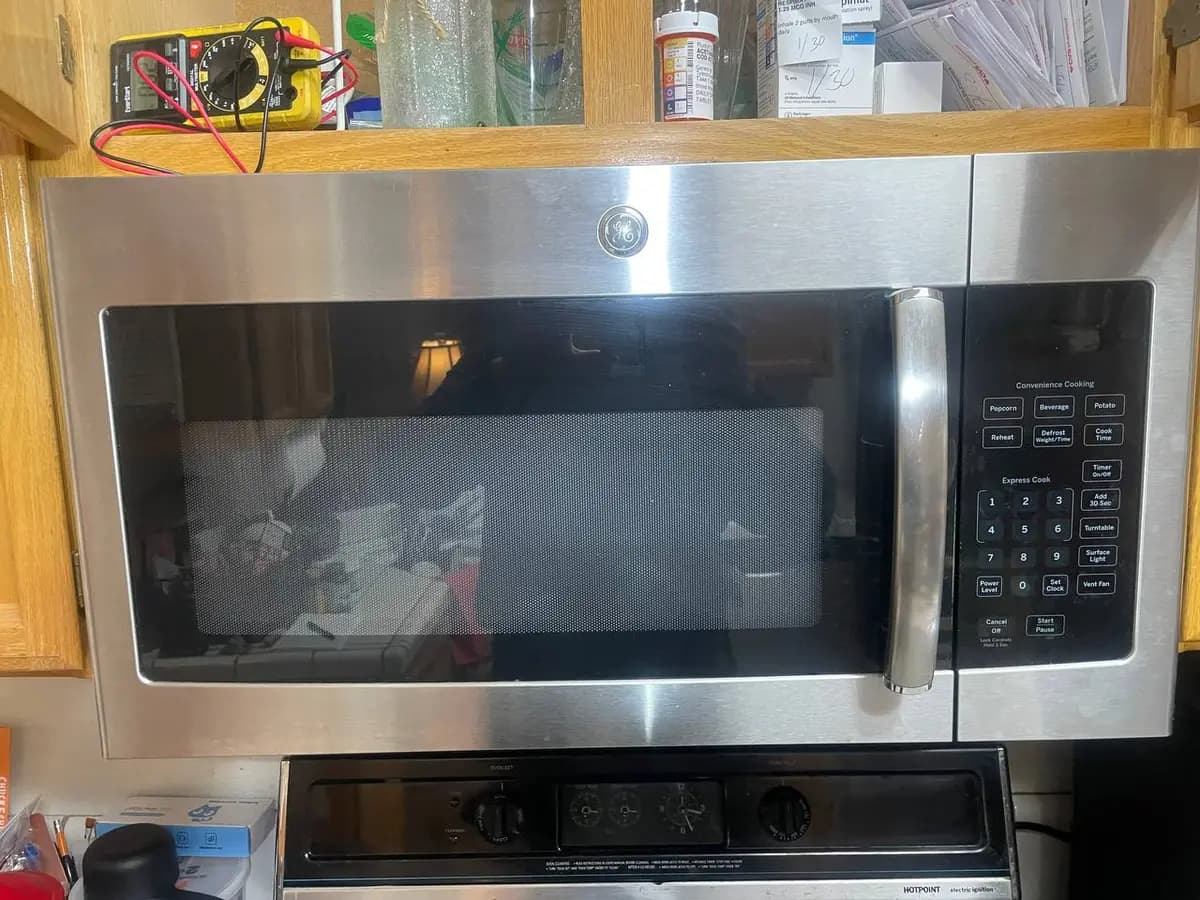
How to Repair a GE Microwave Touchpad
A GE microwave with a dead or erratic touchpad is usually a dirty ribbon-cable contact or a degraded membrane — not the whole control board. Clean the ZIF connector and membrane first; only replace the panel if traces are visibly broken. Difficulty: intermediate; about 35 minutes.
GE control panels sit right in the path of cooking heat and steam, which is the leading cause of touchpad failure. Before buying a panel, try the cleaning route below — it clears roughly 40% of touchpad problems. This work stays entirely in the front control area, away from the high-voltage section.
Tools & parts#
| Item | Detail |
|---|---|
| Phillips #2 / Torx T20 | cabinet screws |
| Isopropyl alcohol (90%+), cotton swabs | cleaning contacts |
| Multimeter | continuity checks |
| Part | GE control panel (by model) — try cleaning first |
Do You Have the Right Tools?
High-voltage capacitor discharge tool ($90), magnetron tester ($200), microwave leakage detector ($150). Our technician arrives with $3,000+ in professional tools — your diagnostic is free.
Licensed & Insured · 90-Day Warranty · Same-Day Service
Safety first#
Unplug the microwave. CRITICAL: The high-voltage capacitor inside can hold a LETHAL charge. Do not touch the capacitor or its wiring. Only work on the control panel area.
Step-by-step#
Step 1: Read the failure pattern#
A totally dead panel points at the ribbon cable or an upstream fuse. Certain rows or columns failing means degraded membrane traces that cleaning may recover. Wrong inputs — pressing 5 triggers 8 — means the membrane is misaligned or worn out and likely needs replacement.
Step 2: Remove the outer cabinet#
With the unit unplugged, remove the rear cabinet screws (6-10 Phillips or Torx T20 on GE) and slide the shell back and off. Stay away from the right side, where the high-voltage capacitor lives — do not touch it or its wiring. The control area is up front, safely clear of it.
Step 3: Reach the board and ribbon cable#
The board is behind the control fascia, held by 2-4 Phillips screws on its bracket. Release the flat ribbon cable from the touchpad by flipping up the ZIF connector's locking tab, and inspect the cable ends for corrosion, bent traces, or moisture.
Step 4: Clean the ribbon connection#
Swab both the ribbon contacts and the ZIF connector with 90%+ isopropyl alcohol, let it dry two minutes, then reseat the cable and lock the tab. This alone clears about 20% of intermittent touchpads caused by oxidized contacts.
Step 5: Clean the membrane (for partly-working panels)#
If only some buttons fail, peel back the adhesive membrane overlay and clean the contact points with alcohol and a soft cloth. Look at the silver-ink traces: intact-but-dirty traces often recover with cleaning, but visibly cracked traces mean the membrane must be replaced.
Step 6: Replace the panel if cleaning fails#
If cleaning does not restore it, fit the full panel assembly for your exact GE model — panels are not interchangeable. Reconnect the ribbon to the ZIF connector, secure the bracket, and reassemble, testing before you fully close up.
Step 7: Test every function#
Plug in and press every button — the number pad, power level, cook time, start/pause, and any specialty keys — then heat a cup of water for 30 seconds to confirm heating still works. Watch the first few uses for anything odd.
Safety First — Know the Risks
Microwave capacitors store lethal voltage (4,000V+) even when unplugged. This is the single most dangerous DIY appliance repair. Our techs are licensed and insured — let them handle the risk.
Licensed & Insured · 90-Day Warranty · Same-Day Service
Troubleshooting#
| Symptom | Check |
|---|---|
| Dead after cleaning | the 20A ceramic line fuse near the cord entry — GE blows it on a door-switch fault or surge |
| Buttons work, display blank | the separate display ribbon connector on the board |
| Ghost presses (starts itself) | moisture trapped in the membrane — replace it now, as a self-starting oven is a fire hazard |
| SmartHQ connects but panel dead | the Wi-Fi module is separate; if both are dead the control board has failed |
When to call a pro#
Call a technician if the oven starts itself or runs with the door open (an immediate hazard), if you are not comfortable working near the high-voltage section even without touching it, or if the board itself shows burn marks.
For a repair-versus-replace budget, see our microwave repair cost guide.
Appliance Repair Technician · 8 years experience
Experienced technician with 8 years specializing in dishwasher repairs and European appliance brands including Bosch and Thermador.