Smart Fridge Keeps Dropping Wi-Fi: The Real Fixes
When a smart refrigerator keeps dropping Wi-Fi every few hours, the number-one cause is DHCP lease renewal failing on the fridge's Wi-Fi chip — the fix is a static IP reservation in your router. The metal body and 2.4 GHz band are the other two usual suspects.
Why fridges drop Wi-Fi more than other appliances#
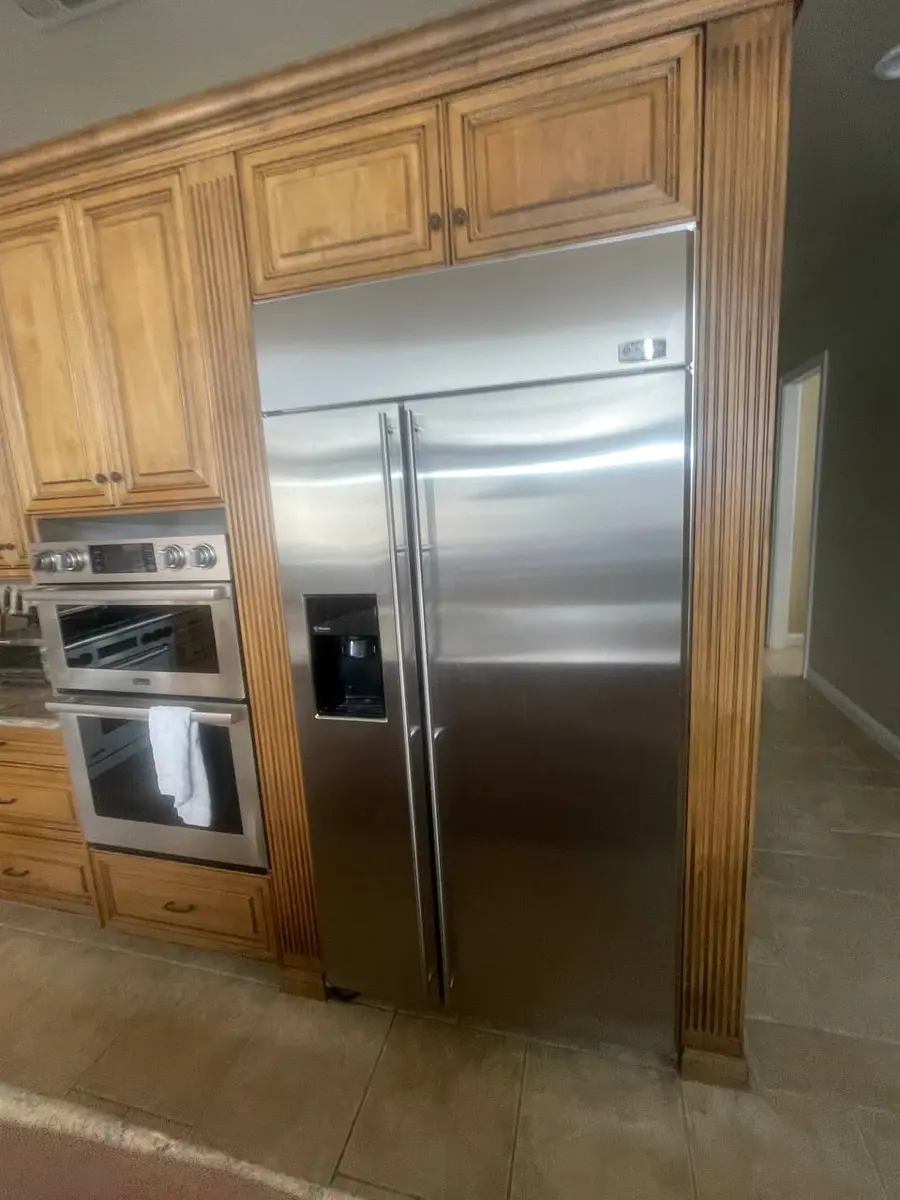
Smart refrigerators have three strikes against a stable connection. The stainless-steel body acts as a partial Faraday cage, cutting signal by roughly 10-15 dBm versus a phone at the same spot. The compressor's cycling creates electromagnetic interference that disrupts the module during startup surges. And fridges usually sit in kitchens, often the farthest point from the router. Samsung RF28 Family Hub models are especially affected because the antenna sits behind the door's LCD, so opening the door shifts signal by 5-8 dBm; LG InstaView (LRMVS3006S) tucks the antenna in the top hinge cover for better EMI shielding but shorter range.
The DHCP lease renewal culprit#
The most common reason for disconnects every few hours or daily is DHCP lease renewal failure. Many smart-fridge modules use Realtek chipsets that handle renewal poorly — instead of renewing quietly, they drop and re-associate from scratch, which can take 30-120 seconds. The durable fix is a static IP or DHCP reservation for the fridge's MAC address in your router, which eliminates lease renewal entirely. Find the MAC in the appliance's network settings or the app's device-info page.
Do You Have the Right Tools?
Refrigerant gauges ($200+), vacuum pump ($250), leak detector ($150), and EPA-certified recovery equipment. Our technician arrives with $3,000+ in professional tools — your diagnostic is free.
Licensed & Insured · 90-Day Warranty · Same-Day Service
Beating the metal-body signal loss#
If the signal is weak, the fix isn't more power — it's placement. A mesh node on the kitchen counter, not on top of the fridge where the steel body blocks it, restores usable signal. Aim for better than -70 dBm at the fridge for a stable connection, and verify 2.4 GHz, since all smart refrigerators use only that band — split a combined dual-band SSID so the fridge isn't steered to 5 GHz.
The router settings to check#
Two router settings quietly cause drops. Client or AP isolation blocks the fridge from reaching the cloud, so disable it. And a short DHCP lease compounds the renewal problem, so lengthen it or use the reservation above. A quick power cycle — unplug 2 minutes — also clears stale network associations, since the module reinitializes on boot.
Safety First — Know the Risks
Refrigerant (R-134a/R-600a) requires EPA certification to handle. Improper discharge is a federal violation and health hazard. Our techs are licensed and insured — let them handle the risk.
Licensed & Insured · 90-Day Warranty · Same-Day Service
When it really is the module#
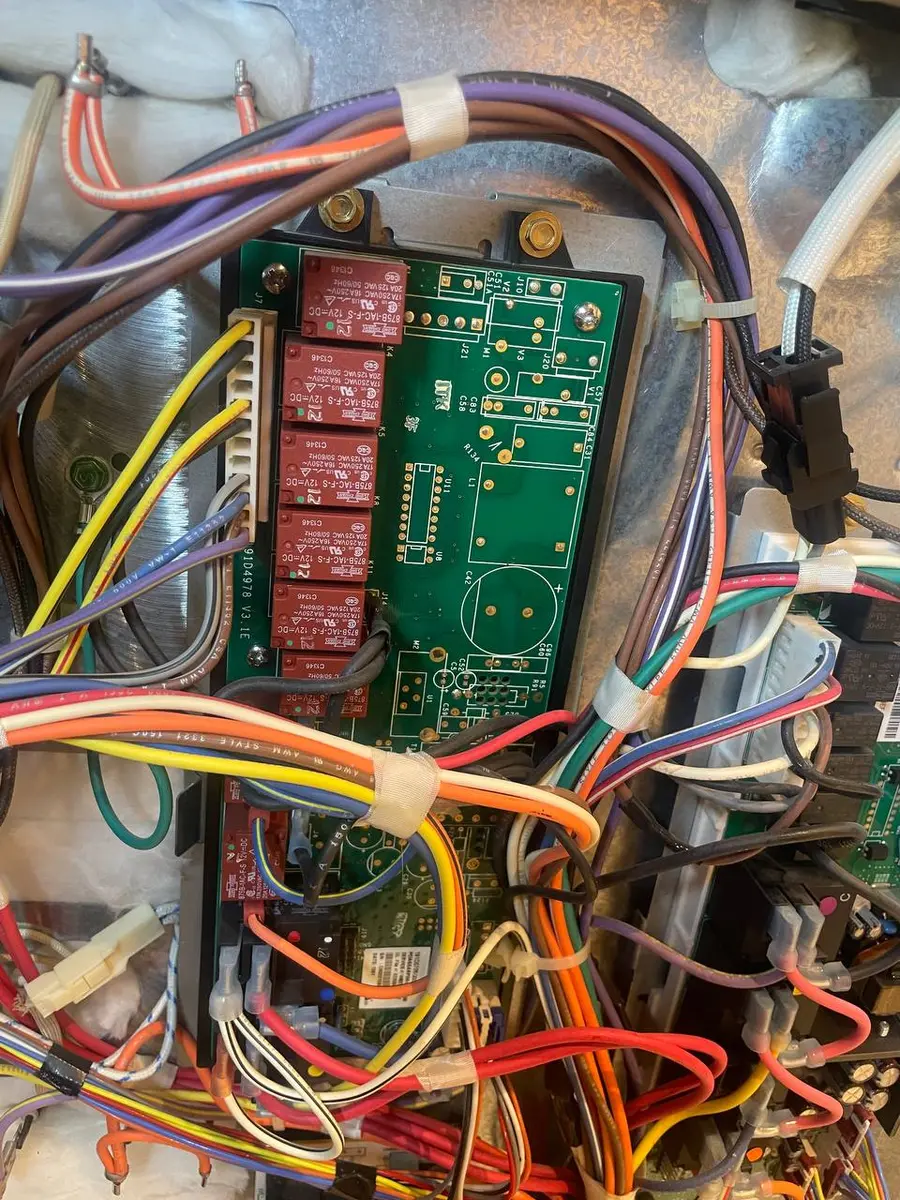
If the display shows Wi-Fi connected but the app says Offline and power cycling doesn't help, the module's cloud-communication firmware may be corrupted, needing a service-mode reflash or replacement. The parts vary by brand: the Samsung RF28 display/Wi-Fi assembly is DA92-01199A, the LG LRMVS3006S Wi-Fi board is EBR84457301, and the GE Profile PVD28 Green Bean board is WR55X35182. A technician can confirm and swap these in one visit. The module is a genuine added part over a non-connected fridge, but the cooling repairs cost the same.
Frequently Asked Questions#
Why does my smart fridge keep disconnecting from Wi-Fi?#
Three main causes: the steel body attenuates signal by about 10-15 dBm, the compressor creates interference, and the module's DHCP lease renewal fails. A static IP plus a kitchen mesh node is the most reliable fix.
Can a smart refrigerator connect to 5 GHz Wi-Fi?#
No. All current smart fridges from Samsung, LG, GE, and Whirlpool use only 2.4 GHz. Create a separate 2.4 GHz SSID or disable band steering.
The fridge shows connected but the app says offline — what's wrong?#
It reached the router but not the cloud. Confirm your internet is up and AP isolation is off; if power cycling doesn't help, the module's cloud firmware may need a reflash or replacement.
The Real Cost of DIY
Average DIY attempt: $150-400 in tools you may use once, plus the risk of further damage. Our diagnostic visit costs $0 — we find the problem and give you an honest quote.
Licensed & Insured · 90-Day Warranty · Same-Day Service
The bottom line#
A fridge that keeps dropping Wi-Fi is fighting three things at once — a metal body that blocks signal, a compressor that throws interference, and a location far from the router — so the fix is rarely a single setting. The highest-value move is a static IP reservation, which ends the DHCP lease-renewal drops that cause most every-few-hours disconnects. Pair that with a mesh node on the kitchen counter (never on top of the fridge) and a confirmed 2.4 GHz band, and most fridges settle down. Genuine module failure — connected on the display but offline in the app, unchanged by a power cycle — is the exception a technician can confirm and swap in one visit, and cooling runs normally throughout.
Connected on the display but offline in the app after a power cycle? Book a free diagnostic — we carry the common brand Wi-Fi boards and finish in one visit.
Senior Appliance Repair Technician · 15 years experience
EPA-certified technician with 15 years of experience specializing in refrigerator and cooling system repairs.