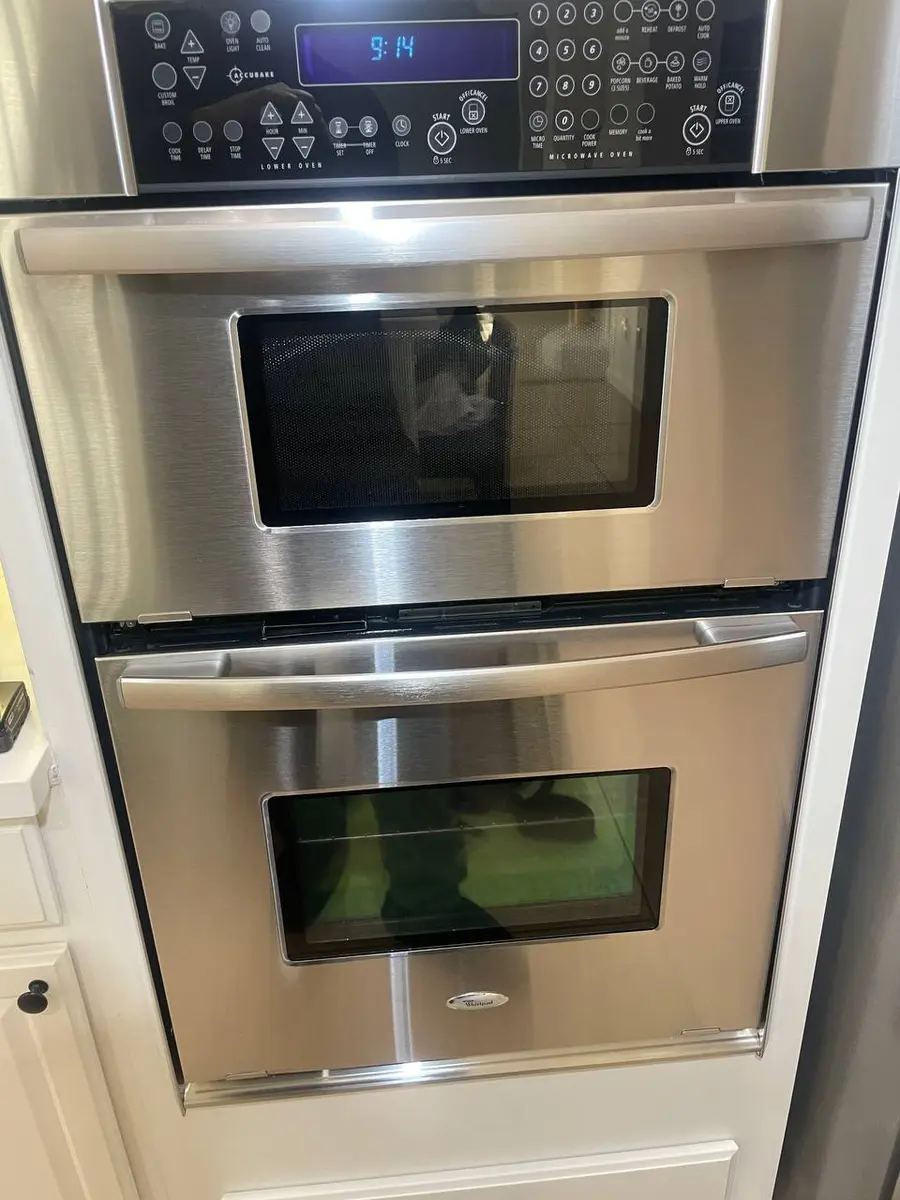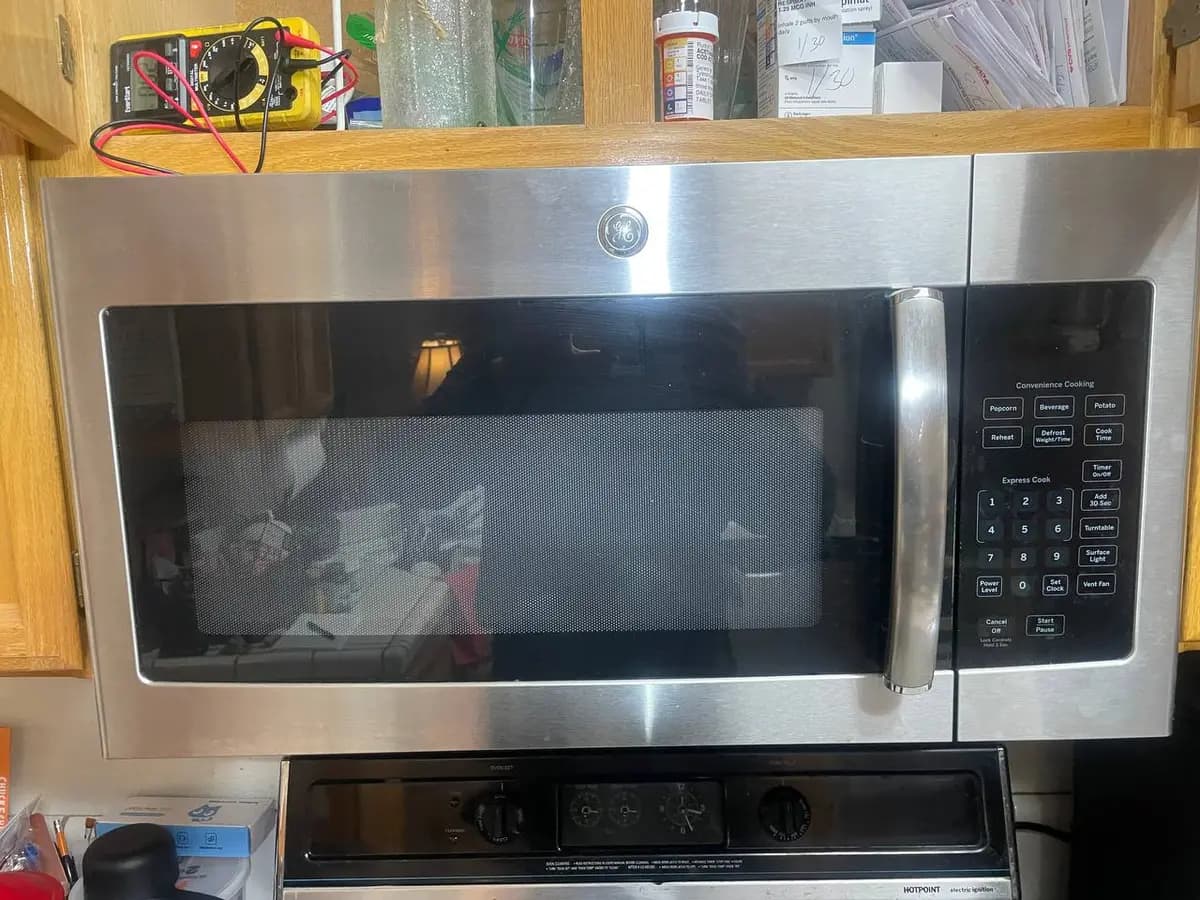
LG Microwave Touchpad Does Not Respond — Troubleshooting Guide
When your LG microwave touchpad stops responding to presses, you lose all control over the appliance. LG NeoChef countertop microwaves and over-the-range models (LMVH/LMHM series) use membrane switch technology that degrades from moisture, heat exposure, and simple mechanical wear. This guide covers why LG touchpads fail and the model-specific repair paths available.
How LG Microwave Touchpads Work
LG microwaves use a multi-layer membrane switch assembly:
- Outer decorative layer — the printed surface you see and press
- Upper conductive layer — flexible polyester film with printed silver traces
- Spacer layer — keeps upper and lower layers separated until pressed
- Lower conductive layer — fixed traces that contact upper traces when pressed
When you press a button, the upper and lower conductive layers make contact at that point, completing a circuit. The control board scans these circuits continuously to detect which button is pressed.
On LG NeoChef models, the touchpad is integrated with the LED display as a single assembly. On older over-the-range models, the touchpad and display are separate components with a ribbon cable connection between them.
Do You Have the Right Tools?
High-voltage capacitor discharge tool ($90), magnetron tester ($200), microwave leakage detector ($150). Our technician arrives with $15K+ in professional tools — your diagnostic is free.
Licensed & Insured · 90-Day Warranty · Same-Day Service
Most Common Causes (Ranked by Likelihood)
1. Membrane Switch Degradation (35% of cases)
The conductive silver traces on LG membrane switches oxidize over time, increasing resistance until the contact signal is too weak for the control board to detect. On LG over-the-range models, cooktop steam rising toward the control panel accelerates trace oxidation. High-use buttons (Start, Stop, 1, 2, 30-seconds) fail first.
Symptoms: Some buttons work but others don't (zone failure), requires progressively harder presses, works better on dry days vs. humid days, high-use buttons failed while less-used buttons still work.
LG-Specific Fix:
- Determine pattern: which buttons work, which don't? LG membrane traces run in groups
- If only certain zones fail, the membrane overlay needs replacement
- On NeoChef countertop: the entire front panel assembly must be replaced (touchpad + display integrated) — order model-specific panel
- On over-the-range LMVH models: the membrane can sometimes be replaced separately from the control board — check parts availability
- Temporarily: firm, direct-center presses on failing buttons may work until replacement arrives
Parts Cost: $80–$200 (panel assembly) Professional Repair Cost: $200–$350 DIY Difficulty: Moderate
2. Child Lock / Control Lock Activated (25% of cases)
LG microwaves have a control lock feature that disables all touchpad inputs except the unlock sequence. This is easily activated accidentally — on most LG models, holding a specific button for 3-5 seconds engages the lock. A small lock icon appears on the display, but it's easy to miss.
Symptoms: No buttons respond at all (not selective failure), display shows time/clock normally, small lock icon visible on display, happened suddenly (not gradual degradation).
LG-Specific Fix:
- Look for a lock icon on the display — small padlock symbol, usually in a corner
- NeoChef models: Press and hold Stop/Clear for 3-5 seconds until lock icon disappears and you hear a confirmation beep
- Over-the-range LMVH models: Press and hold Start for 3 seconds, or check model-specific instructions on the label inside the door frame
- Some LG models: Hold the OFF button for 3 seconds
- If you can't find the unlock combination, unplug for 5 minutes — most LG models reset the lock state on power loss
Parts Cost: $0 Professional Repair Cost: N/A DIY Difficulty: Easy
3. Ribbon Cable Connection Failure (20% of cases)
The touchpad connects to the control board via a flat ribbon cable (flexible printed circuit). On LG over-the-range models, heat and vibration from the exhaust fan can loosen this connection over time. The ribbon connector uses a ZIF (zero insertion force) socket that has a locking tab — if the tab loosens, the cable can work free.
On LG NeoChef models where the touchpad and display are integrated, there's still a ribbon cable connecting the panel assembly to the main control board inside the microwave body.
Symptoms: All buttons fail simultaneously (not gradual), touchpad worked fine then stopped completely, display may also be affected (since it often shares the same ribbon cable), problem may be intermittent (works when cool, fails when warm — thermal expansion breaks marginal connection).
LG-Specific Fix:
- Unplug microwave completely
- Access the ribbon cable connection: on over-the-range models, remove the door inner panel screws; on countertop models, remove rear cabinet panel
- Locate the ZIF connector — flat white connector with a flip-up lock tab
- Lift the lock tab, remove ribbon cable, inspect contacts for oxidation
- Clean contacts with isopropyl alcohol on a lint-free cloth
- Reinsert cable firmly, press lock tab down
- If contacts show heavy oxidation, the ribbon cable may need replacement
Parts Cost: $0 (reseat) to $30–$60 (ribbon cable) Professional Repair Cost: $120–$200 DIY Difficulty: Moderate
4. Control Board Failure (20% of cases)
The control board scans the touchpad matrix continuously. If the scanning circuit on the board fails, no touchpad inputs register regardless of membrane or cable condition. This can result from power surges, overheating (common on over-the-range models), or simply component aging.
Symptoms: Zero response from any button, display may still show time (display driver circuit separate from scanning circuit), tried new membrane/ribbon with no improvement, power cycle does not help.
LG-Specific Diagnosis:
- If you've verified the child lock is off, ribbon cable is secure, and membrane is new — the board is the remaining suspect
- On some LG models, the board has a test mode: unplug for 30 seconds, reconnect while holding Start — if the display shows test patterns, the board partially works but the scanning section may be dead
- Visible board damage: remove cabinet, inspect for burned components or cracked solder joints near the touchpad connector area
Parts Cost: $120–$280 (control board) Professional Repair Cost: $250–$400 DIY Difficulty: Moderate
Quick Fix Checklist Before Calling for Service
- Check child lock — look for lock icon, hold Stop/Clear 3-5 seconds
- Power cycle — unplug 5 minutes, reconnect (resets lock and clears board glitches)
- Check for water damage — if liquid spilled on or near the touchpad, dry completely and wait 24 hours
- Determine pattern — all buttons dead vs. some zones: guides toward cable/board vs. membrane failure
- ThinQ reset — on Wi-Fi models, delete device from app and re-pair after power cycle
Same-Day Appliance Repair
Fixed or It's Free
$89 → $0 Service Call & Diagnosis — offer ends May 25
Safety First — Know the Risks
Microwave capacitors store lethal voltage (4,000V+) even when unplugged. This is the single most dangerous DIY appliance repair. Our techs are licensed and insured — let them handle the risk.
Licensed & Insured · 90-Day Warranty · Same-Day Service
Prevention Tips
- Never spray cleaners directly on the touchpad surface — spray on cloth, then wipe
- On over-the-range models, run exhaust fan when cooking to divert steam away from the control panel
- Avoid using touchpad with wet hands — moisture enters the membrane layer edges
- Wipe condensation from the control panel area after steaming/boiling sessions on the cooktop below
- If touchpad becomes intermittently unresponsive, address immediately — moisture infiltration worsens rapidly
FAQ
Q: Why does my LG microwave touchpad work sometimes but not others? Intermittent response indicates either moisture inside the membrane (works dry, fails humid), a marginal ribbon cable connection (works cool, fails warm), or early-stage trace oxidation. All three worsen over time.
Q: Can I replace just the touchpad on my LG NeoChef? On NeoChef models, the touchpad and display are integrated into a single panel assembly. You cannot replace just the membrane — the entire panel unit must be swapped. This typically costs $100-$200 for the part.
Q: My LG microwave touchpad works but buttons are in wrong positions — pressing 1 activates 4, etc. This rare symptom indicates the membrane layers have shifted relative to each other (delamination) or the wrong panel assembly was installed during a previous repair. Replace the panel assembly with the correct model-specific part.
An unresponsive touchpad makes your microwave useless. Our technicians carry panel assemblies and control boards for common LG models. Schedule a repair →