Quick Answer: Why Your LG Dryer Won't Start#
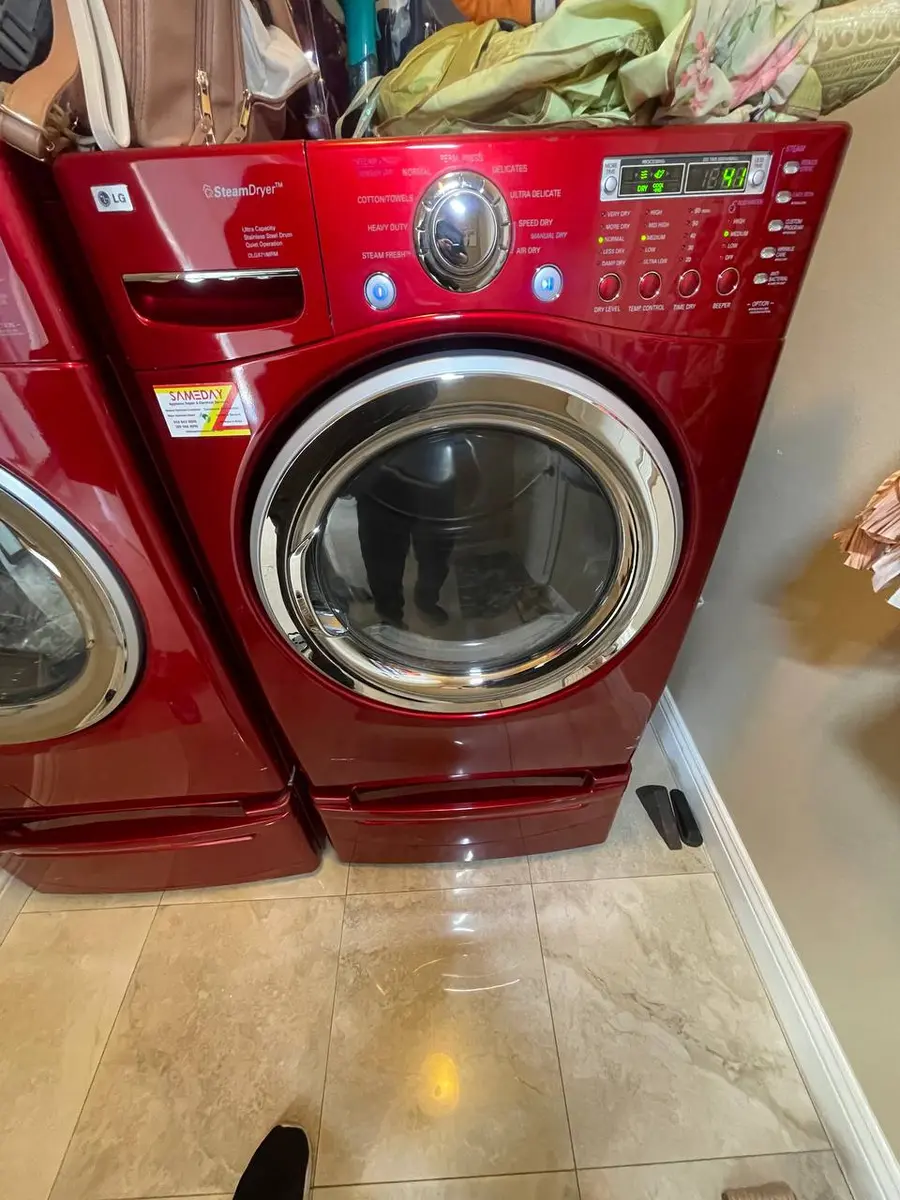
Most likely: the door switch is not registering the door as closed — LG shows a "dE" code for this — or the Start button was tapped rather than pressed and held. LG dryers require Start to be held for one to two seconds as a safety feature, which trips up many owners. The panel itself is the best clue. If the display lights but nothing happens, look at the door switch, the child lock, and the Start-and-hold requirement. If the panel is completely dark, it is a power problem: a tripped breaker, a missing leg of the 240V supply, or a blown thermal fuse.
Likely Causes at a Glance#
| Cause | Likelihood | Tell |
|---|---|---|
| Door switch not engaged | 25% | a "dE" code, or Start does nothing though the door is shut |
| Power supply issue | 25% | dark panel; a dropped 240V leg lets the display work but not the motor |
| Thermal fuse blown | 20% | completely dead with the breaker confirmed on |
| Child lock active | 15% | a small lock icon lit; buttons ignored |
| Control board failure | 15% | display but no response, or fully dead with power present |
Do You Have the Right Tools?
Gas leak detector ($130), thermal fuse tester ($95), belt tension gauge, and vent inspection camera ($180). Our technician arrives with $3,000+ in professional tools — your diagnostic is free.
Licensed & Insured · 90-Day Warranty · Same-Day Service
Walking Through the Diagnosis#
Start with the no-cost checks. Make sure you are holding Start for a second or two, not tapping it, and look for a lit lock icon — LG's child lock disables every button, and holding the Child Lock button for about three seconds clears it. Then push the door until you hear the catch click; if the door is shut but the dryer shows "dE" or ignores Start, the door switch is not confirming closure, so test it for continuity and replace it (LG 6601ER1004C) if it fails.
If the panel is completely dark, work the power path, because LG electric dryers need a full 240V/30A feed (gas models 120V/15A). A subtle trap: one leg of the double-pole breaker can trip on its own, and with only one leg present the display may light on 120V while the motor — which needs both legs — will not run, so test the outlet for 240V across L1-L2 and confirm both legs. If both legs are present and it is still dead, suspect the thermal fuse, which on many LG models cuts all power when it opens; meter it on the blower housing (accessible from the rear), replace it (LG 6931EL3003D) if there is no continuity, and clean the exhaust vent, since a restricted vent is why it blew. If the outlet is live and the thermal fuse is good but the dryer is still dead — or the display works but no button responds — the control board's power supply or relay driver has failed and the board is replaced. When the display is active, LG's Smart Diagnosis through the ThinQ app can point at door, power, or control faults before you disassemble anything.
Repair or Replace? The Short Version#
Most no-start causes are free or cheap — the Start-and-hold habit, clearing child lock, a reset breaker, a door switch, or a thermal fuse — clearly worth handling on an LG that otherwise runs. Only the control board approaches real cost, and it still stays under the price of a new dryer. Because a dead panel from a dropped breaker leg looks like a board failure, confirm both 240V legs and the thermal fuse before buying parts, and clean the vent whenever a fuse blows so it does not recur — book a repair.
Safety First — Know the Risks
Gas dryers carry carbon monoxide and explosion risk. Even electric dryers involve 240V circuits that can deliver a fatal shock. Our techs are licensed and insured — let them handle the risk.
Licensed & Insured · 90-Day Warranty · Same-Day Service
Frequently Asked Questions#
My LG dryer display works but pressing Start does nothing — why?#
The two most common reasons are child lock being active (look for the lock icon and hold Child Lock for about three seconds) and Start not being held long enough, since LG requires a one-to-two-second press-and-hold rather than a tap. If neither helps, try a five-minute power-cycle, then suspect the door switch or Start membrane.
What does the "dE" code mean on an LG dryer?#
"dE" is a door error — the control board is not seeing the door as closed. Push the door firmly until the catch clicks, and if the code persists, test the door switch (LG 6601ER1004C) for continuity with the door shut and replace it if it does not register closure.
My LG dryer is completely dead — where do I start?#
A dark panel is a power problem. Check the breaker, then test the outlet for a full 240V across both legs, since one tripped leg can leave the display working while the motor cannot run. If both legs are present and it is still dead, the thermal fuse (LG 6931EL3003D) has likely blown — replace it and clean the vent.
Why does the thermal fuse keep blowing on my LG dryer?#
The thermal fuse opens in response to overheating, and a restricted exhaust vent is the usual cause. Simply replacing the fuse without clearing the full vent run from the dryer to the outdoor hood will just blow the new one, so always clean the vent as part of the repair.
Senior Appliance Repair Technician · 15 years experience
EPA-certified technician with 15 years of experience specializing in refrigerator and cooling system repairs.