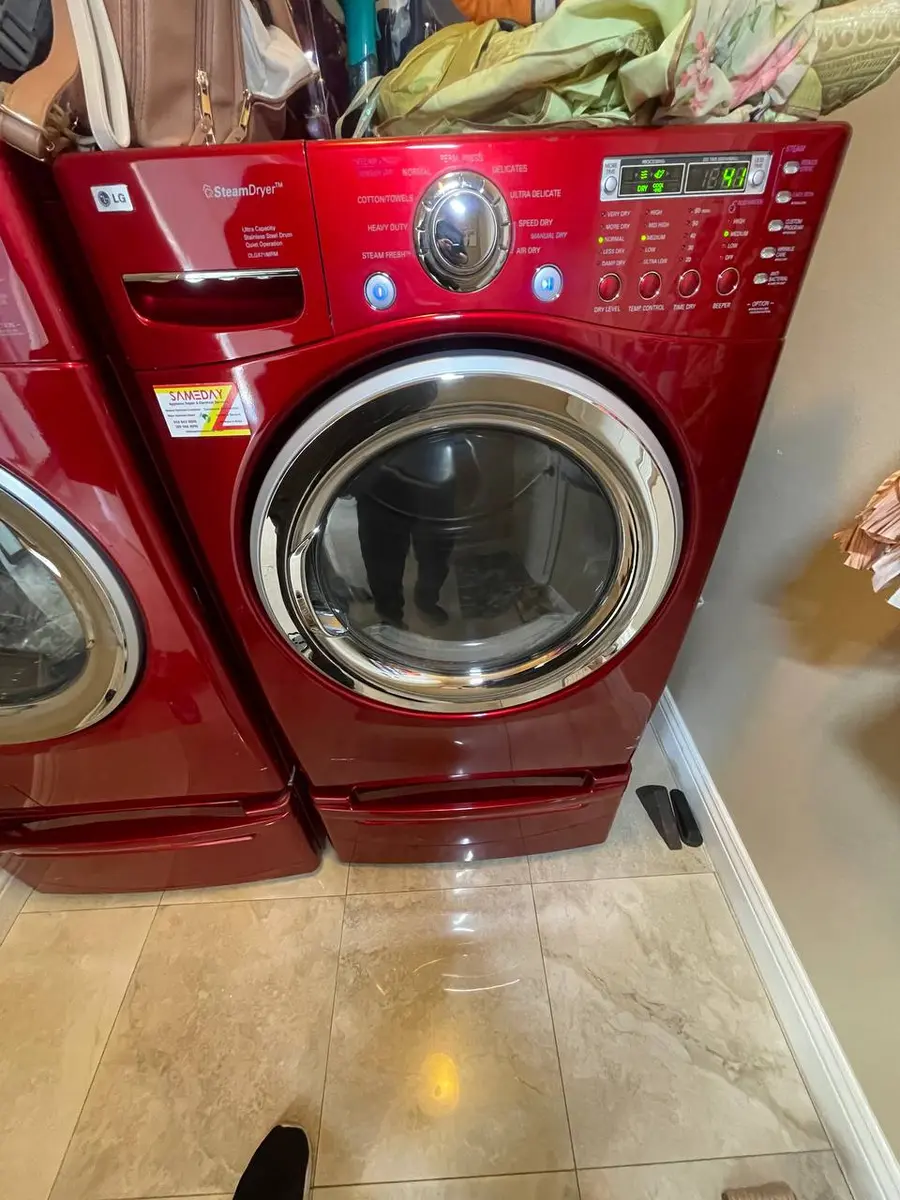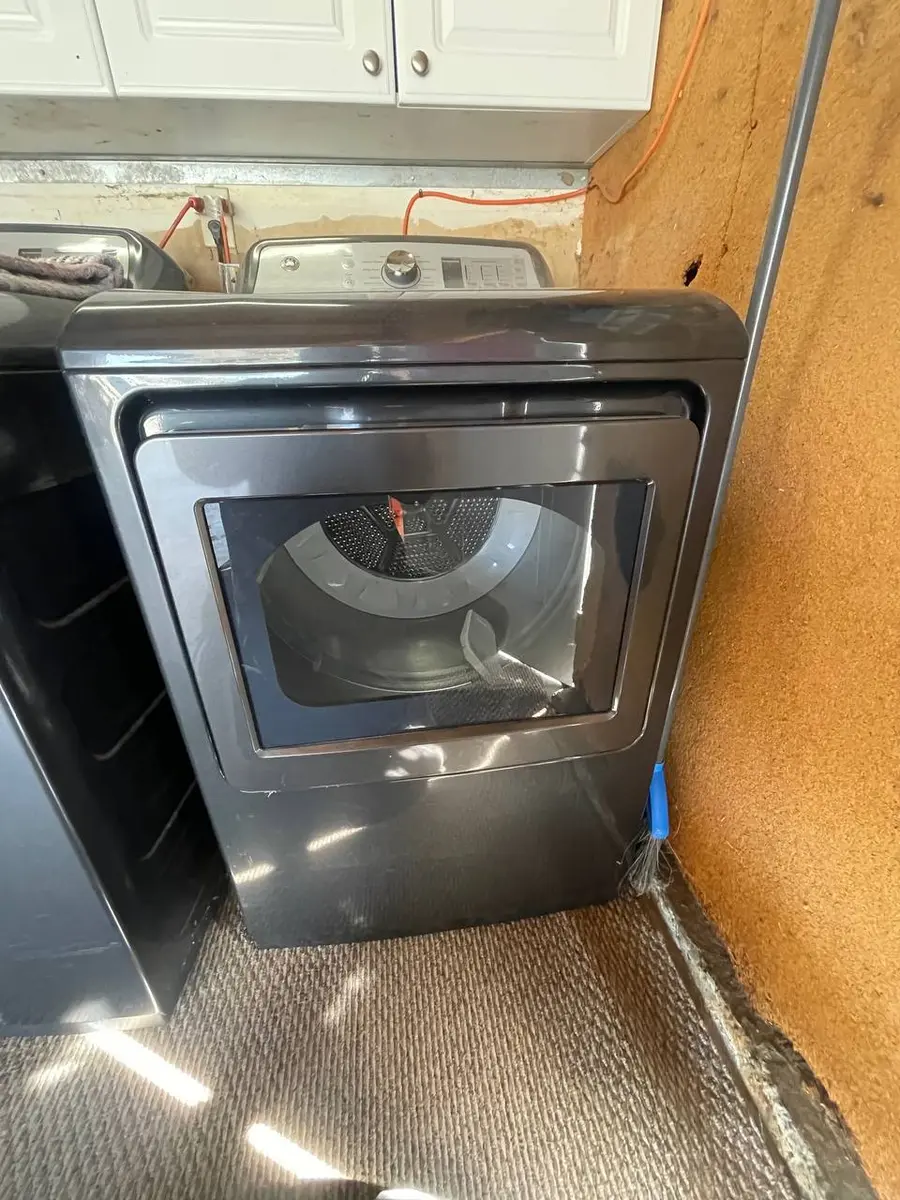
Quick Answer: Power-Cycle First, Then Match the Platform#
Most likely: a temporary control glitch that a power-cycle clears — unplug the dryer or flip the breaker for 60 seconds (on an LG-built 796, hold Power for 5 seconds after reconnecting). If the display stays dead, the failed part depends on who built the machine. A Whirlpool-built 110 usually fails at its user-interface (UI) board or the ribbon cable to the main board; an LG-built 796 fails at the display flex cable that fatigues at a hinge point; and an Electrolux-built 417 with IQ-Touch fails when the electrolytic capacitors on the display board dry out. First, though, rule out lost power, because a half-tripped breaker can blank the display without a single part having failed.
Likely Causes at a Glance#
| Cause | Likelihood | What to check |
|---|---|---|
| UI board failure (110 / Whirlpool) | 35% of 110 cases | Dryer still runs but display is blank — the main board is fine, the display circuit is dead |
| Ribbon cable / connector (110) | 20% of 110 cases | Flickering or missing segments; reseat and clean the ribbon between UI and main board |
| Display flex cable (796 / LG) | 40% of 796 cases | Scrambled or intermittent display; press the flex cable ends — if it flickers on, that is it |
| Main control board power section (796) | 25% of 796 cases | No display and no indicator lights at all; degraded board capacitors |
| Display-board capacitor failure (417 / Electrolux) | 35% of 417 cases | IQ-Touch display dims, flickers, or dies while the motor still runs |
Do You Have the Right Tools?
Gas leak detector ($130), thermal fuse tester ($95), belt tension gauge, and vent inspection camera ($180). Our technician arrives with $3,000+ in professional tools — your diagnostic is free.
Licensed & Insured · 90-Day Warranty · Same-Day Service
Walking Through the Diagnosis#
Always power-cycle first: unplug the dryer or flip the breaker for 60 seconds, restore power, and on a 796 hold Power for 5 seconds — this clears a glitched board with no hardware fault. If the display returns but blanks again within days, you have a loose connection or an intermittent board, not a dead display. Before blaming any board, confirm the dryer has power: an electric dryer needs 240V from its dedicated 30-amp circuit, so test the outlet, and remember a double-pole breaker with one leg tripped can leave 120V that lights some indicators but will not run the dryer — reset both legs. Check the rear terminal block (loose after a move) and the door switch, since some models will not light the display until the door reads closed.
If power is good, match the repair to the platform. On a Whirlpool 110, a dead display while the dryer still runs on Start points to the UI board — the main board works, the display circuit does not — while flickering or missing segments point to the ribbon cable, which you remove (two or three screws at the rear of the control panel), clean with contact cleaner, and reseat. On an LG 796, the weak point is the flex cable between the front display board and the rear main board: it fatigues where it passes a hinge, so open the top, look for cracks or discoloration, and press the connections — a flicker when you press confirms it; a completely dead 796 with no indicators at all instead points to the main board's power section. On an Electrolux 417, the IQ-Touch display board's capacitors dry out in warm laundry rooms, dimming or killing the display while the motor runs fine. The cross-reference helps when ordering: the common main board is W10111606 on Whirlpool, EBR76542933 on LG, and the LG door switch is 6601EL3001A. Disconnect power before opening any panel, and match the replacement board exactly to your model, because the display and main boards talk over a digital protocol on the 796 and 417.
Repair or Replace? The Short Version#
Most of these are cheap or free — a power-cycle costs nothing, and a ribbon-cable reseat is just cleaning — and even a UI board, flex cable, or display board is far below the price of a new dryer. The one caution is matching the board to the exact model, since a wrong board can damage other parts and the platforms use different digital protocols. On a unit under about eight to ten years old, a display repair is clearly worthwhile; if you are not comfortable inside the control panel, have it done — book an EasyBear technician.
Safety First — Know the Risks
Gas dryers carry carbon monoxide and explosion risk. Even electric dryers involve 240V circuits that can deliver a fatal shock. Our techs are licensed and insured — let them handle the risk.
Licensed & Insured · 90-Day Warranty · Same-Day Service
Frequently Asked Questions#
My Kenmore dryer runs but the display is blank — what's wrong?#
If the dryer still runs when you press Start but the display is dark, the main board is working and the display circuit is not — on a Whirlpool-built 110 that is usually the UI board, and on other platforms the display board or its cable. Power-cycle for 60 seconds first to rule out a glitch, then check the ribbon or flex cable connection before replacing a board.
How do I reset a Kenmore dryer display?#
Unplug the dryer or switch off its breaker for 60 seconds, then restore power; on an LG-built 796, hold the Power button for 5 seconds after reconnecting. That clears temporary control-board glitches that blank the display without a hardware failure. If the display comes back but fails again within days, you have a loose connection or an intermittent board rather than a one-time glitch.
Why does only part of my Kenmore dryer display light up?#
Partial or scrambled segments usually mean a cable, not a dead board — on a 110 the ribbon cable between the UI and main boards has loosened or corroded, and on a 796 the display flex cable has fatigued at its hinge point. Reseat and clean the ribbon on a 110, or press the flex-cable ends on a 796; if the display flickers on when you press, the cable or its connector is the fault.
Appliance Repair Technician · 11 years experience
Experienced technician with 11 years specializing in Frigidaire and Electrolux refrigerator and dryer repair with a focus on safety.