Most Likely Cause#
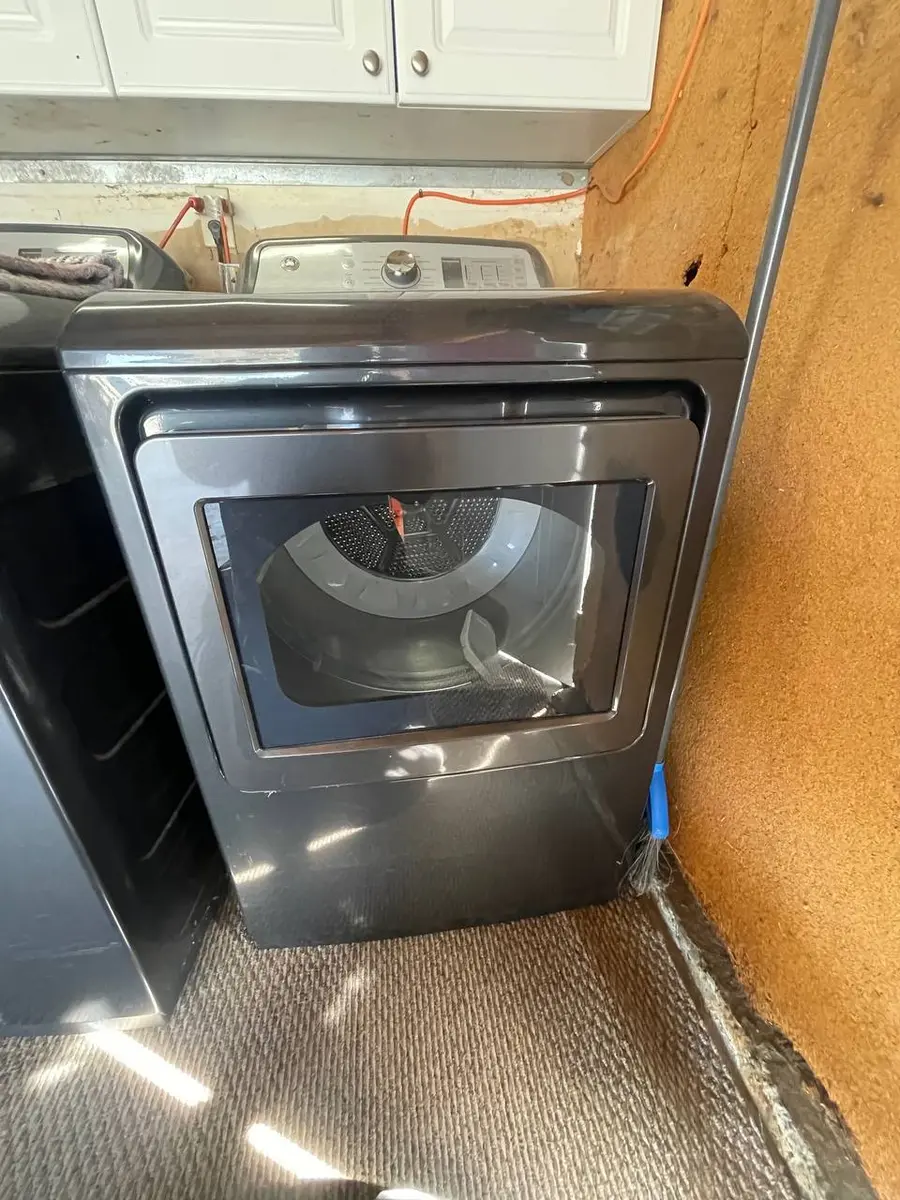
A GE dryer display that is dark, partially lit, or unresponsive almost always comes down to power reaching the boards or the boards and their connections themselves. The most common causes are a power-supply interruption, a failed control or user-interface board, and a loose or damaged ribbon cable between the two boards.
GE's GFD (electric) and GTD (gas) dryers share the same drum-drive hardware — belt WE12M29, idler WE12X10014, motor WE17X10010 — but the display is driven by the control electronics, so the diagnosis stays on the power and board side rather than the mechanical side.
Why a GE Dryer Display Goes Dark#
| Symptom | Cause | How likely |
|---|---|---|
| No display, dryer completely dead | Power supply — breaker, outlet, or thermal fuse | Most likely |
| Dryer runs but display is blank | User-interface (display) board failure | Common |
| Segments missing or garbled | Ribbon cable loose between UI and main board | Common |
| Some buttons dead, display flickers | Keypad membrane or surge damage | Occasional |
| Dead after a storm | Power surge to the control board | Less common |
Do You Have the Right Tools?
Gas leak detector ($130), thermal fuse tester ($95), belt tension gauge, and vent inspection camera ($180). Our technician arrives with $3,000+ in professional tools — your diagnostic is free.
Licensed & Insured · 90-Day Warranty · Same-Day Service
How to Read a GE Dryer's Controls#
Before replacing anything, confirm what type of machine you have and what it is telling you. A 4-prong 240-volt plug means an electric GFD; a standard plug plus a gas line means a GTD. You can enter diagnostic mode by pressing Delay Start and My Cycle together for three seconds, which lets you read any stored error codes such as E1, E2, E3, or E5, and Wi-Fi models expose the same detail through the SmartHQ app. A truly dead display is a power question; a display that is dark while the dryer still runs is a board or ribbon question. Sorting those two cases first prevents unnecessary parts.
Check It Yourself First#
Confirm the machine is unplugged before removing any panel.
- Confirm power. Check the breaker and test the outlet. On electric models a tripped double-pole breaker can leave the display dead; a blown thermal fuse (WE04X10120) after a restricted vent can also kill control power.
- Look for run-but-dark. If the drum turns but the display stays blank, power is fine — move to the display board and its cable.
- Reseat the ribbon cable. Open the console and reseat the ribbon between the user-interface board and the main board. Missing or garbled segments are the classic loose-cable symptom.
- Enter diagnostic mode. Use Delay Start plus My Cycle for three seconds to read stored codes; a listed code points you to the affected subsystem.
- Inspect for surge damage. After a storm, look for scorching on the boards. A surge-damaged control or display board will not recover and needs replacing.
Safety First — Know the Risks
Gas dryers carry carbon monoxide and explosion risk. Even electric dryers involve 240V circuits that can deliver a fatal shock. Our techs are licensed and insured — let them handle the risk.
Licensed & Insured · 90-Day Warranty · Same-Day Service
Repair or Replace?#
A thermal fuse or a reseated ribbon cable is a cheap fix. A user-interface or main control board is the pricier item — get a firm quote first, and on an older dryer weigh a board against replacement, since control electronics are a large share of a dryer's value.
When to Call a Pro#
Call for service if power is confirmed, the ribbon is seated, and the display stays dead, which points to a board, or if you find surge damage. Board-level replacement and diagnostic-code interpretation are best handled by a technician.
The Real Cost of DIY
Average DIY attempt: $150-400 in tools you may use once, plus the risk of further damage. Our diagnostic visit costs $0 — we find the problem and give you an honest quote.
Licensed & Insured · 90-Day Warranty · Same-Day Service
Prevent Display Failures on Your GE Dryer#
Two habits protect a dryer's control electronics. Put the dryer on a surge protector rated for the appliance, since power surges are a leading cause of the board damage that kills displays, especially after storms. And keep the exhaust vent clear: a restricted duct overheats the blower housing and blows the thermal fuse, which can cut power to the control and leave the display dark. Clean the lint screen every load and the full duct annually. Together those two steps head off the most common reasons a GE dryer's display goes blank while the machine is otherwise sound.
GE dryer display gone dark? Book an EasyBear technician — we diagnose GFD and GTD control and display boards.
Senior Gas Appliance Specialist · 18 years experience
AGA-certified gas appliance specialist with 18 years of experience in residential and commercial oven, range, and cooktop repairs.