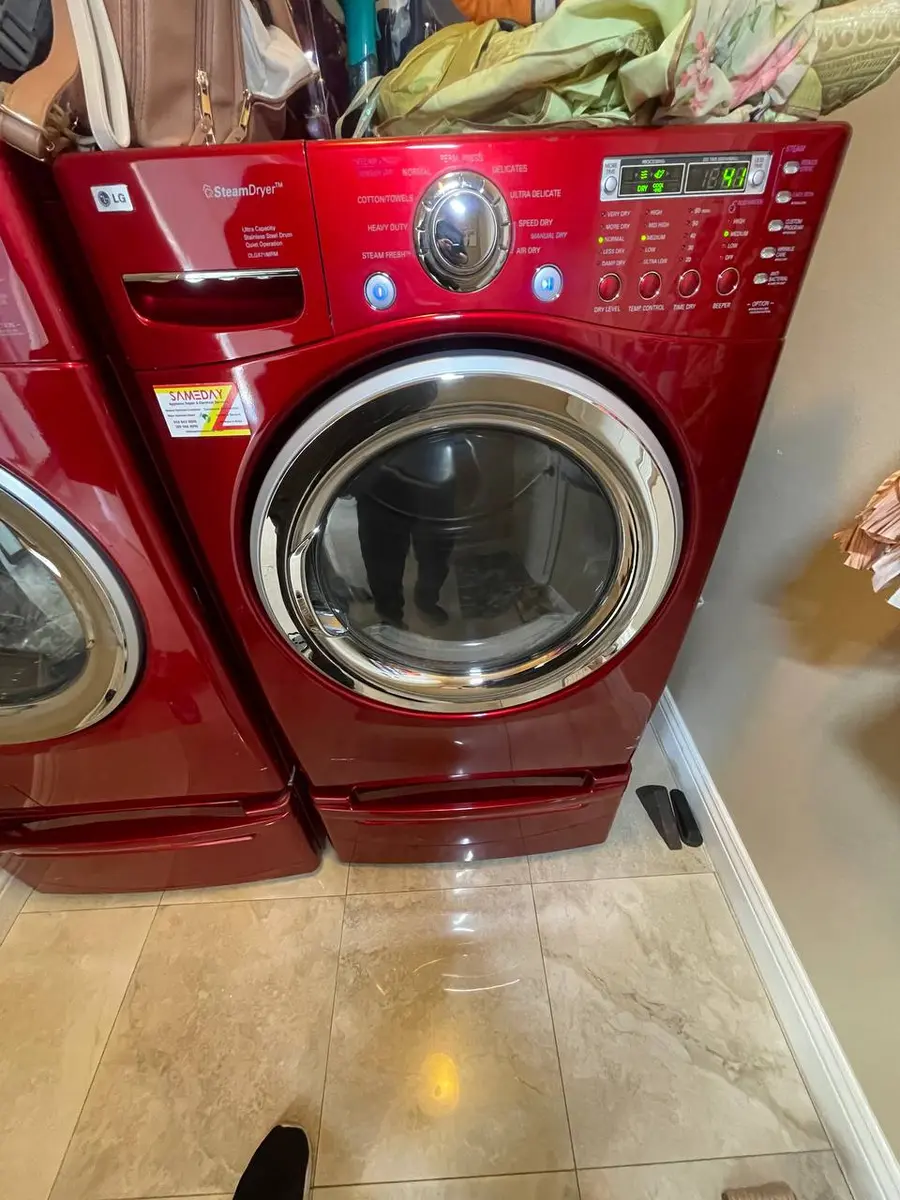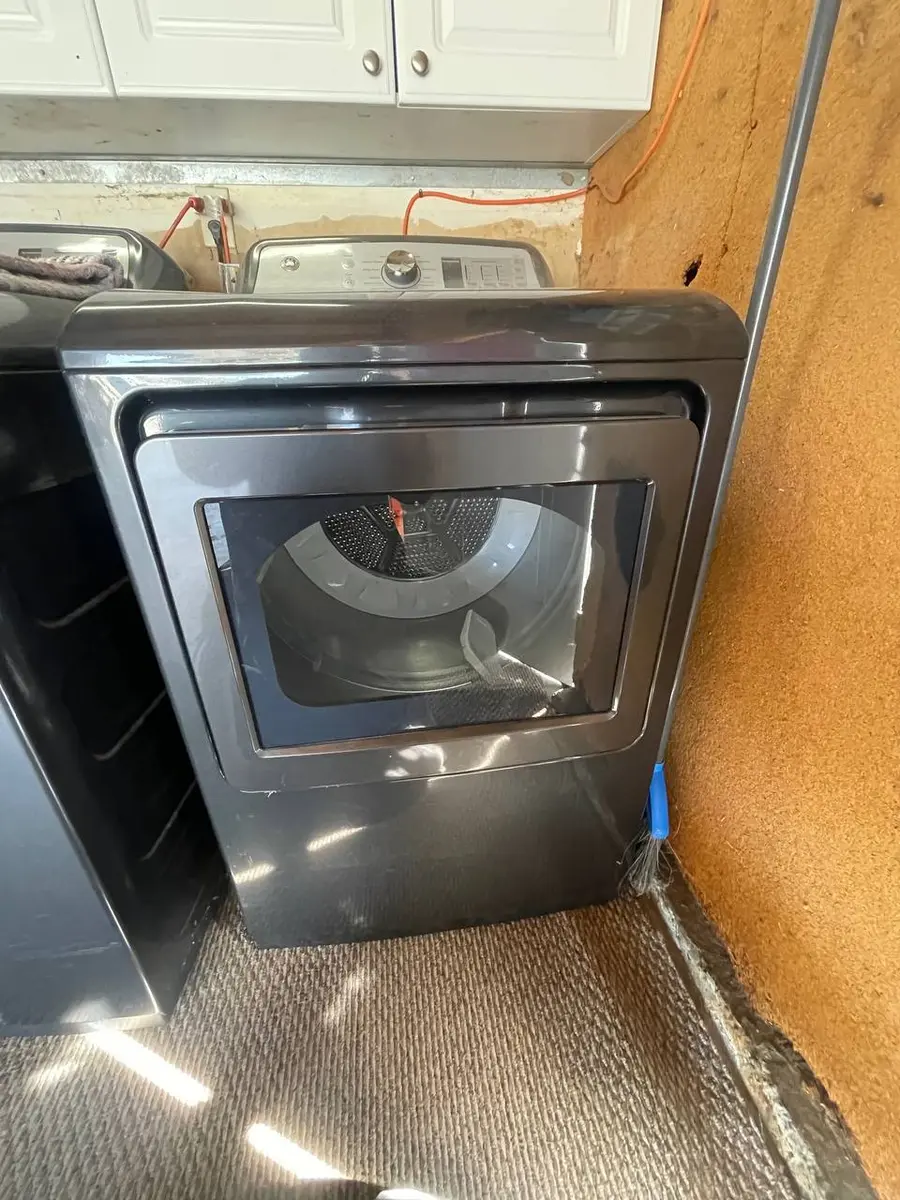
Amana dryers are Whirlpool Corporation's budget-friendly workhorse — simple, reliable, and found in millions of rental units, apartments, and starter homes across America. Because Amana shares the same Whirlpool error code platform, the diagnostic codes are identical to those on Whirlpool and Maytag dryers, but Amana's simpler designs mean repairs tend to be faster and less expensive. This guide covers every Amana dryer error code you might encounter on NED (electric) and NGD (gas) models, what causes each one, and how to resolve it.
How Amana dryer error codes work
Amana dryers display error codes on the control panel LED or digital display when the electronic control board detects a fault. On basic Amana models with only status indicator lights (no digital readout), error codes are communicated through a specific pattern of flashing LEDs. The pattern varies by model, so check the tech sheet (usually mounted inside the lower front panel or behind the control console) for your specific model's LED code chart.
Universal reset procedure:
- Press the Power button to turn off the dryer.
- Unplug from the wall outlet (electric) or turn off the circuit breaker (gas or electric) for 5 minutes.
- Restore power and attempt a new cycle.
If the error returns after a power reset, proceed to the specific code troubleshooting below.
Common Amana dryer model prefixes: NED (electric dryer), NGD (gas dryer).
F1E1 — main control board error
The main electronic control board has detected an internal fault. This is a critical error that prevents the dryer from operating.
Common causes:
- Control board component failure (most commonly from a power surge)
- Cracked solder joints or swollen capacitors on the board
- Corroded wire harness connectors on the board
- Lightning or power surge damage
How to fix:
- Unplug the dryer for 5 minutes to allow a full board reset. On electric dryers, turn off the 240V breaker.
- Remove the lower front access panel and inspect the main control board for visible burn marks, cracked solder joints, or swollen capacitors.
- Check all wire harness connectors on the board — reseat each one firmly. Look for greenish corrosion on the pins.
- If the code returns after checking connections, the control board must be replaced.
Safety note: Electric dryers operate on 240V. Always disconnect power at the circuit breaker before inspecting the control board.
F2E1 — stuck key / user interface error
A button on the control panel is stuck or the user interface board is sending incorrect signals to the main board.
Common causes:
- Physically stuck button from lint and detergent dust buildup
- Heat damage to the control panel overlay (membrane)
- Failed user interface board
- Moisture intrusion into the control panel area
How to fix:
- Unplug the dryer and press each button on the control panel firmly several times to free any stuck keys.
- Clean around all buttons with a damp cloth. Lint dust mixed with fabric softener residue is the most common cause of stuck buttons on Amana dryers.
- Inspect the control panel overlay for bubbling, peeling, or soft spots — dryer heat migrating through the top panel warps the overlay adhesive over time.
- If cleaning does not resolve the issue, the user interface board behind the control panel needs replacement.
F3E1 — exhaust thermistor error
The exhaust temperature sensor is reading an abnormal value. This sensor monitors the air temperature leaving the drum to regulate the heating cycle.
Common causes:
- Failed exhaust thermistor (shorted or open circuit)
- Restricted dryer vent causing the thermistor to overheat and fail prematurely
- Disconnected thermistor wire harness
- Lint accumulation on the sensor itself
How to fix:
- Before replacing the thermistor, check your dryer vent system. A clogged vent is the leading cause of thermistor failure — restricted airflow causes the sensor to operate at extreme temperatures continuously, shortening its lifespan.
- Clean the full vent run from the dryer exhaust to the exterior wall cap using a dryer vent brush kit.
- Unplug the dryer (or switch off its breaker) and let it cool before you open the cabinet. Locate the exhaust thermistor on the blower housing or exhaust duct inside the dryer. Disconnect the leads, measure the resistance at room temperature and compare it with the value on the tech sheet. A reading of 0 (shorted) or infinite (open) confirms failure.
- Check the wiring from the thermistor to the main control board for breaks or loose connectors.
- Replace the thermistor if readings are out of specification.
F3E2 — moisture sensor error
The moisture sensor bars inside the drum are not reading correctly. The moisture sensor determines when clothes are dry and signals the control board to end the auto-dry cycle.
Common causes:
- Fabric softener residue coating the sensor bars (the most common cause by far)
- Failed moisture sensor bars
- Damaged wiring from the sensor to the control board
How to fix:
- Locate the moisture sensor bars — two metal strips inside the drum, typically near the lint screen housing.
- Clean the sensor bars with fine sandpaper (220 grit) or a cloth soaked in rubbing alcohol. Dryer sheet residue coats these bars with a waxy film that insulates them, making the dryer think clothes are always dry (or always wet).
- After cleaning, run a test load on the auto-dry setting to see if the sensor responds correctly.
- If cleaning does not restore function, test the wiring continuity from the sensor bars to the main control board.
- Replace the sensor bar assembly if cleaning and wiring checks fail.
F3E3 — inlet thermistor error
The inlet temperature sensor monitors air temperature entering the drum from the heater assembly. An abnormal reading indicates the sensor has failed or is disconnected.
Common causes:
- Failed inlet thermistor
- Heat damage to the wiring near the heater element
- Restricted vent causing overall overheating that damages temperature sensors
How to fix:
- Unplug the dryer (or switch off its breaker) and let the heater cool before you open the cabinet. Locate the inlet thermistor on the heater housing or air intake plenum.
- Disconnect it, measure the resistance at room temperature and compare it with the value on the tech sheet.
- Check the wiring for heat damage, especially near the heating element where insulation can melt.
- Replace the thermistor if readings are out of specification.
Important: If both F3E1 and F3E3 appear together, the likely cause is a severely restricted vent system causing overall overheating — not two individual sensor failures. Clean the full vent path before replacing either sensor.
F4E1 — heating element relay error (electric models)
On electric Amana dryers, this code indicates a problem with the relay that controls the heating element, or with the heating element itself.
Common causes:
- Heating element relay on the control board stuck open or welded closed
- Failed heating element (open circuit or grounded to the housing)
- Blown thermal fuse or high-limit thermostat on the heater housing
- Power surge damage to the relay circuit
How to fix:
- Unplug the dryer (or switch off its breaker) and let the element cool before you open the cabinet. Then check the heating element: disconnect the element leads, measure with a multimeter and compare the reading with the value on the tech sheet. An infinite reading means the element is burned out.
- Test for ground fault: measure between each element terminal and the element housing. Any continuity reading means the element is grounded and must be replaced immediately.
- Check the thermal fuse and high-limit thermostat on the heater housing for continuity. A blown fuse reads open circuit (infinite resistance).
- If the element and safety devices test good, the relay on the control board may be faulty. Listen for a click from the board when the cycle calls for heat — no click suggests a failed relay.
Safety note: If the relay is welded closed (stuck on), the heater runs continuously regardless of temperature controls. This is a fire hazard. If the dryer overheats or the thermal fuse blows repeatedly, stop using the dryer and replace the control board.
Rather have a pro handle it?
A vetted local technician can come out and diagnose your dryer at home.
F4E3 — gas valve relay error (gas models)
On gas Amana dryers (NGD series), this code indicates a problem with the gas valve relay on the control board or the gas valve solenoid coils.
Common causes:
- Failed gas valve solenoid coils (the most common cause of intermittent no-heat on Amana gas dryers)
- Gas valve relay failure on the control board
- Gas supply valve partially closed or gas pressure issue
How to fix:
- Verify the gas supply valve behind the dryer is fully open.
- If the code persists, stop there: the gas valve and its solenoid coils are technician work. With the lower panel off, a technician watches the ignition sequence — the igniter should glow bright orange, then the gas should ignite. If the igniter glows but gas does not ignite, the solenoid coils are likely failing.
- With the gas and power shut off, the technician tests the gas valve solenoid coils against the values on the tech sheet.
- If the igniter glows and gas ignites initially but the burner goes out mid-cycle and the igniter re-glows without re-igniting, the solenoid coils are weakening — a very common failure on Amana and all Whirlpool-family gas dryers.
- The usual fix is a new gas valve solenoid coil kit, fitted by the technician. If new coils do not resolve the issue, the control board relay may be at fault.
Safety note: If you smell gas, stop troubleshooting: leave the home, do not use switches, flames or phones inside, and call your gas utility from outside.
F6E1 — communication error
The main control board and user interface board cannot communicate with each other over the internal serial bus.
Common causes:
- Loose ribbon cable or wire harness between the UI board and main board
- Corroded connector pins from moisture or cleaning product exposure
- Failed UI board or main control board
- Vibration from unbalanced loads loosening connectors over time
How to fix:
- Unplug the dryer for 5 minutes to reset both boards.
- Access the UI board behind the control console and the main board behind the lower access panel.
- Check the connecting ribbon cable or wire harness — reseat all connectors firmly.
- Look for corrosion or burn marks at the connector pins on both boards.
- If connectors are clean and secure but the code persists, one of the two boards has failed. The UI board is the more common failure point on Amana dryers.
L2 — low line voltage (electric models)
The electric dryer is receiving only 120V instead of the required 240V. The drum will turn but the heating element will not activate.
Common causes:
- Half-tripped circuit breaker (one pole of the double-pole 30A breaker tripped while the other stayed on)
- Loose wire connection at the outlet, breaker, or dryer terminal block
- Damaged power cord
How to fix:
- Check the circuit breaker panel. Electric dryers use a double-pole 30A breaker. Flip it fully OFF, then ON — a half-tripped breaker can look like it is on but only supply 120V on one leg.
- If the code returns, have the outlet tested live by a technician or an electrician: it should read 240V across the two hot terminals, and 120V from each hot terminal to neutral.
- If voltage at the outlet is correct (240V), unplug the dryer (or switch off its breaker) before you remove the rear access panel, then check the power cord connections at the terminal block. Tighten all screws.
No dryer parts needed if the issue is electrical supply.
AF — restricted airflow
The dryer detected restricted exhaust airflow. This is a safety feature — restricted dryer vents are the leading cause of residential dryer fires.
Common causes:
- Clogged lint filter (the most basic check)
- Lint accumulation in the exhaust vent duct
- Crushed or kinked flexible vent hose behind the dryer
- Blocked exterior vent cap (lint, bird nests, debris)
- Vent run too long for adequate airflow
How to fix:
- Remove and thoroughly clean the lint filter. If it is coated with dryer sheet residue, wash it with soap and warm water and let it dry completely.
- Disconnect the exhaust vent hose from the back of the dryer and check for lint buildup inside the hose and at the wall connection.
- Clean the full vent run from the dryer to the exterior wall cap using a vent brush kit or have it professionally cleaned.
- Check the exterior vent cap — the flap should open freely when the dryer runs. If it does not, the vent is blocked.
- Ensure the vent run stays within the maximum length and elbow count given in your dryer's installation instructions. Amana dryers in second-floor laundry rooms often exceed this limit.
Safety warning: A restricted dryer vent is a fire hazard. Clean your dryer vent at least annually.
Amana dryer diagnostic mode
Most Amana dryers with electronic controls support a diagnostic test mode:
- Entering diagnostic mode: With the dryer powered off, press and hold the Start and Pause buttons simultaneously for 3-5 seconds. The display or LED lights will enter a test sequence.
- Component tests: The diagnostic mode cycles through each component — motor, heater, thermistors, moisture sensor, and door switch.
- Error code history: Some Amana models store the last few error codes in memory, accessible through diagnostic mode.
- Tech sheet location: Detailed diagnostic instructions are on the tech sheet inside the lower front panel or behind the control console.
Frequently asked questions
Q: How do I reset my Amana dryer? A: Power off, unplug for 5 minutes (or turn off the breaker for electric models), restore power, and start a new cycle. The code should clear once the underlying issue is fixed.
Q: Why is my Amana dryer running but not heating? A: The three most common causes are: (1) a blown thermal fuse, (2) failed gas valve solenoid coils on gas models, or (3) a half-tripped 240V breaker on electric models. Always check and clean the dryer vent first.
Q: Are Amana dryer parts easy to find? A: Parts are standardized across the Whirlpool platform and widely available.
Q: How long do Amana dryers last? A: Amana dryers typically last 10-15 years with proper maintenance. The key maintenance item is cleaning the dryer vent annually. Amana's simple design with fewer electronic components means fewer things to fail.
Q: My Amana dryer smells like burning. Is it dangerous? A: A burning smell should be investigated immediately. Common causes are lint on the heating element, a worn drum belt, or an overheating motor. If accompanied by visible smoke, unplug immediately and do not use until professionally inspected.
When to call a professional
- Gas dryer ignition or gas valve issues — If you smell gas, do not attempt DIY repair.
- F1E1 control board failure — Electrical board work on a 240V appliance requires proper safety procedures.
- Repeated thermal fuse failures — An underlying overheating issue must be diagnosed, not just patched.
- Burning smell with visible smoke — Unplug immediately and call for professional inspection.
- Drum bearing or roller replacement — Requires significant disassembly.
Struggling with an Amana dryer error code? EasyBear technicians work on Amana and all Whirlpool-family dryers every day — we stock the most common parts on our trucks. Our free diagnostic visit means we will pinpoint the problem, explain your options, and fix it on the spot in most cases. Every repair is covered by the Provider's 90-day parts and labor warranty, claimed through EasyBear. Schedule your free diagnosis today.