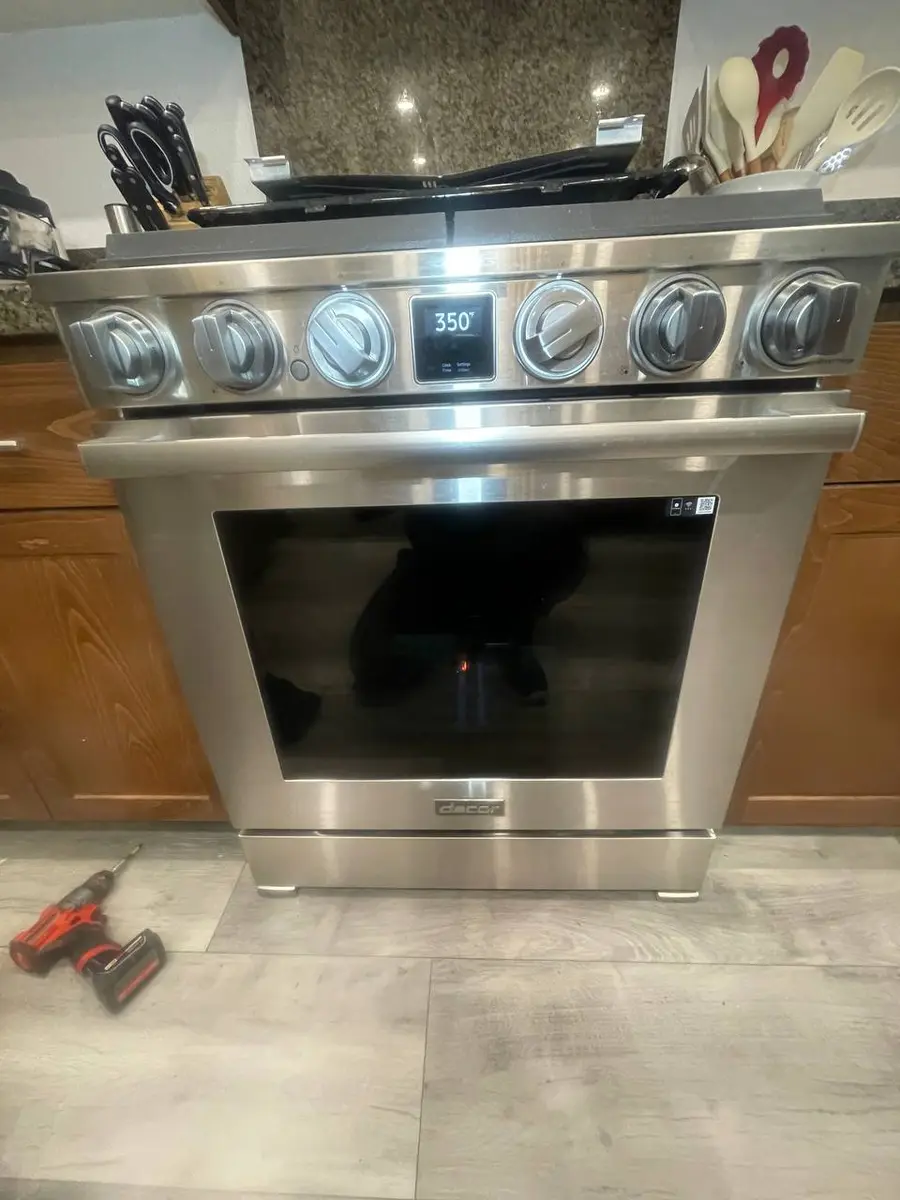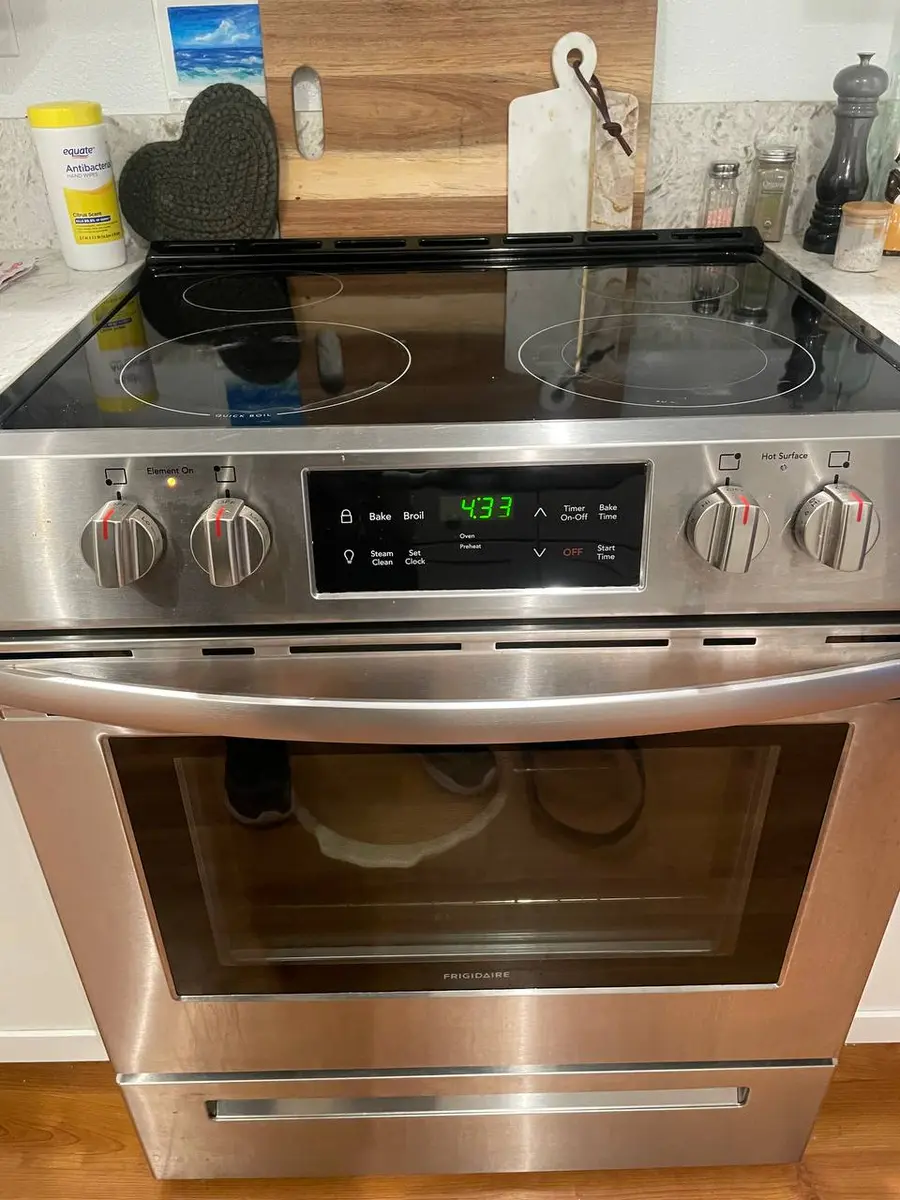
Maytag ovens and ranges use the Whirlpool Corporation error code system — primarily single-digit F codes (F1 through F9) on older Electronic Range Control (ERC) models, and the newer F#E# two-part codes on models with the advanced electronic control. Maytag ranges are known for their heavy-duty cast iron grates, True Convection with third heating element, Power Preheat, and self-clean with AquaLift technology on select models. Each of these features introduces specific failure patterns that differ from standard Whirlpool ranges. This guide covers the common Maytag oven error codes with model-specific fixes.
How Maytag Oven Error Codes Work#
Maytag ovens display error codes on the control panel display. The format depends on the generation of the Electronic Range Control (ERC):
- Older models (MER/MGR series before 2018): Single-digit F codes: F1, F2, F3, F4, F5, F9. These display on the clock/timer LED.
- Newer models (MER8800FZ, MGR8800FZ, MET8800FZ, 2018+): Two-part F#E# codes similar to the washer/dryer system.
Diagnostic mode: Maytag ovens have a service diagnostic mode that shows stored error codes. The key sequence differs between freestanding ranges (MER/MGR series) and slide-in and double oven models (MES/MET series) — follow the procedure on your model's tech sheet.
Important safety note: Ovens operate on 240V (electric) or have live gas lines (gas). Always disconnect power at the circuit breaker before any internal inspection. On gas ranges, if you smell gas, leave the home at once — do not use switches, flames or phones inside — and call the gas utility from outside.
Do You Have the Right Tools?
Combustion analyzer ($300), igniter tester ($120), temperature calibrator ($150), and gas pressure manometer. Our technician arrives with $3,000+ in professional tools — your diagnostic is free.
Licensed & Insured · 90-Day Warranty · Same-Day Service
F1 — Touch Pad / ERC Clock Error#
The ERC has detected an internal clock or touchpad communication fault. This is the single most common Maytag oven error code.
Common causes:
- ERC internal component failure (most common — age-related on units over 5–7 years)
- Touch pad membrane failure sending erratic signals
- Power surge damage to the ERC
- On Maytag ranges: F1 frequently appears during or after self-clean cycles, when the extreme heat stresses the ERC's electronic components
How to fix:
- Disconnect power at the breaker for 5 minutes to perform a full ERC reset.
- If F1 returns immediately on power-up, the ERC is faulty (not the touchpad). The ERC's internal clock/processor has failed.
- If F1 appears only when specific keys are pressed, the touch pad membrane is the likely cause. With the breaker off, disconnect the ribbon cable between the touch pad and ERC — if F1 clears with the touch pad disconnected, replace the touch pad only.
- On Maytag freestanding ranges (MER series), the ERC and touch pad are separate parts. On Maytag slide-in models (MES series), they are often integrated as a single assembly.
- Always check the model-specific parts diagram before ordering — Maytag and Whirlpool use different ERC part numbers even when the oven cavity is identical.
F2 — Oven Over-Temperature#
The oven temperature has exceeded the programmed safety limit. This is a critical safety code — the oven detected temperatures above 650F during bake or above 1000F during self-clean.
Common causes:
- Bake or broil relay on the ERC welded closed (stuck on) — keeps the heating element powered continuously regardless of temperature feedback
- Failed oven temperature sensor giving false low readings, causing the ERC to keep heating
- Shorted temperature sensor wiring touching the hot oven wall
- Damaged door gasket allowing excessive heat escape that triggers temperature sensor misreading
How to fix:
- Turn off the oven at the circuit breaker immediately. Allow the oven to cool completely (1–2 hours) before any diagnosis.
- Test the oven temperature sensor (RTD probe): with the power still off, disconnect it, measure its resistance at room temperature and compare the reading with the value on your model's tech sheet.
- If the sensor reads correctly, the ERC bake relay is likely welded closed. This is the same failure mode as the dryer F4E1 — a stuck relay keeps the element on continuously. This is dangerous and the ERC must be replaced.
- Inspect the sensor wire harness where it enters the oven cavity through the rear wall. On Maytag ranges, the wire insulation degrades from self-clean heat and can short to the oven wall, sending false readings.
- On Maytag True Convection models (MER8800FZ), also check the convection element — if it stays on continuously, the convection relay may be stuck.
Safety First — Know the Risks
Gas ovens involve live gas lines — a loose connection creates explosion and carbon monoxide risk. Electric ovens run on 240V circuits. Our techs are licensed and insured — let them handle the risk.
Licensed & Insured · 90-Day Warranty · Same-Day Service
F3 — Shorted Temperature Sensor#
The oven temperature sensor (RTD probe) is reading significantly below normal resistance, indicating a short circuit.
Common causes:
- Temperature sensor element has developed an internal short
- Sensor wire harness insulation damaged by self-clean heat, allowing wires to contact each other or the oven wall
- Moisture inside the sensor probe (after steam cleaning or AquaLift cycle)
- Connector pin contamination at the sensor plug
How to fix:
- Switch off the breaker and let the oven cool, then access the oven temperature sensor — it enters through the rear oven wall, secured by one or two screws. On Maytag ranges, it is typically in the upper rear of the oven cavity.
- Disconnect the sensor, measure its resistance at room temperature and compare the reading with the value on your model's tech sheet. A reading well below that value confirms a shorted sensor.
- Inspect the sensor wire inside the oven cavity. On Maytag self-cleaning models, the wire runs along the rear wall and the insulation degrades from repeated self-clean cycles (900F+). Look for bare wire touching the metal oven wall.
- On Maytag AquaLift models (which use water instead of extreme heat for cleaning), check for moisture inside the sensor connector. Dry the connector thoroughly and apply dielectric grease.
- Replace the sensor if resistance is out of specification.
F4 — Open Temperature Sensor#
The oven temperature sensor circuit is open (infinite resistance), meaning the ERC receives no temperature feedback. The oven will not heat.
Common causes:
- Sensor connector vibrated loose or disconnected
- Sensor wire broken inside the oven cavity from thermal stress
- Sensor element failed open (end of life — typical after 5–7 years on self-cleaning models)
- Corroded or heat-damaged connector pins
How to fix:
- Switch off the breaker and confirm the display goes dark, then get a second person to help you pull the range out from the wall. Check the sensor connector behind the oven (accessible by pulling the range out from the wall). The connector may simply be loose — reseat it firmly. When you push the range back, re-engage the anti-tip bracket.
- Disconnect the sensor and measure resistance: infinite/OL reading confirms an open circuit.
- Before replacing the sensor, inspect the wire harness. On Maytag freestanding ranges (MER/MGR), the sensor wire runs along the rear oven wall. The insulation degrades from self-clean heat, and the copper conductor eventually breaks at stress points where it bends around corners.
- If the wire is intact and the sensor reads open, replace the sensor.
The Real Cost of DIY
Average DIY attempt: $150-400 in tools you may use once, plus the risk of further damage. Our diagnostic visit costs $0 — we find the problem and give you an honest quote.
Licensed & Insured · 90-Day Warranty · Same-Day Service
F5 — Door Latch Assembly / Latch Switch Error#
F5 points to a problem with the oven door latch assembly, the door latch switches, or the associated wiring.
How to fix:
- Disconnect power at the breaker for 10 minutes, then restore it and see whether F5 returns.
- Make sure the door closes fully and nothing is caught at the latch.
- If F5 returns, switch the breaker off again before you check the latch wiring connections for secure contact.
- If the wiring is secure, the latch assembly or its switches have failed — the door latch assembly is replaced as a complete unit with its motor and position switches (see F9).
F9 — Door Latch / Lock Error#
The oven door latch mechanism has failed — either it cannot lock for self-clean, cannot unlock after self-clean, or the lock position switches are not reading correctly.
Common causes:
- Latch motor gears stripped — the motor runs but the latch does not move. Plastic gears degrade from repeated self-clean heat cycles
- Door stuck locked after self-clean — the lock has not released because the oven has not cooled down fully
- Latch position switches worn or mis-calibrated
- On Maytag models with AquaLift: the AquaLift cycle does not lock the door (no extreme heat), but the latch mechanism can still fail from standard self-clean use
How to fix:
- If the door is stuck locked after self-clean, let the oven cool down completely — the lock stays engaged while the oven is hot. Never force the door open — the latch mechanism will break.
- Once the oven is fully cool, release the lock with the reset procedure in your owner's manual.
- If the door stays locked after a full cool-down and the manual's reset, do not pry at the latch or lift the main top to reach it — have a technician release it.
- Inspect the latch motor assembly — listen for the motor running when self-clean is initiated. Motor runs but latch does not move = stripped gears. No motor sound = motor failure or wiring issue.
- If the latch has failed, replace the door latch assembly with the breaker off and the oven cool. It includes the motor, gears, and position switches as a complete unit.
Don't Void Your Warranty
Opening your appliance yourself may void the manufacturer warranty. Our repair comes with a 90-day guarantee, and we document everything for warranty compliance.
Licensed & Insured · 90-Day Warranty · Same-Day Service
F2E0 — Shorted Keypad / Stuck Key (Newer Models)#
On newer Maytag ranges with the two-part F#E# system, F2E0 points to a problem with the keypad (user interface), the control, or the associated wiring. When a key is at fault, the control detects a continuous signal from one of the function keys (Bake, Broil, Self Clean, etc.) — a stuck button or a shorted keypad.
Common causes:
- Physical button stuck from grease and cooking splatter buildup — a common cause on range control panels
- Control panel overlay (membrane) warped from self-clean cycle heat (the oven cavity reaches 900F+ during self-clean, and heat radiates upward to the control panel)
- Control board input circuit failure
- Damaged wiring between the keypad and the control
- On Maytag ranges with True Convection: the convection fan creates stronger air circulation that pushes more grease vapor toward the control panel
How to fix:
- Turn off the oven at the circuit breaker for 3 minutes, then restore power.
- Press each function key firmly several times to free any physically stuck button.
- Clean the entire control panel with a damp cloth and mild degreaser. Focus on the gaps between and around buttons where grease accumulates.
- If F2E0 appears only during or immediately after self-clean cycles, the overlay membrane is warping from heat. Replace the overlay before condemning the control board — the overlay is the simpler repair.
- If F2E0 persists with a clean overlay, switch the breaker off and reseat the ribbon cable between the keypad and the control (see F2E1). If the code still returns, the control board needs replacement.
F2E1 — Touch Panel Communication Error (Newer Models)#
On newer Maytag ranges with the two-part F#E# system (2018+), F2E1 indicates a communication failure between the touch panel and the main control board, similar to F1 on older models.
Common causes:
- Ribbon cable between the touch panel and the main board loose or damaged
- Touch panel failed from grease or moisture intrusion
- Main control board communication port failure
How to fix:
- Disconnect power for 5 minutes.
- With the power still off, access the control area and inspect the ribbon cable connection between the touch panel and the main control board. Reseat firmly.
- Check for grease or moisture contamination on the ribbon cable contacts. Clean with isopropyl alcohol.
- If the ribbon cable is intact and clean, the touch panel or the main board has failed. Disconnect the touch panel — if the error clears, the touch panel is the faulty component.
Is It Worth Your Time?
Oven temperature issues require systematic testing of the igniter, gas valve, thermostat, and calibration. Average DIY: 4-6 hours. Our technician diagnoses the issue in about 30 minutes — same-day appointments available.
Licensed & Insured · 90-Day Warranty · Same-Day Service
F3E2 — Oven Temperature Sensor Error (Newer Models)#
On newer Maytag ranges with the two-part F#E# system, F3E2 points to a problem with the oven temperature sensor, the warming drawer sensor (if so equipped), the control, or the associated wiring.
How to fix:
- Disconnect power at the breaker for a few minutes, then restore it. If F3E2 returns, switch the breaker off again for the checks below.
- Check the oven temperature sensor, its wiring and its connector as described under F3 and F4 above.
- On ranges with a warming drawer, the warming drawer sensor and its wiring are the other suspect.
- If the sensors and wiring test good, the control has failed.
Meat Probe Not Reading#
The meat probe reading is abnormal when the probe is connected, or the oven reports a probe when none is inserted.
Common causes:
- Meat probe connector jack contaminated with grease or food debris
- Damaged meat probe cable or tip
- Internal short in the probe jack wiring
- Probe jack corrosion from oven cleaning chemicals
How to fix:
- If no meat probe is inserted, let the oven cool and inspect the probe jack inside the oven for grease or debris. Clean with a dry cloth and isopropyl alcohol.
- If a meat probe is connected, disconnect it. If the problem clears, the probe itself is damaged — replace the probe.
- With the breaker off, check the probe jack wiring behind the oven wall for damage or shorts.
- If the problem persists with a clean, empty jack, the jack assembly or the control's probe circuit has failed.
The Risk of Getting It Wrong
A wrong diagnosis often turns a simple fix into a costly replacement. Without proper diagnostic tools, you might replace the wrong part — or cause additional damage. Our free diagnostic eliminates the guesswork.
Licensed & Insured · 90-Day Warranty · Same-Day Service
Additional Quick Reference Codes#
- F6 — There may be a problem with the oven control or the associated wiring. If a power reset at the breaker does not clear it, the control needs service.
- F8 — Electronic control board configuration error. Requires board reconfiguration or replacement. Professional repair only.
- LOC / LOCK — Door locked indicator during or after self-clean. Not an error — the door unlocks once the oven has cooled down.
- SAb / Sabbath — Sabbath mode active. Press and hold the Bake and Broil buttons simultaneously for 3 seconds to exit.
Self-Clean vs. AquaLift: Impact on Error Codes#
Maytag offers two cleaning technologies, and each affects error code frequency differently:
Traditional Self-Clean (900F+): Heats the oven to extreme temperatures to burn off food residue. This cycle is the leading cause of F1, F3, F4, and F9 errors because the extreme heat degrades the temperature sensor, sensor wiring, control panel overlay, door latch gears, and ERC components. Limit self-clean to 2–3 times per year. Manual cleaning between self-clean cycles extends component life significantly.
AquaLift (Steam Clean): Uses water at the bottom of the oven to create steam at moderate temperatures. Much gentler on components — F3/F4 sensor and F9 latch errors are rare on AquaLift-only models. However, AquaLift is less effective for heavy baked-on soil. Some Maytag models offer both options.
Free Diagnostic Visit — Zero Risk
Our certified technician comes to your home, diagnoses the problem with professional tools, and gives you an honest quote — all at zero cost. No parts markup, no hidden fees. If you decide not to proceed, you pay nothing.
Licensed & Insured · 90-Day Warranty · Same-Day Service
Frequently Asked Questions#
Q: How do I reset my Maytag oven after an error code? A: Turn off the circuit breaker for 5 minutes, then restore power. For minor codes (F1 intermittent), this often clears the error. For F2 (over-temperature), allow the oven to cool completely before resetting. If the code returns within one use cycle, the underlying component has failed and needs repair.
Q: Why does my Maytag oven show F1 only during self-clean? A: The self-clean cycle pushes the oven to 900F+, which stresses the ERC electronic components. F1 during self-clean usually indicates the ERC is thermally marginal — it works at normal baking temperatures but fails at self-clean temperatures. The ERC needs replacement. In the meantime, avoid using self-clean and use manual cleaning or AquaLift (if available on your model).
Q: My Maytag oven is not heating evenly. Is there an error code for that? A: Uneven heating does not trigger an error code. Common causes: failed convection fan motor (True Convection models), partially failed bake element (one section glows, another does not), or a temperature sensor that reads correctly at set point but drifts at higher temperatures. Use an oven thermometer in different positions to map the hot/cold spots.
Q: Are Maytag oven temperature sensors the same as Whirlpool? A: Sometimes — Maytag is a Whirlpool Corporation brand, but the oven temperature sensor and the ERC board vary by model, so always match the replacement to your model number.
Q: Is it safe to use my Maytag oven if the error code comes and goes? A: It depends on the code. F1 (ERC) intermittent — safe for baking but do not use self-clean. F2 (over-temperature) — do not use the oven until repaired, even intermittent F2 means a safety device may be failing. F3/F4 (sensor) — the oven may heat inaccurately. F9 (latch) — safe for baking but do not use self-clean.
When to Call a Professional#
- F2 over-temperature with element glowing continuously — This is a fire hazard. A welded relay keeps the element on. Disconnect power at the breaker and do not use the oven until repaired.
- Gas igniter issues on gas ranges — If the oven igniter glows but gas does not light within 30 seconds, turn off the oven and call a professional. If you smell gas, leave the home at once and call the gas utility from outside. Do not attempt to diagnose gas valve issues yourself.
- F9 with door permanently locked — If the door stays locked after a full cool-down and the owner's manual's reset, a technician can safely disassemble the latch mechanism without damaging the oven.
- F5 persistent — The door latch assembly, its switches or their wiring need repair or replacement, which means working inside the range near 240V circuits.
- Double oven communication errors — Double oven models have two ERC boards that communicate with each other. Communication faults between the two boards require professional diagnosis.
Dealing with a Maytag oven error code? EasyBear's certified technicians specialize in Maytag oven and range repair across the Bay Area and Sacramento. We offer free diagnostic visits — our tech arrives with common Maytag parts including temperature sensors, thermal fuses, and igniters in stock. Every repair is backed by our 90-day parts and labor warranty. Schedule your free diagnosis today.