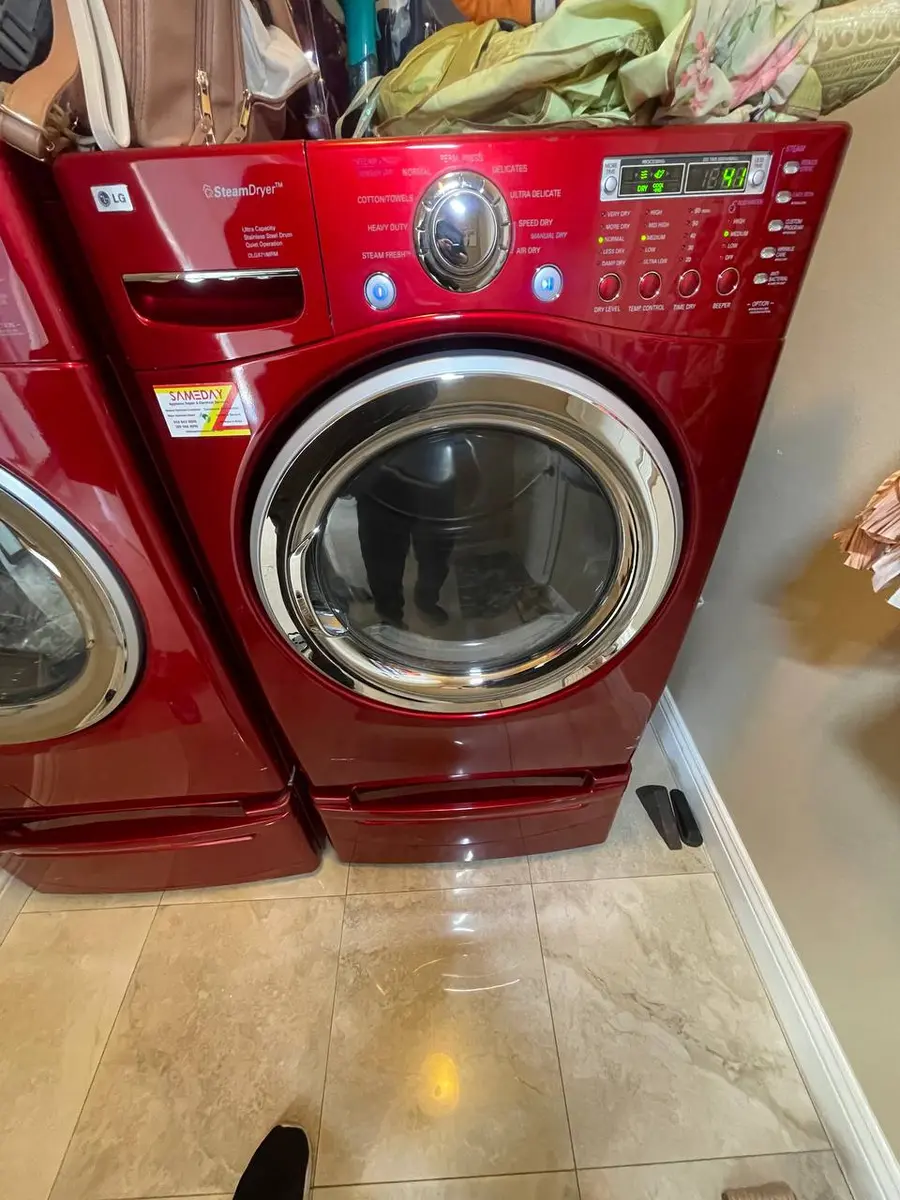
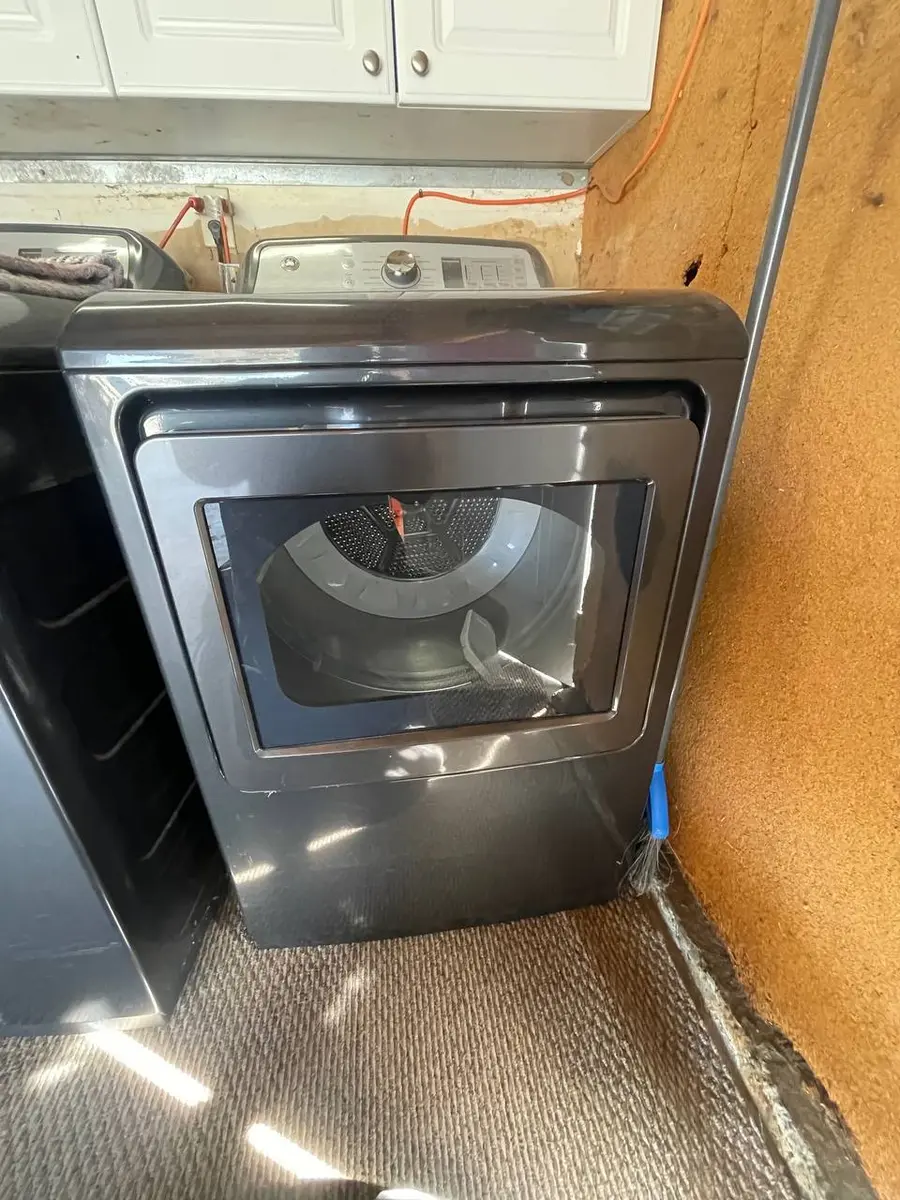
KitchenAid Dryer Display Not Working — Control Panel Repair
The display panel on your KitchenAid dryer provides cycle selection, remaining time, moisture level indicators, and error code readouts. When it goes dark or becomes unresponsive, you lose visibility into the Pro Dry system's operation and cannot select cycles. KitchenAid dryers use a separate User Interface (UI) board mounted behind the console glass — connected to the main control board via a ribbon cable or wire harness.
Display Failure Modes
Completely Blank (No LEDs, No Response)
Power supply chain issue. Check in order:
- Outlet power — test with another device. Check breaker panel (240V dryers use double-pole breaker — both poles must be on).
- Power cord and terminal block — inspect for burns, loose connections, or melted insulation.
- Thermal fuse on control board line — some models include a fuse protecting the control board separately from the heating circuit fuse.
- Main control board power supply section — failed AC-DC converter.
Parts Cost: $8–$380 depending on which component Professional Cost: $100–$525
Display Partially Working (Some Segments Lit)
UI board degradation. Individual LED drivers or display segments have failed. The UI board needs replacement.
Parts Cost: $80–$225 (UI board) Professional Cost: $175–$375
Display Lit But Touch Controls Unresponsive
Capacitive touch layer failure on the UI board. The display shows information but buttons do not register. May be caused by moisture intrusion through the console seal — common in humid laundry rooms or when a steam feature adds humidity to the environment.
Fix: Inspect console seal for degradation. Dry the UI board if moisture is present. Replace UI board if touch layer is permanently damaged.
Parts Cost: $80–$225 Professional Cost: $175–$375
Display Flickers or Shows Random Characters
Ribbon cable or wire harness connection issue. The communication link between UI board and main board is intermittent.
Fix: Access the console (3 screws at rear top), reseat all cable connections. If ribbon cable shows cracking or discoloration at fold points, replace it.
Parts Cost: $15–$50 (cable) Professional Cost: $125–$225
Do You Have the Right Tools?
Gas leak detector ($130), thermal fuse tester ($95), belt tension gauge, and vent inspection camera ($180). Our technician arrives with $15K+ in professional tools — your diagnostic is free.
Licensed & Insured · 90-Day Warranty · Same-Day Service
KitchenAid Dryer Console Access
- Unplug the dryer.
- Remove the 3 screws at the rear of the console top.
- Tilt the console forward — it hinges on clips at the front.
- The UI board is mounted to the back of the console panel.
- The main control board may be behind the console or at the rear of the machine depending on model.
Important: KitchenAid's PrintShield stainless console is prone to scratching during disassembly. Place a microfiber cloth on the top of the dryer before tilting the console forward.
Electric (KFED) vs Gas (KGED) Display Differences
Both use identical UI boards and console assemblies. The main control board firmware differs (gas valve sequencing vs. element relay control), but display-related repairs are the same across fuel types.
Same-Day Appliance Repair
Fixed or It's Free
$89 → $0 Service Call & Diagnosis — offer ends May 25
Safety First — Know the Risks
Gas dryers carry carbon monoxide and explosion risk. Even electric dryers involve 240V circuits that can deliver a fatal shock. Our techs are licensed and insured — let them handle the risk.
Licensed & Insured · 90-Day Warranty · Same-Day Service
When to Call a Professional
- If the entire machine is dead (no display, no response to any button, and outlet is confirmed working) — professional diagnosis is recommended as the fault could be in the terminal block, thermal fuse, or control board.
- If the console seal needs replacement — the seal affects the waterproofing of the UI board and incorrect installation leads to repeat failures.
FAQ
Q: Can I run my KitchenAid dryer without the display? If the Start button still functions (on some models it is on a separate circuit), pressing it may start the last-used cycle. However, you cannot monitor progress or select cycles.
Q: Is the KitchenAid dryer UI board the same as Whirlpool? No — KitchenAid UI boards include Pro Dry and Wrinkle Shield status indicators. Use the KitchenAid-specific part number for your model.
Q: How much does display repair cost? Ribbon cable issues: $125–$225. UI board replacement: $175–$375. Main board: $300–$525.
KitchenAid dryer display issues? Our technicians diagnose and repair control panel problems in one visit. Schedule repair →