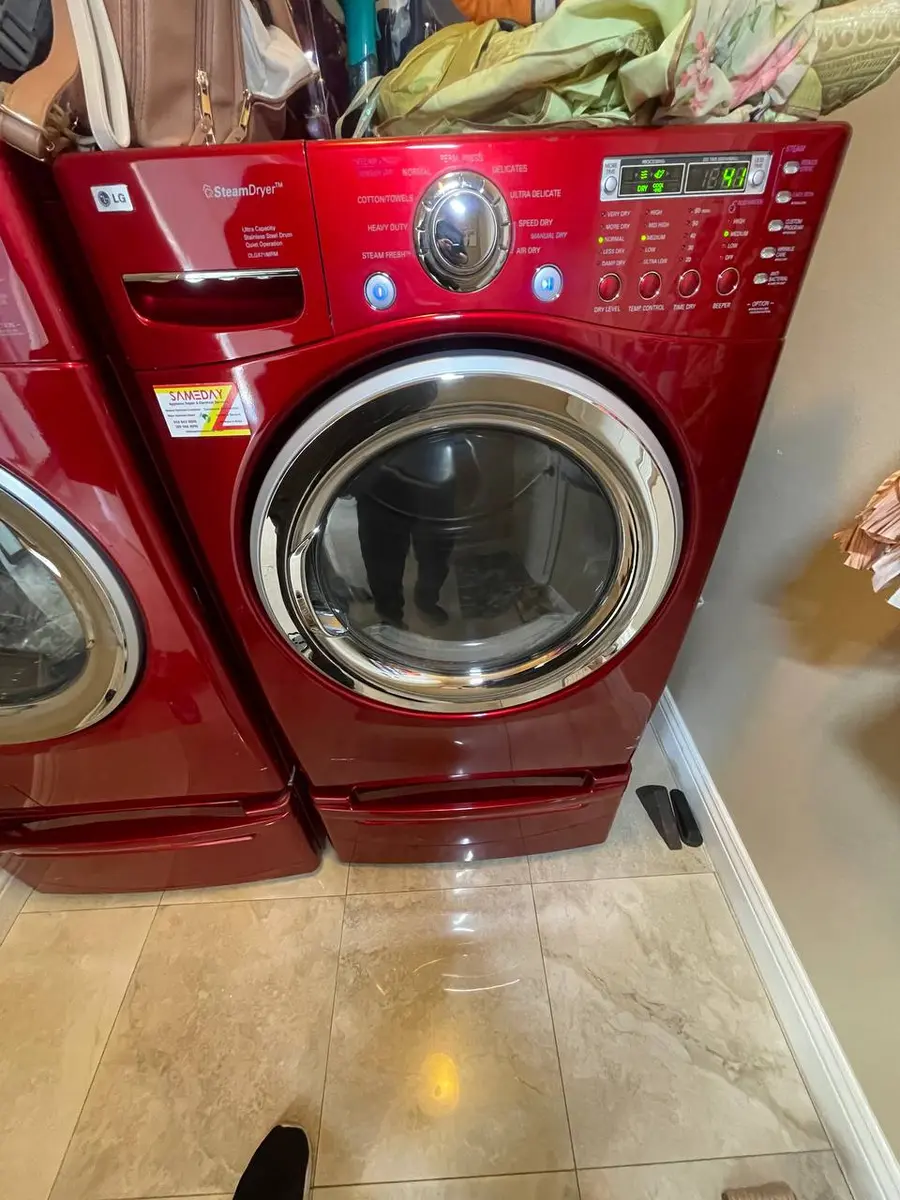
Troubleshoot LG Dryer FlowSense Vent Blockage
LG's FlowSense d80, d90, and d95 codes flag a vent that is roughly 80%, 90%, or 95% blocked — the higher the number, the worse the restriction and the greater the fire risk. Clear it by cleaning the vent path from the dryer outward: transition duct, wall duct, exterior hood, then the dryer's internal duct. Plan 30-60…
What the codes mean#
- d80 — about 80% restricted; the dryer runs but clothes take 50-100% longer to dry.
- d90 — about 90% restricted; poor performance, and it may stop before clothes are dry.
- d95 — about 95% restricted; near-total blockage, and some models refuse to heat to prevent a fire.
They show during or after a cycle and, except at severe d95 on some models, do not stop operation — but they hammer performance and safety.
Before you start#
- Tools: a dryer-vent brush kit (long flexible brush), a vacuum with a crevice tool, a flashlight, and a screwdriver for clamps.
- Safety: Unplug the dryer before disconnecting the vent duct, and on a gas dryer close the gas valve.
Do You Have the Right Tools?
Gas leak detector ($130), thermal fuse tester ($95), belt tension gauge, and vent inspection camera ($180). Our technician arrives with $3,000+ in professional tools — your diagnostic is free.
Licensed & Insured · 90-Day Warranty · Same-Day Service
Step by step#
- Inspect the transition duct. Pull the dryer from the wall and disconnect the transition duct between the dryer exhaust and the wall opening — it is the most common blockage point because lint packs into its bends. If it is flexible foil or plastic, replace it with rigid or semi-rigid metal, since ridged flexible duct traps lint and drives most FlowSense alerts and dryer fires.
- Clean the wall duct. Push the vent brush through the wall duct to the exterior, rotating as you go to knock lint off the walls, then draw it back slowly to collect the lint; repeat 3-4 times until it comes back clean. For runs over 15 feet or with several turns, use an extended brush kit or blow the lint out from the exterior.
- Vacuum the dryer's exhaust port. While the transition duct is off, vacuum the 4-inch exhaust port on the back with the crevice tool. On some LG models lint also collects in the internal duct between the drum and the port, which needs the rear panel off to clean fully.
- Check the exterior hood. Outside, confirm the flap opens freely, remove any screen or cage over the opening (screens trap lint), and clear any bird nest, wasp nest, or debris. With everything reconnected and the dryer running, you should feel strong warm airflow at the hood.
- Reconnect and test. Refit the transition duct with metal clamps or foil tape — never screws, whose tips inside the duct catch lint — and slide the dryer back without crushing the duct. Run a high-heat timed cycle for 10-15 minutes; FlowSense resets on its own once proper airflow returns. A drop from d90 to d80, or a full clear, means it worked.
- Clean the internal lint duct (if it persists). If FlowSense still alerts after the external path is clean, lint has bypassed the filter into the internal duct between the drum and blower. Remove the rear panel, vacuum the duct pathway, and clear any lint packed onto the blower fan blades.
If it keeps coming back#
- FlowSense on a brand-new install: the vent run may exceed LG's maximum (about 45 feet of straight rigid duct, reduced by each turn) — a booster fan may be needed.
- Clears but returns fast: a cracked filter frame or torn mesh is letting excess lint into the vent — replace the filter.
- d95 but the vent looks clear: the FlowSense pressure sensor port (a small hole on the blower housing) may be plugged — clear it with compressed air.
Safety First — Know the Risks
Gas dryers carry carbon monoxide and explosion risk. Even electric dryers involve 240V circuits that can deliver a fatal shock. Our techs are licensed and insured — let them handle the risk.
Licensed & Insured · 90-Day Warranty · Same-Day Service
Why flexible duct is the usual culprit#
If FlowSense keeps returning, look hard at the transition duct between the dryer and the wall. The ridged foil and plastic ducts sold for their flexibility are exactly the wrong shape for lint: every ridge catches fibers until the passage narrows, and the crushed bends behind a pushed-back dryer make it worse. Swapping that flexible run for smooth rigid or semi-rigid metal duct is the most durable fix, since lint slides through smooth metal instead of packing into ridges, and it is also the single biggest reduction in dryer-fire risk you can make.
Lead Appliance Repair Technician · 12 years experience
Experienced technician with 12 years specializing in washing machine and dryer repairs across all major brands.