Quick Answer: Resetting a LG Washer#
An LG direct-drive washer holds its state in the main board until power is fully removed, so pull the plug or trip the breaker and leave it off a minute. That is enough for the inverter board to cold-start cleanly and clear a locked panel. It will not repair a drain pump that has failed or a machine that keeps refilling on a bad valve.
How to Reset a LG Washer (Step by Step)#
- Pull the plug or trip the breaker for the washer; LG direct-drive models hold their state in the main board until power is completely removed.
- Leave it off for one minute, then restore power — that is long enough for the LG inverter board to cold-start cleanly.
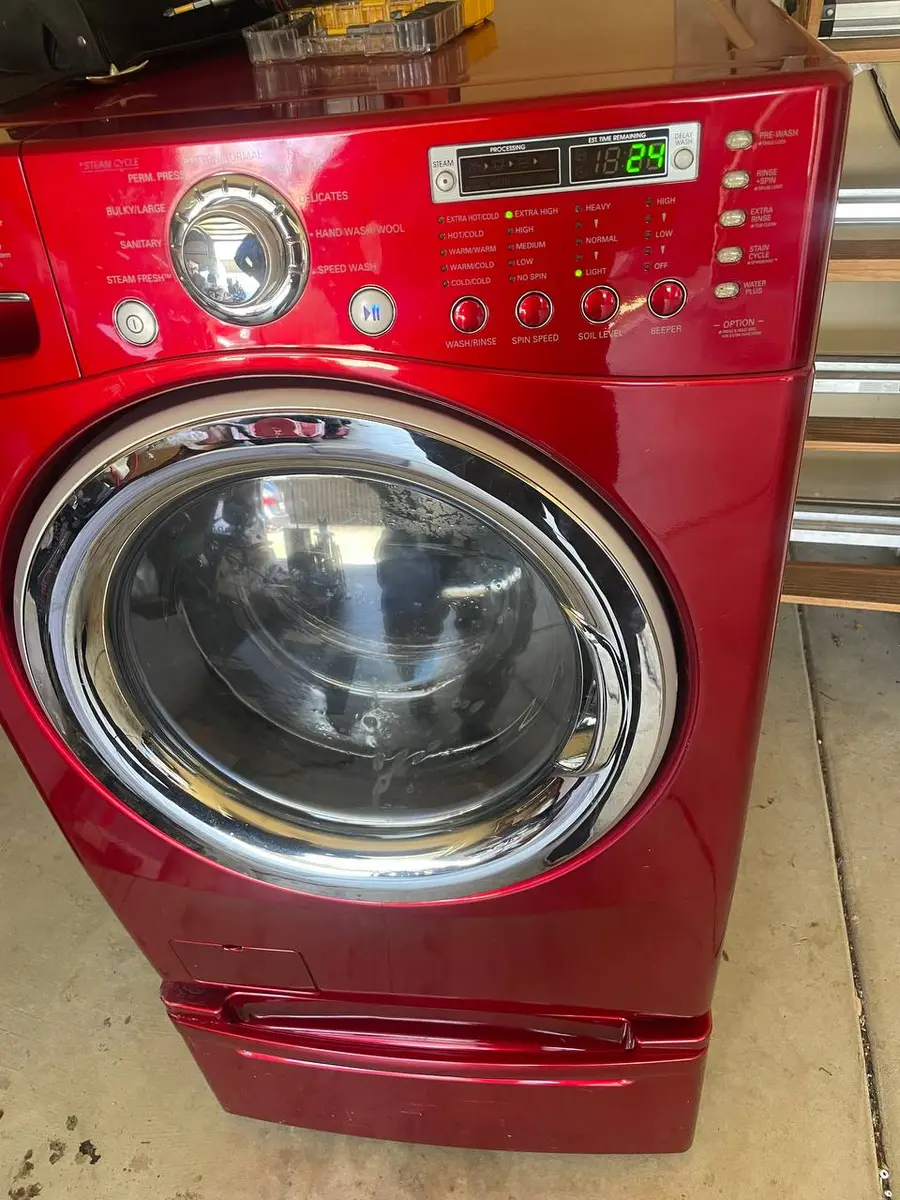
- Clear a locked panel by pressing and holding the Child Lock button for three seconds until the CL indicator turns off.
- Start a Spin Only cycle; because LG uses a direct-drive motor with no belt, a clean, quiet spin confirms the reset took.
Do You Have the Right Tools?
Bearing puller set ($120), drum spider wrench ($85), multimeter ($85), and diagnostic software. Our technician arrives with $3,000+ in professional tools — your diagnostic is free.
Licensed & Insured · 90-Day Warranty · Same-Day Service
LG Washer Model Variations#
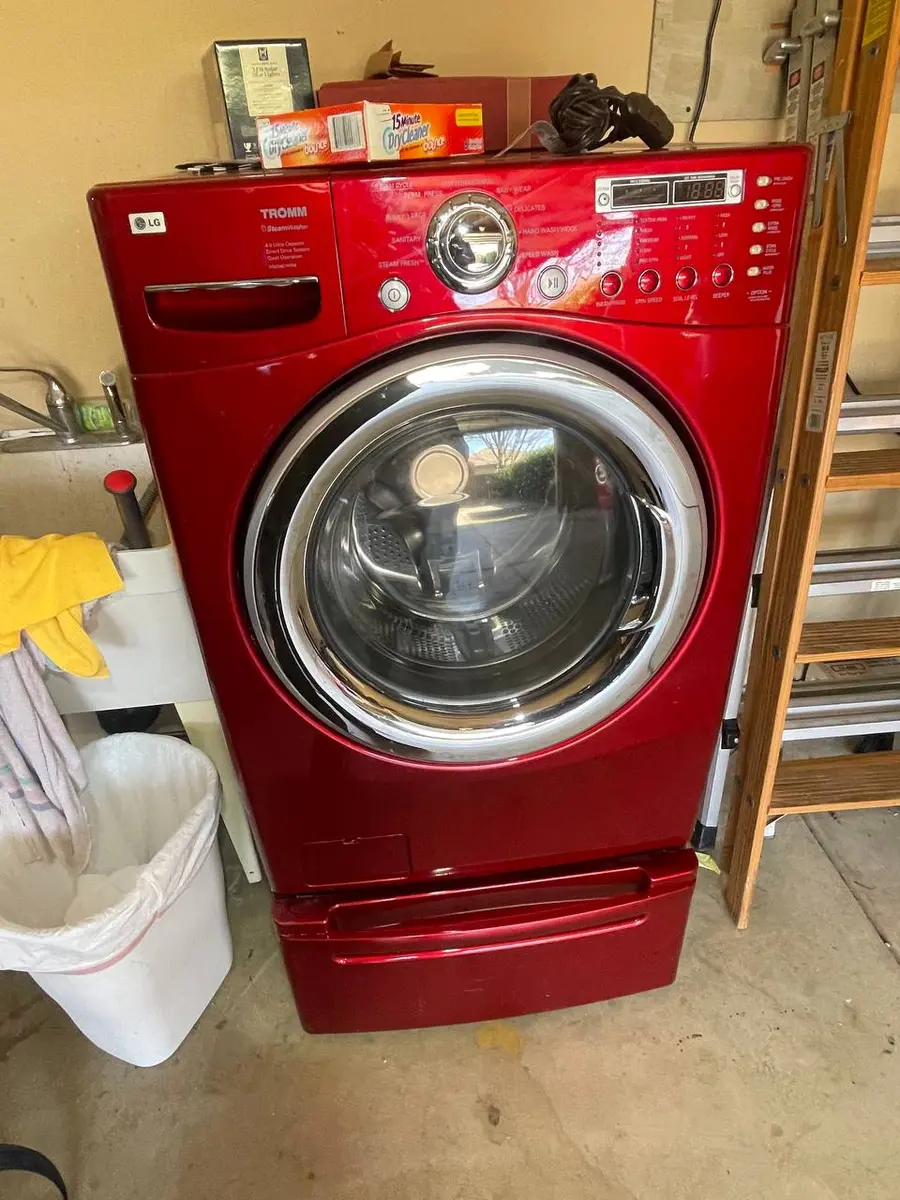
Front-load models place Child Lock as a labeled button held three seconds to toggle, while top-load LG and Kenmore-badged LG washers show the lock on the touch ring. Smart Diagnosis models can play a diagnostic tone into the LG ThinQ app to confirm whether a fault survived. WashTower units share one control board, so reset the column rather than the washer alone.
When a Reset Doesn't Fix Your LG Washer#
If the machine keeps refilling or will not drain after the reset, the water valve or the drain pump is the usual suspect rather than the board. A washer that refills on its own often has a valve that will not seat, so check it first. Run Smart Diagnosis, then read any code with our LG error-code guide and follow the will-not-drain, keeps-refilling, and stuck-on-wash-light symptom pages.
Safety First — Know the Risks
High-voltage components and pressurized water lines create flood and shock risk. A single loose fitting can cause thousands in water damage. Our techs are licensed and insured — let them handle the risk.
Licensed & Insured · 90-Day Warranty · Same-Day Service
Need Professional Help?#
If a power-cycle and the checks above do not bring your LG washer back, book a free diagnostic and an EasyBear technician will take it from there.
LG Washer Reset FAQ#
How do I reset an LG washer?
Pull the plug or trip the breaker and leave it off for a minute so the inverter board cold-starts, then restore power. Run a Spin Only cycle to confirm the reset took.
How do I turn off Child Lock on an LG washer?
Hold the Child Lock button for about three seconds until the lock indicator turns off. The panel stays frozen to new selections until it clears.
What does CL mean on an LG washer display?
CL is the Child Lock indicator, showing the controls are frozen against changes. Hold the Child Lock button for about three seconds to clear it.
How does LG Smart Diagnosis help after a reset?
Smart Diagnosis plays a tone into the LG ThinQ app or a support line that reports the machine's stored fault. Run it after a reset to confirm whether a code survived.
Why does my LG washer keep filling with water?
A washer that keeps filling usually has a water valve that will not fully close or a pressure sensor reading low rather than the board. Check the inlet valve before suspecting the electronics.
Senior Gas Appliance Specialist · 18 years experience
AGA-certified gas appliance specialist with 18 years of experience in residential and commercial oven, range, and cooktop repairs.