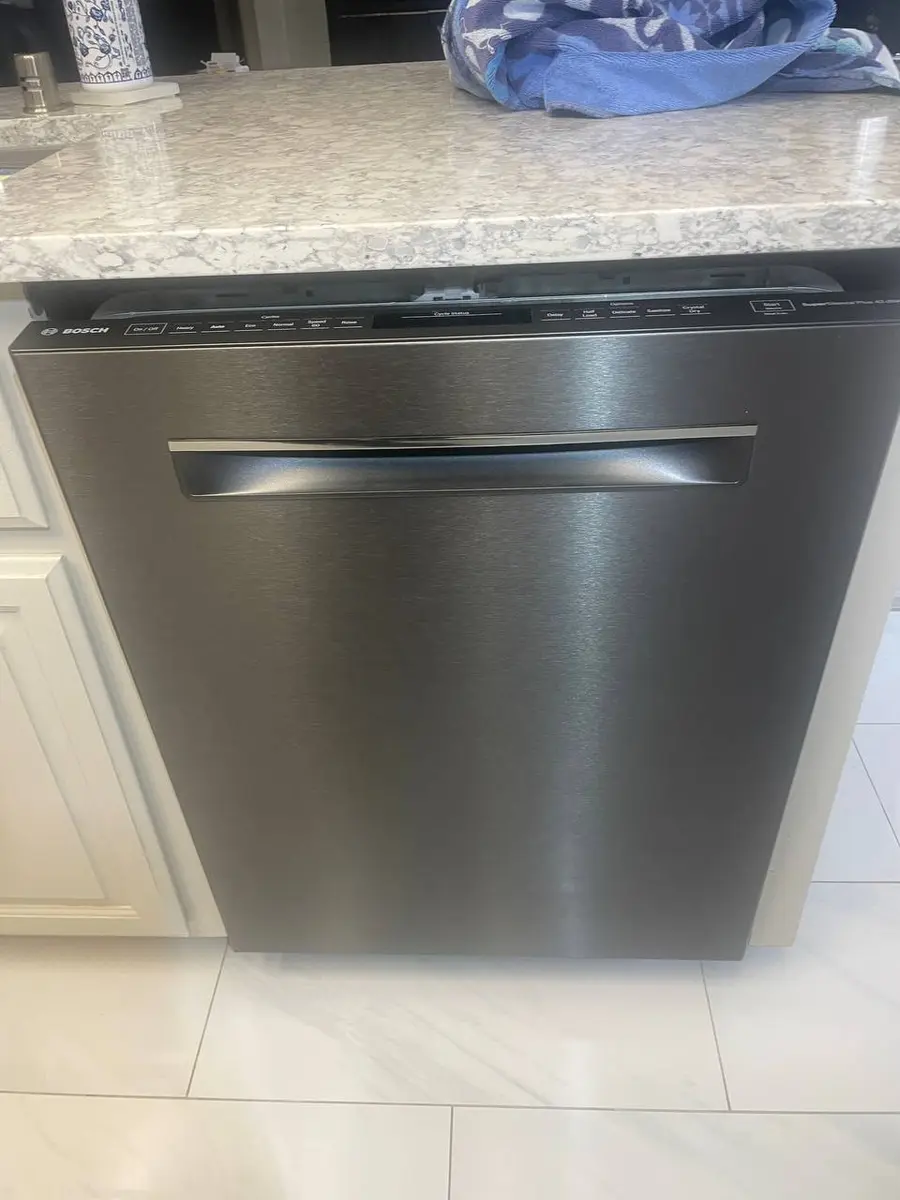
How to Replace a Whirlpool Dishwasher Control Board
The main electronic control board is the brain of your Whirlpool dishwasher — it manages every component from the inlet valve to the drain pump to the heating element. When the board fails, you typically see error codes F1E1 (control communication error) or F1E2 (motor control error), or the unit behaves erratically (starts and stops mid-cycle, random error codes, buttons unresponsive). Board failure is often caused by power surges, water intrusion into the door electronics area, or simply age-related component degradation.
On Whirlpool WDT/WDF series dishwashers, the control board sits inside the door — either behind the outer door panel at the top or in a separate housing at the top edge of the inner door. The part number is model-specific (W11305310 is common on recent WDT models), so always verify against your model number before ordering.
Before You Start
- Tools needed: Torx T20 driver, Phillips #2 screwdriver (for some handle screws), smartphone (for photos of connector positions), small flathead for prying ribbon cable locks
- Parts needed: Replacement control board (~$150-$300, model-specific — verify part number)
- Time required: 30-45 minutes
- Difficulty: Advanced
- Safety warning: Disconnect power at the circuit breaker AND wait 5 minutes for capacitors on the board to discharge before touching any connectors. The board handles 120V directly — residual charge can shock you.
Do You Have the Right Tools?
Water pressure gauge ($60), spray arm tester, float switch multimeter ($85), and drain inspection camera. Our technician arrives with $15K+ in professional tools — your diagnostic is free.
Licensed & Insured · 90-Day Warranty · Same-Day Service
Step-by-Step Instructions
Step 1: Disconnect Power and Confirm Zero Voltage
Turn off the dedicated dishwasher circuit breaker (20A). Wait 5 minutes. The control board has capacitors that hold charge after power is removed. If you have a non-contact voltage tester, verify the junction box under the kick plate shows no voltage.
Step 2: Open the Door and Remove Inner Door Panel Screws
Open the door to the fully horizontal position. Locate the approximately 8 Torx T20 screws around the perimeter of the inner stainless steel door panel. Remove all screws and place them in a magnetic tray. These screws thread into plastic bosses — do not overtighten during reassembly.
Step 3: Separate the Inner Panel from the Outer Door
With all screws removed, the inner panel separates from the outer door shell. Pull the bottom of the inner panel toward you first, then lift it off the top hinge area. The door gasket may resist slightly. Set the inner panel aside. You now see the door components: latch mechanism, detergent dispenser, vent, and the wiring harness routing.
Step 4: Access the Control Board Housing
The control board is housed at the top of the door. On most WDT models, you can see the board's plastic enclosure from the inside with the inner panel removed. Some models require also removing the outer front panel:
- Remove the door handle screws (usually Phillips #2, accessed from inside once inner panel is off)
- Remove Torx T20 screws along the top edge of the outer panel
- The outer panel lifts off revealing the board housing
The board housing is a plastic box with a snap-on cover. Release the cover clips and open it.
Step 5: Photograph ALL Connector Positions
Before disconnecting anything, take multiple photos from different angles showing every connector, ribbon cable, and wire harness attached to the board. There are typically 6-10 connectors of varying sizes. Some are keyed (only fit one way) but others can be accidentally reversed. Photos are your insurance against reassembly errors.
Step 6: Disconnect All Connectors
Disconnect each connector one at a time:
- Molex-style connectors: Press the locking tab and pull straight out by the housing (never by wires)
- Ribbon cables: Lift the brown/black locking bar on the connector with a small flathead, then the ribbon slides out
- Spade terminals: Pull straight off with needle-nose pliers
Label each connector with tape if they are not color-coded or obviously different sizes. On most Whirlpool boards, the connectors are different sizes precisely to prevent incorrect installation, but not always.
Step 7: Remove the Board from Its Housing
The board is secured to the housing base with 2-4 Phillips screws or plastic standoff clips. Remove the screws. The board lifts out of the housing. Note how it sits — there is typically only one orientation that aligns with all the connector cutouts.
Step 8: Verify the Replacement Board Matches
Before installing, compare the old and new boards side by side:
- Same physical dimensions
- Connector positions match (same number in same locations)
- Same part number printed on the board
- Mounting hole positions align
If anything does not match, you have the wrong board for your model. Do not force a mismatched board — it can damage the wiring harness.
Step 9: Install the New Control Board
Seat the new board in the housing, aligning mounting holes. Secure with the screws — snug only, these are going into plastic. Reconnect all connectors one at a time, referring to your photos:
- Push each Molex connector until the locking tab clicks
- Slide ribbon cables fully into their sockets and press the locking bar down
- Push spade terminals firmly onto their posts
Double-check every connector. A single missed connection will cause an immediate error code or no-start condition.
Step 10: Reassemble the Door
Replace the board housing cover (snap clips). If you removed the outer panel, reinstall it (Torx T20 screws at top, handle screws). Place the inner panel back on the door — align the top edge first, then push the bottom in until flush. Reinstall all Torx T20 perimeter screws — tighten until snug, stop before the driver starts to slip.
Step 11: Restore Power and Observe First Boot
Turn the breaker back on. The new control board will power up and may:
- Flash all lights briefly (normal self-test)
- Display a calibration cycle request
- Begin with all settings at factory default
If the board shows an immediate error code, power off and recheck your connections. Common causes of post-install errors: missed ground wire, partially seated ribbon cable, or wrong board version.
Step 12: Run a Full Test Cycle
Run a Normal cycle from start to finish. Monitor for:
- Proper fill (you hear hissing from inlet valve)
- Circulation pump starts (humming/washing sounds begin)
- Heating element activates (water gets hot — cycle time increases)
- Drain pump activates at end (brief humming)
- Cycle completes without error codes
If everything completes successfully, the repair is done. Your settings (cycle preferences, delay timer) will need to be reconfigured as the new board starts at factory defaults.
Common Post-Installation Issues
| Issue | Cause | Fix |
|---|---|---|
| F1E1 immediately on power-up | Board not communicating with a component | Recheck all connectors, especially ribbon cable |
| F5E1 when trying to start | Door switch connector not seated | Reseat the door latch connector |
| Display works but no cycle runs | Pump relay connector missed | Check for the motor/pump connector |
| F6E1 on first fill | Inlet valve connector not connected | Reseat the valve connector |
| All lights flash continuously | Board version mismatch | Verify part number matches your model |
Safety First — Know the Risks
Live 120V wiring in a wet environment is one of the most dangerous DIY scenarios. Water + electricity = serious shock risk. Our techs are licensed and insured — let them handle the risk.
Licensed & Insured · 90-Day Warranty · Same-Day Service
When to Call a Professional
- You cannot determine the correct board part number (ordering the wrong board is an expensive mistake — $150-$300 non-returnable on electronic components)
- The old board shows water damage — this means the door seal or vent is leaking and will damage the new board too unless the root cause is fixed first
- Multiple connectors were unlabeled and you cannot determine correct routing from photos
- The dishwasher has additional issues (failed heater, seized pump) that caused the board failure — a professional can diagnose and address all failures at once
Same-Day Appliance Repair
Fixed or It's Free
$89 → $0 Service Call & Diagnosis — offer ends May 25
Cost Comparison: DIY vs Professional
| DIY | Professional | |
|---|---|---|
| Parts | $150-$300 | $150-$300 |
| Labor | $0 | $150-$250 |
| Time | 30-45 min | 30-45 min |
| Risk | Moderate — wrong board or missed connector | Correct part guaranteed, warranty on labor |
The Real Cost of DIY
Average DIY attempt: $150-400 in tools you may use once, plus the risk of further damage. Our diagnostic visit costs $0 — we find the problem and give you an honest quote.
Licensed & Insured · 90-Day Warranty · Same-Day Service
Need Professional Help?
FAQ
Q: How do I find the correct control board part number for my Whirlpool dishwasher? A: Your model number is on a label on the left side of the door opening frame (visible when door is open). Enter this model number on the Whirlpool parts website or a parts supplier like RepairClinic. The control board will be listed under "Electronics" or "Control." Common numbers include W11305310, W10854230, and W10712395 — but never guess, always verify.
Q: Can a control board be repaired instead of replaced? A: In some cases, yes. If the failure is a blown relay or a single burned capacitor, board-level repair shops can fix it for $80-$120. However, this requires sending the board out (1-2 weeks without a dishwasher) and has no guarantee it will not fail again. Most homeowners opt for a new board with a warranty.
Q: Will the new board have my old settings saved? A: No. A new control board starts at factory defaults. You will need to reconfigure any custom settings (cycle preferences, delay start defaults, rinse aid dispenser level). The dishwasher will work immediately without configuration — defaults are functional.
Q: What causes Whirlpool dishwasher control boards to fail? A: The three most common causes are: (1) power surges from the electrical grid or lightning (install a surge protector on the dishwasher circuit), (2) water intrusion through a failed door vent seal that drips onto the board, (3) a seized drain pump motor drawing excessive current through the board's pump relay, burning out the relay.
Need a certified technician? Book same-day repair →