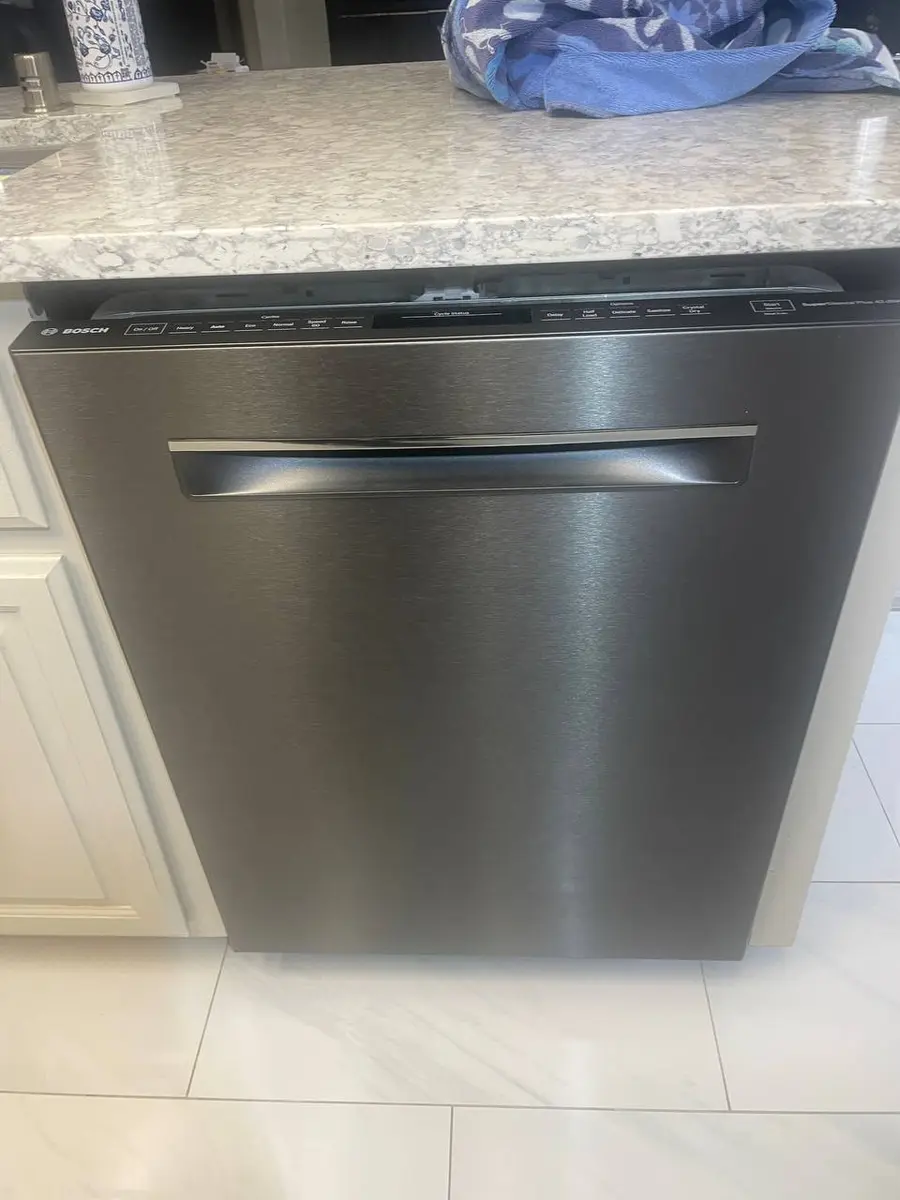
How to Replace an LG Dishwasher Control Board: Diagnosis, Part Selection, and Installation
The main control board is the brain of your LG dishwasher — it manages every function from fill timing to Inverter Direct Drive motor speed to the TrueSteam generator cycle. When the board fails, symptoms range from random error codes and cycle interruptions to a completely dead unit. LG dishwasher control boards are model-specific, so you need your exact model number to order the correct replacement. This guide covers how to confirm the board is actually the problem, how to access it, and how to transfer all connections without error.
Control board failure on LG dishwashers is often caused by power surges, moisture infiltration from a leaking door gasket, or component aging after 7-10 years. The board itself costs $100-250 depending on your model, making this the most expensive single component — which is why proper diagnosis before ordering is critical.
Before You Start
- Tools needed: Torx T15 driver (8 screws), Phillips #2 screwdriver, multimeter, phone/camera for photos, anti-static wrist strap (recommended)
- Parts needed: Model-specific control board (look up by your LG model number, typically $100-$250)
- Time required: 40-60 minutes
- Difficulty: Advanced
- Safety warning: Disconnect power at the circuit breaker and verify with a non-contact voltage tester before touching any internal components. Control board capacitors can hold charge briefly even after power is cut — wait 2 minutes.
Do You Have the Right Tools?
Water pressure gauge ($60), spray arm tester, float switch multimeter ($85), and drain inspection camera. Our technician arrives with $15K+ in professional tools — your diagnostic is free.
Licensed & Insured · 90-Day Warranty · Same-Day Service
Confirming Control Board Failure
Replace the control board only after ruling out simpler causes:
-
Multiple unrelated error codes: If your LG cycles through different codes (OE then IE then HE) without any single component actually being failed, the board is sending incorrect signals.
-
Unit completely dead with power confirmed: If you verify 120V at the board's input connector but all LEDs and buttons are non-responsive, the board's power supply section has failed.
-
Erratic behavior: Cycles start and stop randomly, buttons respond intermittently, display shows garbled characters, or relays click without corresponding action.
-
Visible physical damage: Burnt components, swollen capacitors, corroded traces, or melted connector pins visible on the board.
-
Smart Diagnosis reports board fault: The LG ThinQ app can identify control board communication failures through its diagnostic tone analysis.
If your symptom is a single consistent error code (just OE, or just IE), the problem is almost certainly the specific component for that code — not the board. Boards rarely fail in a way that produces one clean error code.
Step-by-Step Instructions
Step 1: Disconnect Power and Record Model Information
Disconnect power at the circuit breaker. Open the dishwasher door and find your model number on the label inside the door frame (left side on most LG models). Write it down — you need this to order the correct board. Common LG dishwasher model prefixes are LDF (older front-control), LDT (top-control integrated handle), and LDP (newer PrintProof models).
Step 2: Remove the Dishwasher Door
Close the door to about a 45-degree angle (halfway open). Locate the hinge screws or hinge pins at the bottom of the door. On most LG models, remove the Phillips screws from the hinge brackets, then lift the entire door straight up off the hinge pins. Set the door on a padded surface (blanket on the floor works well) with the inner panel facing up.
Step 3: Separate the Outer Door Panel
With the door lying inner-panel-up, locate the 8 Torx T15 screws around the perimeter of the inner door frame that secure the outer panel. Remove all 8 screws. Carefully separate the outer panel from the inner panel — the control board and its wiring harness bridge both panels, so separate slowly and support the outer panel.
Step 4: Photograph All Connector Positions
This is the most critical step. The LG control board has 6-10 connectors of various sizes and colors. Before disconnecting anything, take clear photographs from multiple angles showing exactly which connector goes into which port. Use your phone camera with flash. Label connectors mentally: the large white multi-pin is typically the motor/sensor harness, the small 2-pin connectors are the door switch and dispenser actuator, and the ribbon cable connects to the display/button panel.
Step 5: Remove the Old Control Board
The control board sits in a metal enclosure at the top of the inner door. Remove the 2-4 Phillips screws securing the enclosure cover. Lift the cover to expose the board. Disconnect each connector one at a time by pressing locking tabs and pulling straight out. Never pull by wires. Once all connectors are free, remove the 2-4 mounting screws holding the board itself to the enclosure base. Lift the board out.
Step 6: Inspect and Prepare the Mounting Area
Check the enclosure for moisture, corrosion, or debris. If you see moisture residue, the door gasket may be leaking and should be replaced simultaneously — otherwise the new board will eventually suffer the same fate. Wipe the enclosure dry with a lint-free cloth. Check that all mounting standoffs are intact.
Step 7: Install the New Control Board
Wearing an anti-static wrist strap (or at minimum, touch the metal enclosure before handling the board), position the new board on the mounting standoffs. Align the screw holes and secure with mounting screws — tighten snug but do not overtorque (you can crack the PCB). Reconnect each wiring connector one at a time, referencing your photographs. Each connector should click when fully seated. Verify every connector is populated — a missing connection can cause immediate error codes or non-function.
Step 8: Reassemble and Test
Replace the enclosure cover. Align the outer door panel with the inner panel and reinstall all 8 Torx T15 screws. Mount the door back on its hinges (align hinge pins, lower door onto them, reinstall hinge bracket screws). Restore power at the breaker. The display should illuminate within seconds. The clock or cycle indicator may need to be reset. Run a Quick Wash or Rinse cycle and monitor through completion, confirming the motor starts, water fills, heater activates, and drain operates normally.
Safety First — Know the Risks
Live 120V wiring in a wet environment is one of the most dangerous DIY scenarios. Water + electricity = serious shock risk. Our techs are licensed and insured — let them handle the risk.
Licensed & Insured · 90-Day Warranty · Same-Day Service
Post-Installation Notes
- First cycle may show temporary codes: Some LG models run a self-calibration on first power-up after board replacement. Allow one full cycle to complete before diagnosing any new codes.
- Wi-Fi re-pairing needed: If you use ThinQ/SmartThinQ, you will need to re-pair the dishwasher in the app since the new board has no stored Wi-Fi credentials.
- Clock reset: Set the delay-start clock if your model has one.
- Cycle memory cleared: Any custom cycle preferences stored on the old board are lost.
When to Call a Professional
- You are not comfortable removing the dishwasher door (heavy, awkward)
- Connectors appear melted or damaged — the wiring harness itself may need replacement
- New board shows same symptoms as old board — the problem may be downstream (motor, heater) sending a fault back to the board
- Your model uses a separate display board and main board — some LG models have two boards that must be compatible
Same-Day Appliance Repair
Fixed or It's Free
$89 → $0 Service Call & Diagnosis — offer ends May 25
The Real Cost of DIY
Average DIY attempt: $150-400 in tools you may use once, plus the risk of further damage. Our diagnostic visit costs $0 — we find the problem and give you an honest quote.
Licensed & Insured · 90-Day Warranty · Same-Day Service
Cost Comparison: DIY vs Professional
| DIY | Professional | |
|---|---|---|
| Parts | $100-$250 | $100-$250 |
| Labor | $0 | $150-$300 |
| Time | 40-60 min | 30-45 min |
| Risk | Moderate (connector errors) | Warranty on labor |
Need Professional Help?
Don't Void Your Warranty
Opening your appliance yourself may void the manufacturer warranty. Our repair comes with a 90-day guarantee, and we document everything for warranty compliance.
Licensed & Insured · 90-Day Warranty · Same-Day Service
FAQ
Q: How do I find the correct control board part number for my LG dishwasher? A: Locate your model number inside the door frame (left side sticker). Search "[your model number] control board" on LG's parts website or a parts retailer. Board part numbers typically start with EBR. Example: EBR86473415 for LDT7808 series.
Q: Can I repair the control board instead of replacing it? A: Technically yes — swollen capacitors can be resoldered and burnt relays can be replaced. However, this requires electronics soldering skills and specific component identification. For most homeowners, board replacement is more reliable. Some appliance electronics repair services refurbish boards for $60-100 if you send the old one in.
Q: Why do LG dishwasher control boards fail? A: Three main causes: (1) power surges from lightning or utility switching, (2) moisture infiltration from a failing door gasket that lets steam reach the board, (3) age-related capacitor degradation after 7-10 years. A whole-home surge protector addresses cause #1.
Q: After replacing the board, my dishwasher shows different error codes — is the new board defective? A: Not necessarily. A new board running self-diagnostics may detect pre-existing issues that the old failing board could not properly report. Run Smart Diagnosis to get a clear picture. If codes reference specific components (OE, IE, HE), test those components before suspecting the new board.
Need a certified technician? Book same-day repair →