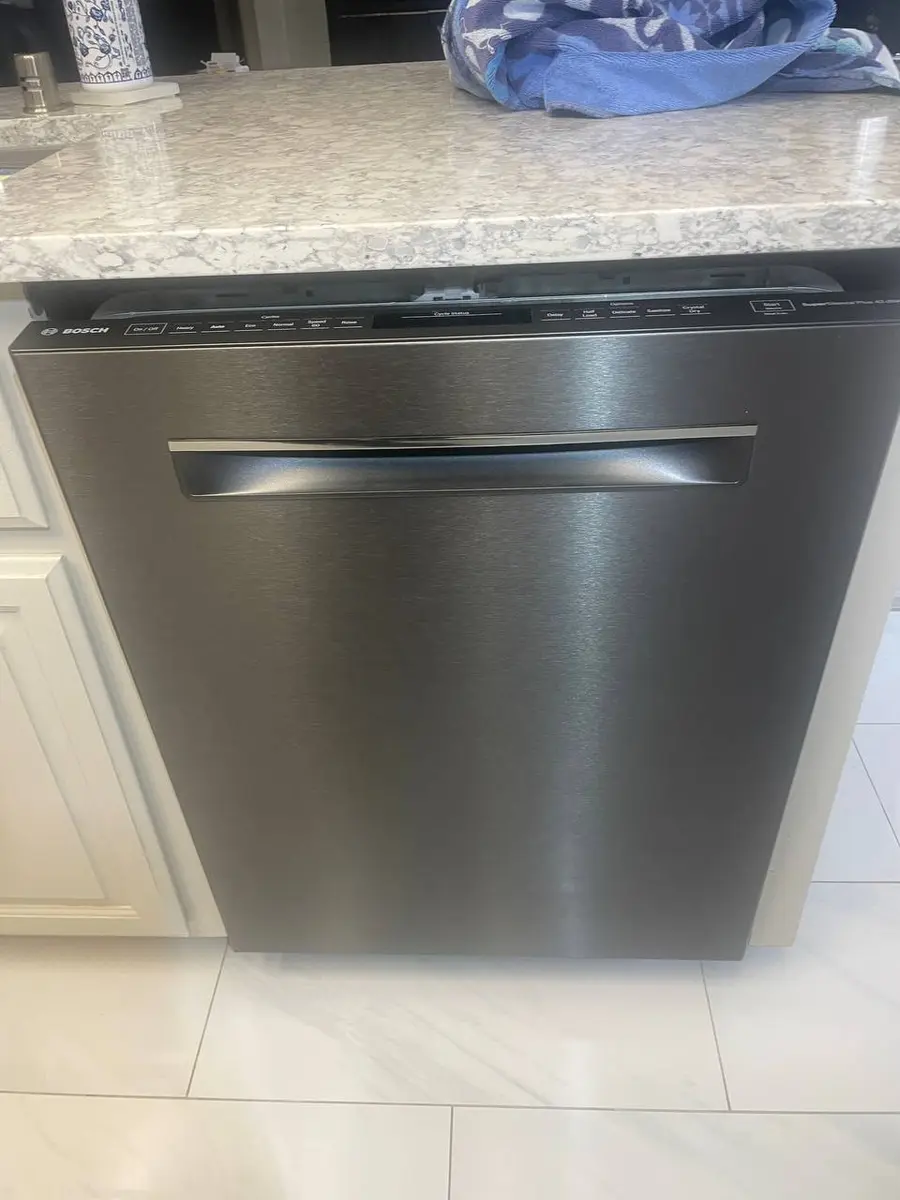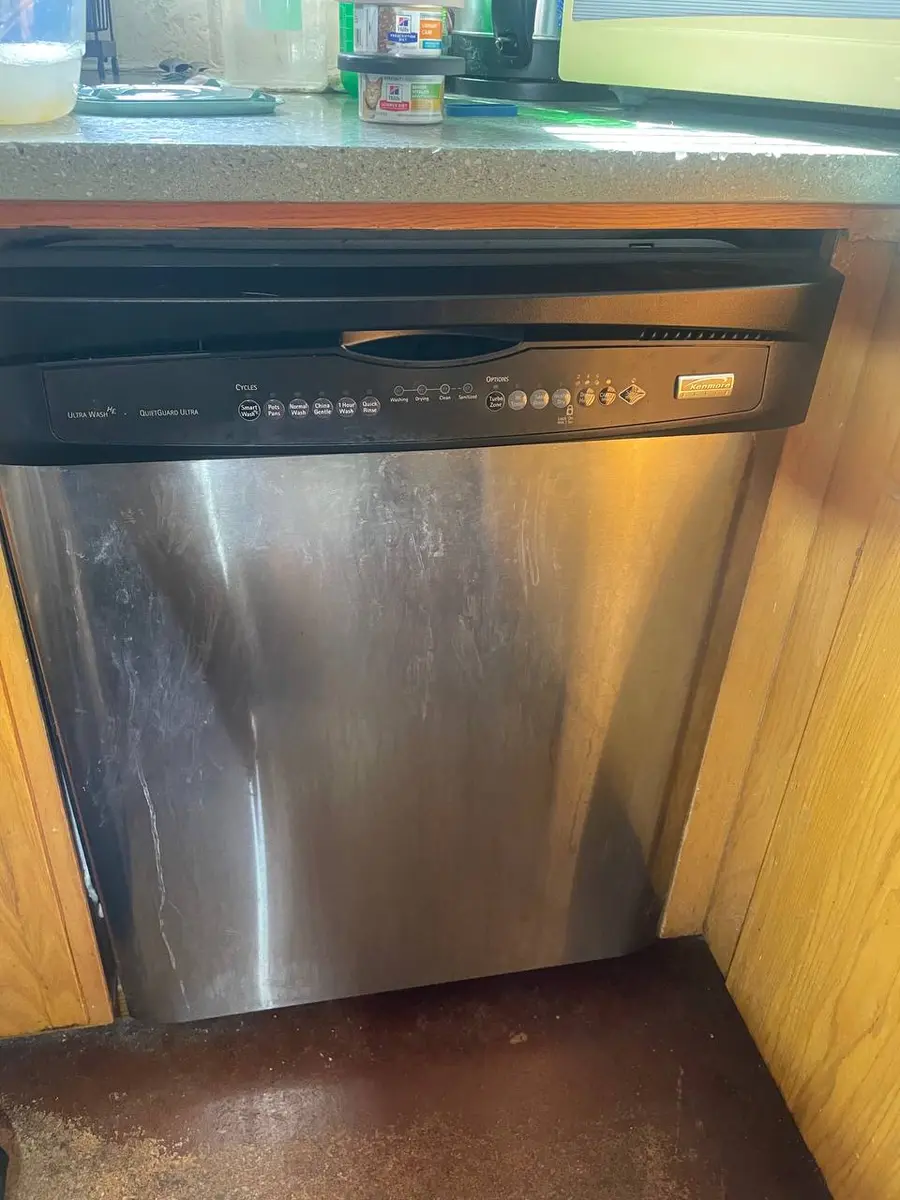
GE Dishwasher Troubleshooting: Diagnose and Fix Common Problems
GE dishwashers are among the most serviceable machines on the market, with access panels designed for homeowner maintenance and error codes that point directly to the failing component. This systematic troubleshooting guide covers the most common GE dishwasher problems across all current models (GDT and GDP series), GE Profile, GE Cafe, and older mechanical-timer units.
Whether your GE dishwasher will not start, is not draining, leaves dishes dirty, leaks, or shows an error code, this guide helps you identify the root cause before deciding whether to repair it yourself or call a professional.
Before You Start
- Tools needed: Phillips #2 screwdriver, 1/4-inch hex driver, flashlight, multimeter (for electrical testing), towels
- Parts needed: None (diagnostic procedure)
- Time required: 15-30 minutes for diagnosis
- Difficulty: Beginner (diagnosis) to Intermediate (some fixes)
- Safety warning: Always turn off the circuit breaker before accessing electrical components behind the kick plate or inside the door.
Do You Have the Right Tools?
Water pressure gauge ($60), spray arm tester, float switch multimeter ($85), and drain inspection camera. Our technician arrives with $15K+ in professional tools — your diagnostic is free.
Licensed & Insured · 90-Day Warranty · Same-Day Service
Step-by-Step: Systematic GE Dishwasher Diagnosis
Step 1: Identify Your Model and Find the Service Manual
Your GE dishwasher model number is on a label inside the door (upper left edge of the tub, or on the side of the door). Write it down. The model prefix tells you the series: GDT = standard, GDP = Profile/Cafe.
GE affixes the service manual (tech sheet) inside the control console or behind the kick plate. To find it: either open the door and look for a folded paper taped to the top inner panel, or remove the lower kick plate (two 1/4-inch hex screws) and check behind it. The tech sheet contains your model's wiring diagram, error code definitions, and component test procedures.
Step 2: Check for Error Codes
GE dishwashers display errors in two ways depending on age:
Digital display models (2015+): Error codes appear as letter-number combinations on the display panel. Common codes: C1 (drain issue), C3 (water temperature), C6 (water inlet), H2O (fill problem), PF (power failure).
LED-only models: Errors display as blinking light sequences. Count the number of blinks on the Start/Reset LED, then pause, then blink again. The blink count corresponds to the error number.
Mechanical timer models (pre-2010): No error codes exist. Diagnosis is purely symptom-based.
Step 3: Perform the GE Diagnostic Mode Test
For electronic models, enter service diagnostic mode:
- Ensure the dishwasher is off and the door is closed
- Press the Start/Select button 5 times within 3 seconds
- The dishwasher enters diagnostic mode and tests each component in sequence
- Watch the LED indicators as each system tests: fill, wash, drain, heat, dry
- Any failure stops the sequence and displays the corresponding error code
For GE Profile/Cafe with SmartHQ: open the SmartHQ app, select your dishwasher, and run the built-in diagnostic. The app provides plain-language descriptions of any failures.
Step 4: Symptom-Based Diagnosis
Dishwasher will not start:
- Verify the door is fully latched (the latch switch must engage)
- Check the child lock is not activated (hold the Lock button 3 seconds)
- Test the circuit breaker (flip off and back on)
- On older models: check the door latch assembly (GE part WD13X10052) with a multimeter for continuity
Dishwasher does not fill with water:
- Verify the water supply valve under the sink is fully open
- Check for a kinked supply line
- Test the water inlet valve (GE part WD15X10003) for 120V at its solenoid terminals during fill phase
- Inspect the inlet valve screen for mineral blockage
Dishwasher does not drain:
- Check for a blocked filter/drain area (remove filter, clear debris)
- Verify the drain hose is not kinked under the sink
- Run the garbage disposal to clear shared drain path
- Test the drain pump (GE part WD26X10039) for continuity with a multimeter
- Check air gap or high loop for blockage
Dishes come out dirty:
- Clean the spray arms (clear all holes with a toothpick)
- Verify water temperature is 120F+ at the sink
- Clean the filter assembly (twist counterclockwise, remove both parts)
- Check the AutoSense turbidity sensor for grease coating (Profile/Cafe models)
- Verify the detergent dispenser opens during the wash cycle
Dishwasher leaks from the door:
- Inspect the door gasket for tears, compression damage, or debris
- Check that the dishwasher is level (an unlevel unit causes water to pool at one corner and overflow the gasket)
- Verify the spray arm is not deflecting water toward the door seal
Dishwasher makes unusual noises:
- Grinding/crunching: normal Piranha disposer operation with food debris, or foreign object (glass, bone) in the disposer
- Buzzing: drain pump running (normal) or wash motor failing to start (possible capacitor failure)
- Banging: spray arm hitting a dish or utensil that has fallen through the rack
Step 5: Test Individual Components
If diagnosis points to a specific component, turn off the circuit breaker and access it:
Accessing the kick plate area (drain pump, inlet valve, wiring): Remove the two 1/4-inch hex screws holding the lower kick plate and pull forward.
Accessing the control board (top of inner door): Open the door fully. Remove the screws along the top inner edge of the door panel (typically 6-8 Phillips screws). Carefully separate the inner door panel from the outer door to expose the control board housing.
Accessing the circulation pump and sump: Remove the lower spray arm (turn clip nut counterclockwise). Remove the filter assembly. The circulation pump is mounted below the sump and accessed from underneath after removing the kick plate.
Step 6: Use SmartHQ for Connected Models
If your GE dishwasher has WiFi (models from 2017+), the SmartHQ app provides:
- Real-time cycle status and error notifications
- Component diagnostic tests you can trigger remotely
- Direct parts ordering based on your model number
- Service scheduling through GE's network
To connect: hold the WiFi button on the control panel for 3 seconds until the WiFi indicator blinks. Follow the SmartHQ app pairing instructions. The dishwasher connects on 2.4GHz WiFi only.
Quick Reference: GE Error Codes
| Code | Meaning | First Check |
|---|---|---|
| C1 | Drain failure | Clear drain path, check pump |
| C3 | Water temp issue | Verify hot water supply, test heater |
| C6 | Water inlet failure | Check supply valve, test inlet valve |
| H2O | Fill timeout | Supply valve open? Inlet valve working? |
| PF | Power failure | Reset by pressing Start |
| C4 | Flood switch | Check for leaks underneath |
| C7 | Turbidity sensor | Clean sensor, check wiring |
| C8 | Detergent dispenser | Inspect dispenser mechanism |
Safety First — Know the Risks
Live 120V wiring in a wet environment is one of the most dangerous DIY scenarios. Water + electricity = serious shock risk. Our techs are licensed and insured — let them handle the risk.
Licensed & Insured · 90-Day Warranty · Same-Day Service
When to Call a Professional
- Control board failure (burnt components visible, multiple random errors)
- Circulation pump replacement (requires disconnecting plumbing and wiring underneath)
- Persistent water leaks from the tub bottom (internal seal failure)
- Electrical issues (unit trips the breaker repeatedly)
- Your GE dishwasher is less than 1 year old and covered under warranty (call 1-800-GE-CARES)
Same-Day Appliance Repair
Fixed or It's Free
$89 → $0 Service Call & Diagnosis — offer ends May 25
Need Professional Help?
The Real Cost of DIY
Average DIY attempt: $150-400 in tools you may use once, plus the risk of further damage. Our diagnostic visit costs $0 — we find the problem and give you an honest quote.
Licensed & Insured · 90-Day Warranty · Same-Day Service
FAQ
Q: Where do I find my GE dishwasher's tech sheet with wiring diagrams? A: GE places the service manual (tech sheet) either inside the control console (taped to the top inner door panel behind the control board cover) or behind the lower kick plate. Remove the kick plate with a 1/4-inch hex driver and look for a folded paper in a plastic sleeve.
Q: How do I reset my GE dishwasher after an error code? A: Press the Start/Reset button twice (or hold for 3 seconds on older models). If the error persists, turn off the circuit breaker for 60 seconds, then restore power. If the code returns immediately after a power reset, the underlying problem has not been resolved.
Q: Does GE still support older mechanical-timer dishwashers? A: GE (now Haier-owned) still manufactures many replacement parts for mechanical-timer models. However, timer assemblies themselves may be discontinued. Check the model number on GE's parts website or call 1-800-GE-CARES. Parts availability is generally better for GE than for any other brand due to their long US manufacturing history.
Q: Can SmartHQ diagnose why my GE dishwasher is making noise? A: SmartHQ can identify motor and pump electrical failures but cannot diagnose mechanical noise causes (foreign objects, loose spray arms, rack track issues). For noise diagnosis, open the dishwasher during the wash phase, pause the cycle, and visually inspect for the source.
Need a certified technician? Book same-day repair →