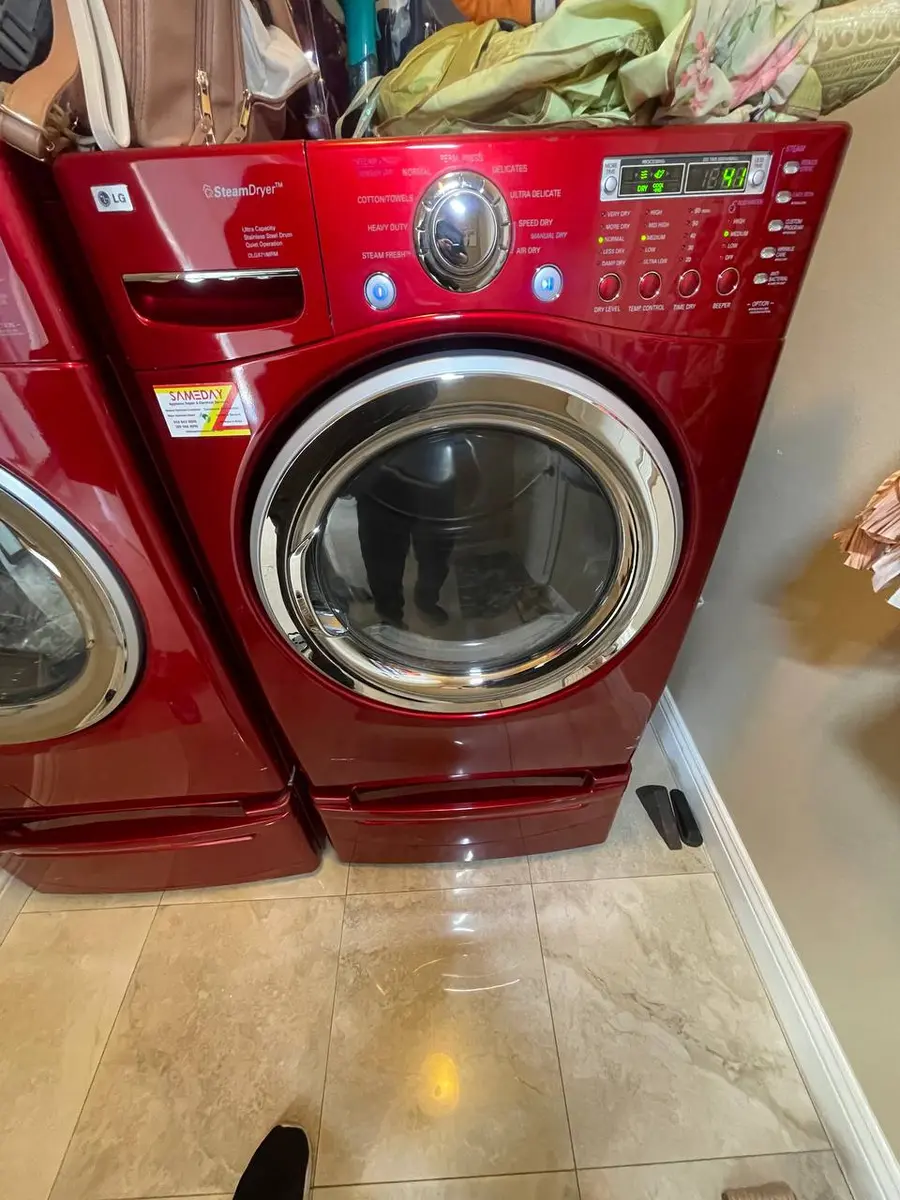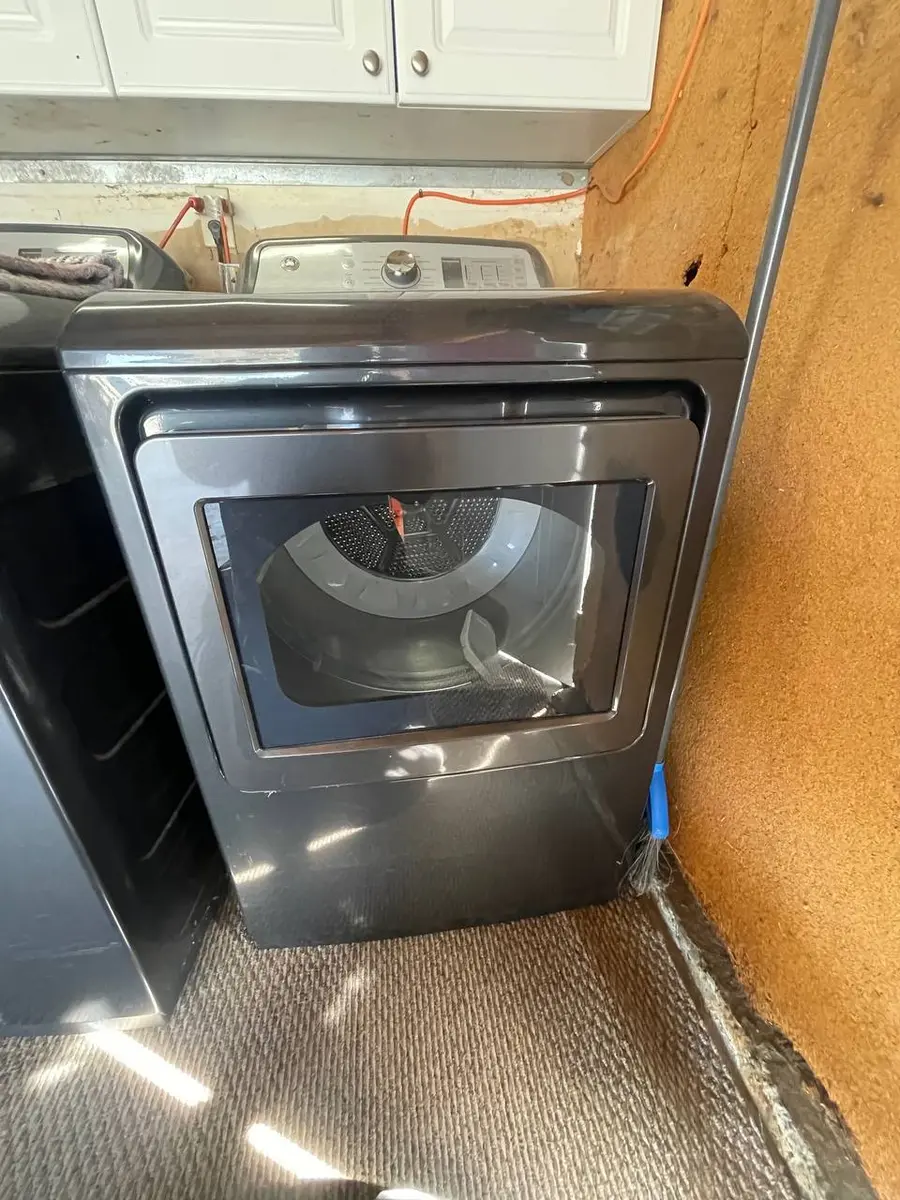
How to Disassemble a Bosch Dryer
Disassembling a Bosch dryer (heat-pump or condenser) is Torx work: the top panel, control panel, and right side panel come off to reach the drum and belt, the front panel exposes the drum seal, and the rear panel reaches the element on vented models. Expect an intermediate 30-45 minutes with Torx T20 and T15 drivers,…
The belt and drum live behind the RIGHT side panel on most Bosch dryers, which is the opposite of the top-access US layout, so start there. On heat-pump models the inverter-board capacitor can hold charge for up to 5 minutes after unplugging, so wait before touching internal electrical parts.
Before You Start#
- Tools needed: Torx T20 screwdriver or bit, Torx T15 (some internal brackets), Phillips #2 (older rear panels), flathead screwdriver, 8mm socket (drum bearing bolts on some models), pliers, plastic pry tools
- Parts needed: None for disassembly alone
- Time required: 30-45 minutes for full disassembly
- Difficulty: Intermediate
- Safety warning: Unplug the dryer completely. On Bosch heat pump dryers, the capacitor in the inverter board can hold charge for up to 5 minutes after unplugging. Wait at least 5 minutes before touching internal electrical components. Never disassemble a gas dryer without first shutting off the gas valve.
Do You Have the Right Tools?
Gas leak detector ($130), thermal fuse tester ($95), belt tension gauge, and vent inspection camera ($180). Our technician arrives with $3,000+ in professional tools — your diagnostic is free.
Licensed & Insured · 90-Day Warranty · Same-Day Service
Step-by-Step Instructions#
Step 1: Prepare the Workspace#
Unplug the dryer from the wall outlet. If it is a vented model (WTG/WTE), disconnect the vent hose from the rear. Pull the dryer forward 18-24 inches from the wall. Place a blanket or large towel on the floor beside the machine — you will be setting panels face-down on it.
For heat pump models with a plumbed drain, disconnect the drain hose from the standpipe. A small amount of water (50-100ml) may drain out.
Step 2: Remove the Top Panel#
Locate the two Torx T20 screws at the rear edge of the top panel. They are recessed slightly and face backward. Remove both screws. Slide the top panel toward the rear of the machine approximately 1 inch — you will feel the front hooks disengage. Lift the panel straight up and set aside.
Note: On some newer WTW series models (2020+), there is a third screw in the center rear. Check before sliding — if the panel resists, look for a third fastener.
With the top panel off, you can see the drum from above, the drive belt path, and the control module wiring. This position is sufficient for replacing the belt or accessing the top-mounted humidity sensor on some models.
Step 3: Remove the Control Panel (If Needed)#
The control panel is not always necessary to remove — it depends on what you are servicing. If you need it out of the way:
From the top (with top panel removed), locate 2-3 Torx T20 screws holding the control panel to the front frame. Remove them. The control panel tilts forward on lower hinge clips. Either rest it on top of the machine (sufficient wire length exists) or disconnect harness connectors after photographing their positions.
The main PCB is mounted behind the control panel. Handle it carefully — static discharge can damage the control electronics. Touch the bare metal frame before handling the board.
Step 4: Remove the Right Side Panel (Drum and Belt Access)#
The drum and belt on Bosch dryers are accessed primarily through the right side panel (facing the dryer from the front). This is different from many American dryers that use front access.
Remove 3-4 Torx T20 screws from the rear edge of the right side panel. There may be 1-2 additional screws along the bottom edge. The panel has hooks at the front that slide into slots — after removing all screws, slide the panel toward the rear about half an inch, then pull it away from the machine.
With the right panel removed, you can see the drum, the flat drive belt wrapping around the drum circumference, the tension pulley (idler), and the motor. This is the primary access point for belt replacement, drum bearing inspection, and motor service.
Step 5: Remove the Front Panel (Drum Seal and Door Access)#
Open the dryer door. Remove any screws inside the door frame area (usually 2 Torx T20 behind the lint filter slot). Close the door. From the top (with top panel off), remove 2-3 Torx T20 screws at the top of the front panel.
The front panel on Bosch dryers has a rubber drum seal (felt strip) that presses against the drum front edge. When removing the front panel, pull it straight forward and slightly upward. The seal may stick slightly — do not tear it. If it adheres, gently work a plastic pry tool around the drum edge to release it.
Disconnect the door switch wiring (push tab and pull connector straight out). Set the front panel face-down on the blanket.
Step 6: Access the Heat Pump / Condenser Compartment (Bottom-Front)#
On WTW heat pump models, the condenser and heat exchanger are in a compartment at the bottom-front, behind the kickplate. The kickplate removes by pressing release tabs (2 tabs, one on each side) and pulling outward.
Behind the kickplate, you will see the heat exchanger access door (pull the latch to open). This exposes the full heat pump assembly. The heat pump uses sealed R134a or R290 refrigerant. Releasing it requires EPA certification and voids the heat pump warranty. Only access this area for inspection, cleaning, or drain pump service.
Step 7: Remove the Rear Panel (Heating Element / Exhaust on Vented Models)#
The rear panel is secured with 6-8 Torx T20 screws around the perimeter (some older models use Phillips). Remove all screws and pull the panel straight back.
On vented models (WTG/WTE), this exposes the heating element housing, exhaust duct, and thermal fuses. On heat pump models, the rear shows the fan motor, condenser coils (rear side), and the inverter control board.
Step 8: Remove the Drum (Full Access)#
With both side panels and the front panel removed, the drum can be extracted:
- Release the drive belt from the motor pulley and idler — push the idler to release tension, then slip the belt off the motor pulley
- Lift the drum slightly at the front to clear the front bearing plate
- Roll the drum forward and out of the cabinet
The drum on Bosch dryers is lighter than washer tubs (15-25 lbs) since it does not contain water or a concrete counterweight. One person can manage it, but having a second pair of hands makes the extraction smoother.
With the drum out, you have full access to the rear bearing, felt seals, fan assembly, and any lint buildup in the air path behind the drum.
Reassembly Notes#
- When reinstalling the drum, ensure the belt sits flat in the drum groove (no twists)
- The idler pulley spring must tension the belt with approximately 10-15mm of deflection at the midpoint between drum and motor
- Front drum seal (felt strip) should be continuous with no gaps — replace if torn or worn through
- Torque all Torx T20 screws to hand-tight plus quarter turn — the pressed steel frame strips easily
- Reconnect all wiring before reinstalling panels — it is extremely difficult to reach connectors after panels are on
Safety First — Know the Risks
Gas dryers carry carbon monoxide and explosion risk. Even electric dryers involve 240V circuits that can deliver a fatal shock. Our techs are licensed and insured — let them handle the risk.
Licensed & Insured · 90-Day Warranty · Same-Day Service
Troubleshooting Common Issues#
- Top panel stuck after removing screws: There may be adhesive tape along the front edge (factory sealing). Score it with a razor blade, then slide the panel back.
- Right side panel will not slide off: Check for a hidden screw under a sticker or label at the bottom-rear corner. Some models have a service label covering a fastener.
- Belt slipped off during drum reinstallation: Common issue. The trick is to position the belt around the drum first, then as you slide the drum in, reach underneath to loop the belt around the motor pulley while holding the idler spring back with a screwdriver.
- Drum does not spin freely after reassembly: Check that the front felt seal is not bunched up. Also verify the drive belt is not pinched between the drum and the side frame.
When This Repair Won't Solve It#
- Anything inside the sealed refrigerant circuit of a heat-pump model requires EPA certification and is off-limits here.
- Rear drum-bearing replacement needs a press to seat the bearings, and inverter-board repair needs a micro-soldering station.
- A right side panel that will not slide usually hides a fastener under a service label at the bottom-rear corner.
The Real Cost of DIY
Average DIY attempt: $150-400 in tools you may use once, plus the risk of further damage. Our diagnostic visit costs $0 — we find the problem and give you an honest quote.
Licensed & Insured · 90-Day Warranty · Same-Day Service
When Should You Call a Professional?#
EasyBear technicians serving Sacramento and the Bay Area carry Bosch-specific diagnostic tools and replacement parts on every service call.
- Any work involving the heat pump refrigerant circuit (sealed system — EPA certification required)
- Rear drum bearing replacement (requires pressing bearings in/out — specialized tooling)
- Inverter board repair (surface-mount components, requires micro-soldering station)
- Motor winding failure (motor is a sealed unit — not field-repairable)
Don't Void Your Warranty
Opening your appliance yourself may void the manufacturer warranty. Our repair comes with a 90-day guarantee, and we document everything for warranty compliance.
Licensed & Insured · 90-Day Warranty · Same-Day Service
FAQ#
Q: Do I need to remove the top panel to replace the belt? A: Yes — the top panel must come off to slide the right side panel, which gives you belt access. The minimum disassembly for belt replacement is: top panel off, right side panel off, release idler, slip belt.
Q: Is there a risk of refrigerant exposure when opening the heat pump compartment? A: No, as long as you do not disconnect or cut any copper lines. Cleaning the condenser, replacing the drain pump, and clearing lint are all safe to do yourself without touching refrigerant lines.
Q: Can I use the dryer on its side during disassembly? A: Avoid tipping heat pump models on their side — the compressor oil can migrate into the refrigerant lines and cause blockages. Work with the dryer upright. For vented/condenser-only models, briefly tipping to one side is acceptable.
Q: How do I know which panel to remove for my specific repair? A: Belt or motor → right side panel. Drum removal → right side + front panel. Heating element (vented models) → rear panel. Heat exchanger cleaning → kickplate only (no panels needed). Control board → top panel + control panel.
Our field experience across Sacramento and Bay Area households confirms this approach resolves the issue reliably.
Want a professional to handle it? Our Bosch-certified technicians are available today. Book a free diagnostic.
Appliance Repair Technician · 11 years experience
Experienced technician with 11 years specializing in Frigidaire and Electrolux refrigerator and dryer repair with a focus on safety.