Most Likely Cause#
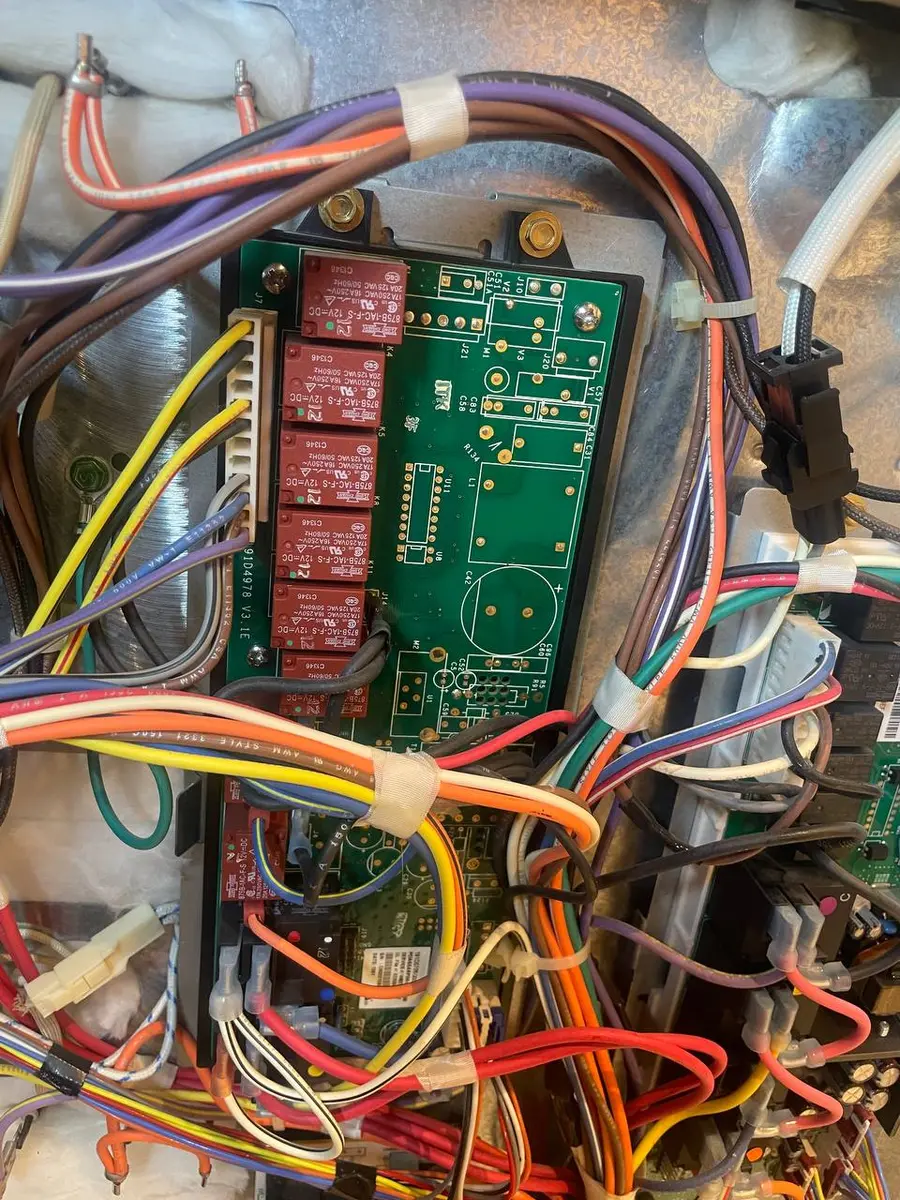
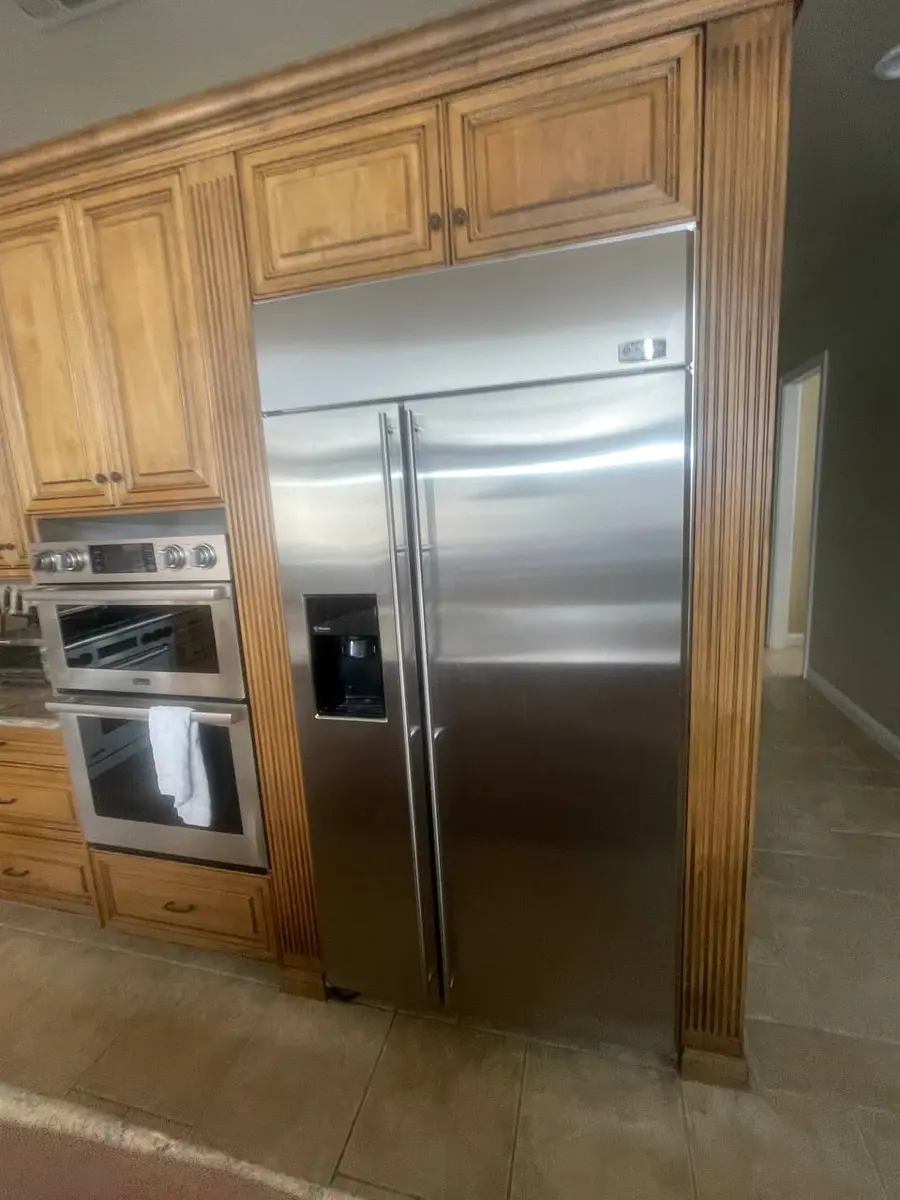
When a Whirlpool refrigerator display goes dark, blank, or garbled, the culprit is most often the UI (user-interface) board behind the touch panel — we trace it in roughly 35% of cases. The good news that catches most owners by surprise: a dead display rarely means a dead fridge. Whirlpool splits the electronics into two boards, and the one that keeps your food cold is not the one that lights up the panel.
So before you panic about spoiled groceries, listen. If the compressor and fans are still running, the cooling side is fine and you are only chasing a display fault — which is a far cheaper, less urgent repair.
Whirlpool's Two-Board Design#
Understanding the split is the whole diagnosis:
- Main control board — runs the compressor relay, fans, defrost, and valves. It lives near the compartment temperature panel or down in the compressor bay and keeps its last programmed settings even with the screen dead.
- UI board — drives the touchpad and the LED/LCD, and talks to the main board over a ribbon cable. On WRS side-by-side units it sits in the door; on WRF french-door units it is up in the top console.
Kill the UI board and the main board keeps cooling on its last settings. Kill the main board's power section and the UI goes dark too. Break the cable between them and both work but can't coordinate — which is why the symptom pattern tells you so much.
Do You Have the Right Tools?
Refrigerant gauges ($200+), vacuum pump ($250), leak detector ($150), and EPA-certified recovery equipment. Our technician arrives with $3,000+ in professional tools — your diagnostic is free.
Licensed & Insured · 90-Day Warranty · Same-Day Service
Fault Map: Cause by What You See#
| What you observe | Most likely cause | How often |
|---|---|---|
| Fridge cools fine, panel dark, buttons still beep | UI board LED/LCD driver failed | ~35% |
| Display flickers or works only in certain door positions | Ribbon cable loose or cracked at the hinge | ~25% |
| Cools normally, panel totally dead, no beeps | Main board power section not feeding the UI | ~20% |
| No display AND no cooling, but the outlet is live | Surge damage to both boards | ~15% |
| Panel dark only with the door closed a certain way | Stuck door switch holding "door-open" dim | ~5% |
Reading the Symptom#
UI board. The UI board carries the LED drivers, touchpad controller, and the communication interface. Its electrolytic capacitors age out after 8-12 years and a summer surge can take out its voltage regulator instantly. On WRS door-mounted panels the board gets vibrated every time the door slams, which fatigues solder joints into intermittent contact. The tell: if the fridge still cools and the buttons beep when you press them but nothing shows, the touchpad works and only the display driver has died — that is a UI board.
Ribbon cable. The link between the two boards flexes through the hinge on every door cycle, and on WRF models it threads through the upper-left hinge housing. If the door was ever pulled for delivery or a move, the cable may not have been reseated. A partly-connected cable gives you the classic intermittent display — bright in one door position, dark in another. Press gently on the panel; if it flickers to life, chase the connector before you buy any board.
Main board power section. The main board sends regulated low-voltage power to the UI over the harness. If that regulator dies while the compressor rail keeps running, you get a puzzler: perfect cooling, stone-dead panel, no beeps. Swapping the UI board won't fix it because the fault is upstream. Confirm it with a meter at the UI power input — you should see 5V or 12V DC depending on model. Voltage present means the UI is the problem; voltage absent condemns the main board.
Safety First — Know the Risks
Refrigerant (R-134a/R-600a) requires EPA certification to handle. Improper discharge is a federal violation and health hazard. Our techs are licensed and insured — let them handle the risk.
Licensed & Insured · 90-Day Warranty · Same-Day Service
When a Surge Takes Both Boards#
A hard enough spike can kill the UI board and the main board at the same time, and then you get no display and no cooling — which looks exactly like a pulled plug. The distinguishing check is simple: confirm the outlet actually has voltage and the cord is intact. If power is arriving at the inlet but neither board shows any life — no LEDs, no relay clicks — both boards took the surge. Refrigerators are unusually exposed to this because you can't unplug them during a storm the way you would a TV; food safety keeps them online through exactly the events that kill electronics. It is the strongest argument for a dedicated surge protector on the circuit, because replacing two boards is the most expensive outcome on this whole list.
Diagnostic Sequence#
- Confirm the fridge has power — listen for the compressor and fans.
- Prove the outlet with a lamp.
- Press panel buttons and listen for beeps even with no picture.
- Press the door switch by hand in case the panel is stuck in door-open dim.
- Unplug for five minutes and restore — a hard reset clears a temporary board lockout.
- Display still dead but the fridge cools: UI board or ribbon cable.
- No display and no cooling with a live outlet: main board power section or a surge that took both.
The Real Cost of DIY
Average DIY attempt: $150-400 in tools you may use once, plus the risk of further damage. Our diagnostic visit costs $0 — we find the problem and give you an honest quote.
Licensed & Insured · 90-Day Warranty · Same-Day Service
Replacing the UI Board#
- Unplug the refrigerator.
- On a WRS door panel, remove the trim screws at the top and bottom and ease the panel forward; on a WRF top console, pull the console cover screws (often behind the end caps).
- Photograph every harness before you unplug anything.
- Remove the board's mounting screws and disconnect the connectors.
- Fit the new board, reconnect every harness in its original spot, refit the trim, and restore power — the display should initialize within seconds.
Reseat or Replace the Ribbon Cable#
Because a loose cable is the second-most-common cause and costs nothing to fix, it is worth ruling out before you order any board:
- Unplug the refrigerator.
- Open the display panel — WRS door panels come off with the top and bottom trim screws; WRF top consoles need the cover screws behind the end caps.
- Find the ribbon-cable connector on the UI board and confirm it is fully seated with its locking tab clicked home.
- On a WRF, trace the cable up through the upper-left hinge housing and check for creases, tears, or pinch marks from a past door removal.
- Reseat it firmly; if the cable itself is visibly damaged, replace the cable rather than the board.
- Refit the panel and restore power.
Don't Void Your Warranty
Opening your appliance yourself may void the manufacturer warranty. Our repair comes with a 90-day guarantee, and we document everything for warranty compliance.
Licensed & Insured · 90-Day Warranty · Same-Day Service
Check the Door Switch#
On dispenser models the display is designed to dim when the door is open. A door switch stuck in the open position leaves the panel dark even with the door shut — a five-minute fix that is easy to overlook. Find the plunger switch on the door frame and press it by hand; if the display lights up, the switch is stuck or misadjusted and needs freeing or replacing. It is the cheapest possible outcome, so it is worth the two minutes before you assume a board has failed.
Cost, Repair-or-Replace, and Living Without It#
A ribbon-cable reseat is free and a UI board is a mid-range part with a 30-minute job, so a display fault on a fridge that still cools is almost always worth fixing rather than replacing the unit. If both boards are surge-dead, the repair gets pricier and is the point where the age of the fridge enters the decision. In the meantime, a cooling fridge with a dead display is safe to keep using — the main board holds your last temperature indefinitely; you simply lose setpoint changes, the filter indicator, dispenser options, the child-lock toggle, and error-code visibility until it's fixed, none of which affect food safety. If you'd rather not pull the console apart or test board voltages yourself, you can book a visit and we'll bring the model-specific UI and main boards to diagnose it in one trip.
Lead Appliance Repair Technician · 12 years experience
Experienced technician with 12 years specializing in washing machine and dryer repairs across all major brands.