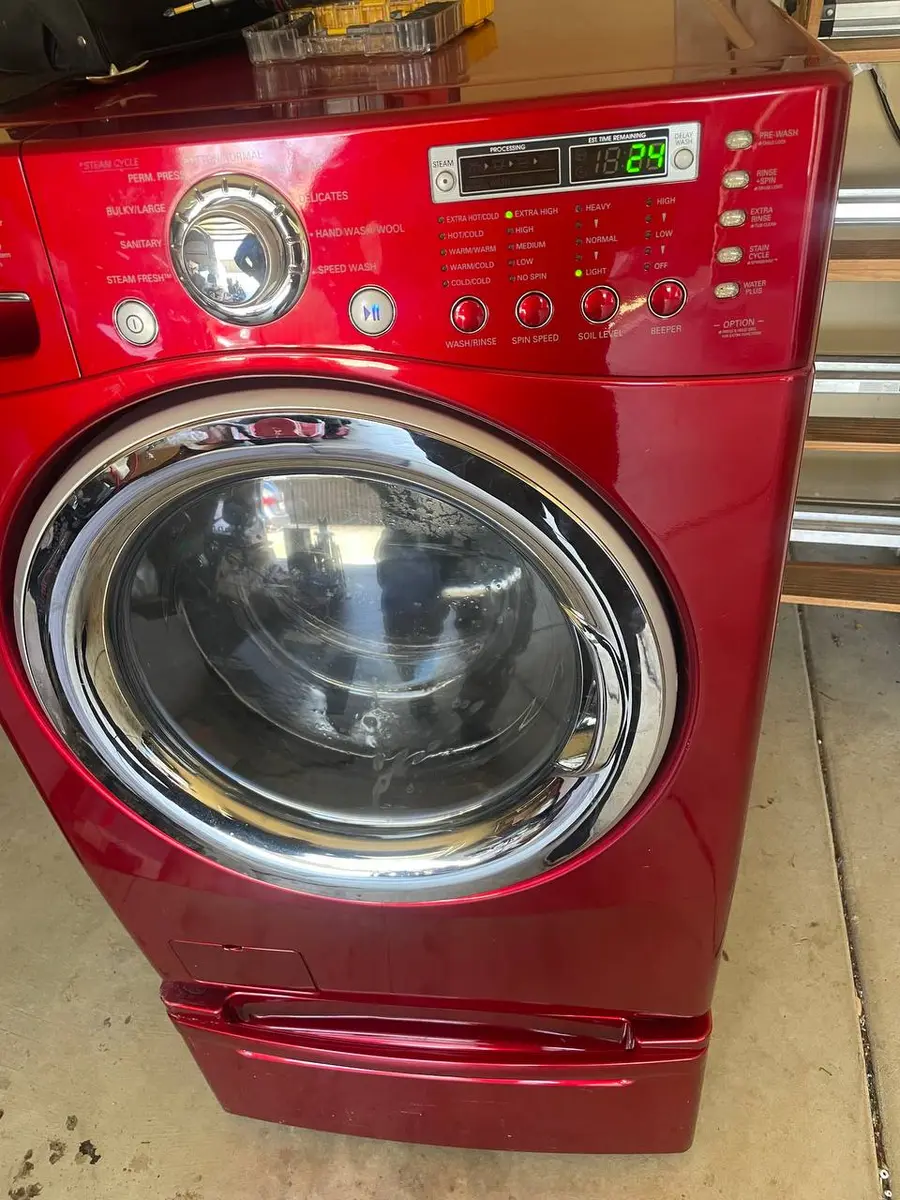
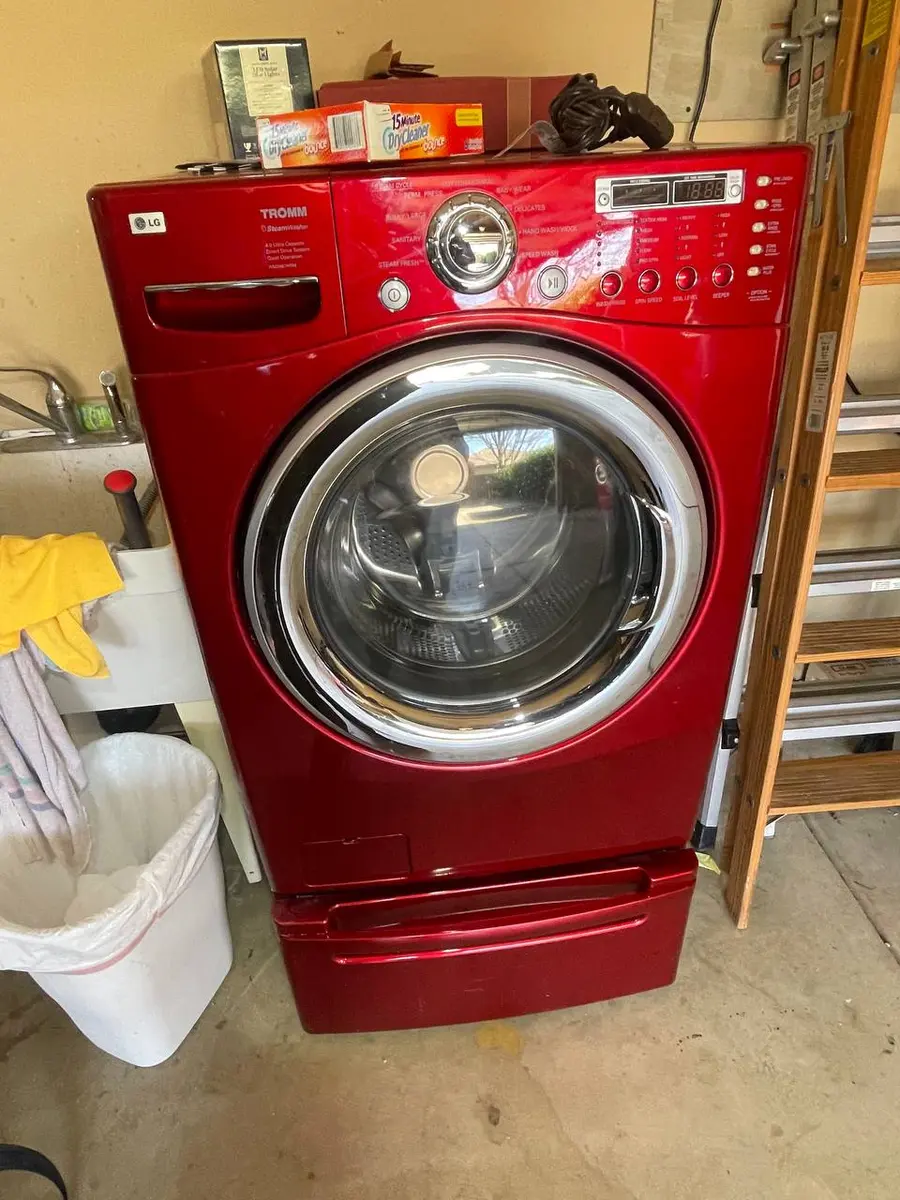
1h is a countdown, not a fault
On a Maytag washer, 1h on the display means Delay Wash has been switched on: the washer is waiting, and about one hour remains before the cycle begins. Maytag explains that a number up to 12 followed by an h shows the delay, and most front-load models can delay a wash by up to 8 or 12 hours depending on the model. Nothing is wrong. If you want the wash now, cancel the delay and start the cycle; if you are happy to wait, leave it and the washer will start by itself. The countdown simply runs down and the cycle starts when it reaches zero.
Error codes
Reference| Code | Meaning |
|---|---|
| 1h | When the display shows a number up to 12, followed by an "h," the Delay Wash has been activated. Most front-load washers can be set to delay the wash for up to 8 or 12 hours (depending on your model). |
What you see with 1h
- The display shows 1h — The washer is counting down the last hour before the cycle begins. Nothing else is needed from you unless you want to start sooner.
- No water filling — Normal during a delay; filling starts when the countdown ends. The water stays off until the cycle begins.
- A locked door on some models — A front-loader may lock its door once a delayed cycle is set. Others leave the door free until the wash begins.
- The countdown dropping over time — From a higher number down to 1h, then the wash begins.
- No other code alongside it — If another code appears too, that one needs attention.
Why 1h appears, most likely first
- A delay set on purpose — Someone chose Delay Wash to time the finish. A delay is useful when you want the load to finish as you get home.
- The delay key pressed by accident — Easy to do while choosing other options. A single extra press can add an hour or more.
- A delay set by someone else at home — Worth asking before cancelling.
- A display fault — Only if the washer never starts when the countdown ends. That is rare, and a technician should check it.
Checks for 1h
- Watch the number — A countdown confirms Delay Wash is active.
- Look for the delay indicator — Many models light a delay symbol or key.
- Check the door — Make sure it is closed and latched. A door left ajar will stop the wash from starting when the hour is up.
- Ask the household — Someone may have set the timing on purpose.
- Wait until the hour is up — The wash should start on its own.
Owner steps for 1h
- Cancel the delay — Press the delay key or Cancel as your manual describes.
Tools: use and care guideAbout 1 min
- Start the cycle now — Press Start once the delay is cleared.
About 1 min
- Or let it count down — The wash begins automatically when the hour is up.
About 60 min
- Add forgotten items before it starts — Pause, open the door if it unlocks, add them and restart.
About 2 min
- Check the result — Make sure the washer starts filling after the countdown.
About 5 min
Safety with a delayed wash
A washer that starts while nobody is home can leak unnoticed, so check hoses for bulges or cracks and avoid long delays when you will be out for the day. Do not leave a delayed load of wet or heavily soiled items for hours, as odours and mildew can develop. Keep children away from a front-loader door, and never let them climb inside.
When 1h needs a technician
Delay Wash never needs a repair by itself. Call a technician only if the washer does not start when the countdown ends, if the delay cannot be cancelled, or if another code appears. Before booking, try cancelling the delay and starting a short rinse; if that works, the washer is fine.
Other Maytag washer displays
Washers this covers
This page covers Maytag front-load washers with Delay Wash that show 1h. It does not cover dryers or other brands. Delay limits vary by model, so check your manual for yours.